10
FM setup options
Press the Menu button, scroll using the Tune knob and push to choose one of the following
setup options.
Tuning method
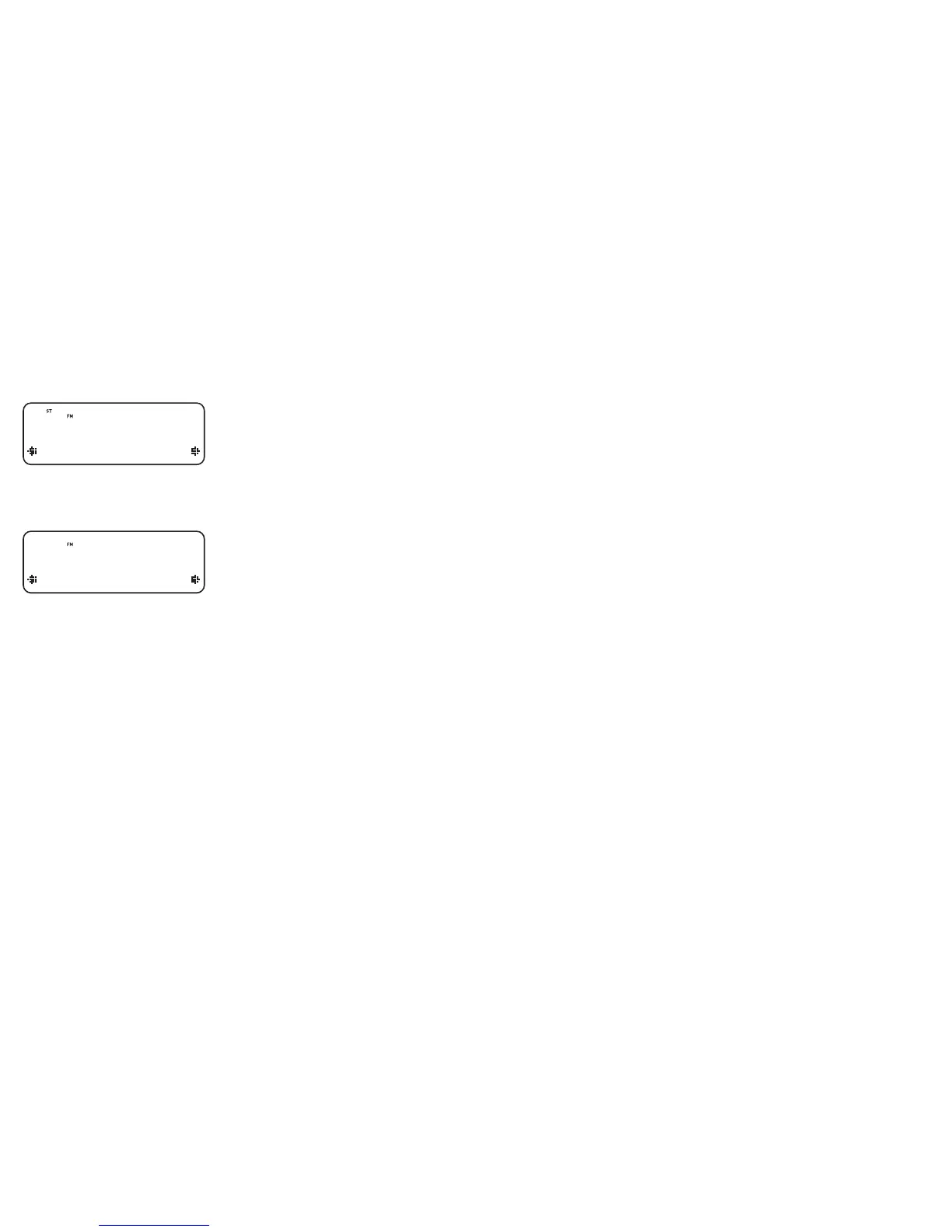
Changes how you tune from one station to another. The current method is shown on the top
line of the display.
Turn the Tune knob to view the options and push to select one:
Seek Tune automatically searches for the next FM station
Manual Tune lets you manually step through the frequency range in steps of 0.05MHz
Mono/Stereo
Changes between stereo and mono reception - mono may be clearer for stations with weak
signals. The current mode is shown on the top line of the display.
Turn the Tune knob to view the options and push to select one.
Manual Tune
Seek Tune
Tuning method options
Mono
Stereo
FM Stereo options


 To Next Page