13
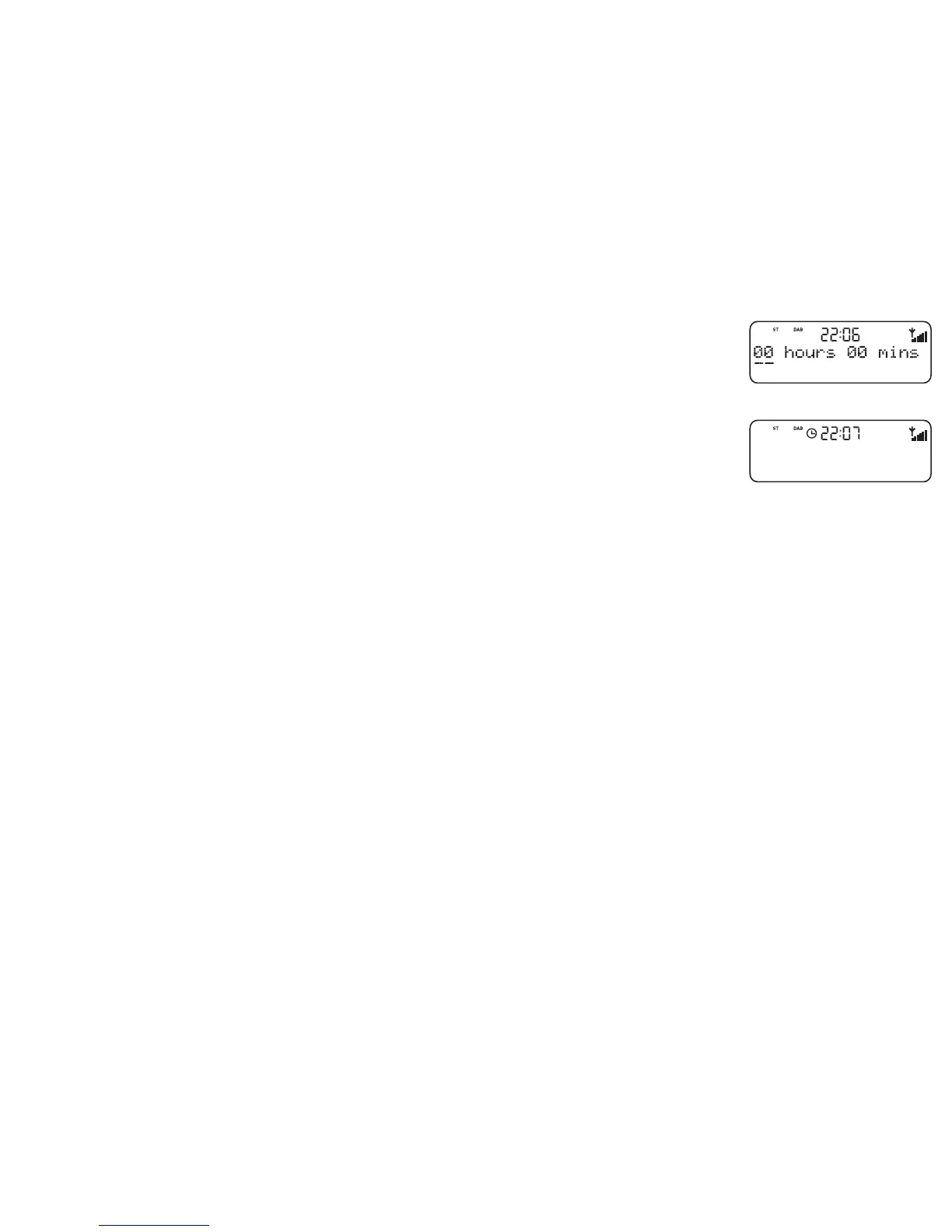
Setting a countdown timer
You can set a timer which will sound an alarm after a period — ideal for use in the kitchen.
1. Press the Timer button.
2. Turn the Tune knob to change the hours, push and turn again to change the minutes and push
again to confirm.
The timer is now set, you see the Timer icon on screen and the alarm will sound after the
period you have set. To view the time remaining press the Timer button again. To cancel or
reset the timer to zero before it goes off, press and hold down the Timer button for three
seconds. When the timer alarm goes off you can cancel the alarm by pushing the Tune knob or
Standby button.
stress-free mix
Classic FM
Timer - set icon
Timer - setting


 To Next Page