2
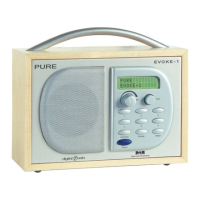
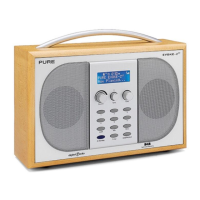
Overview diagrams
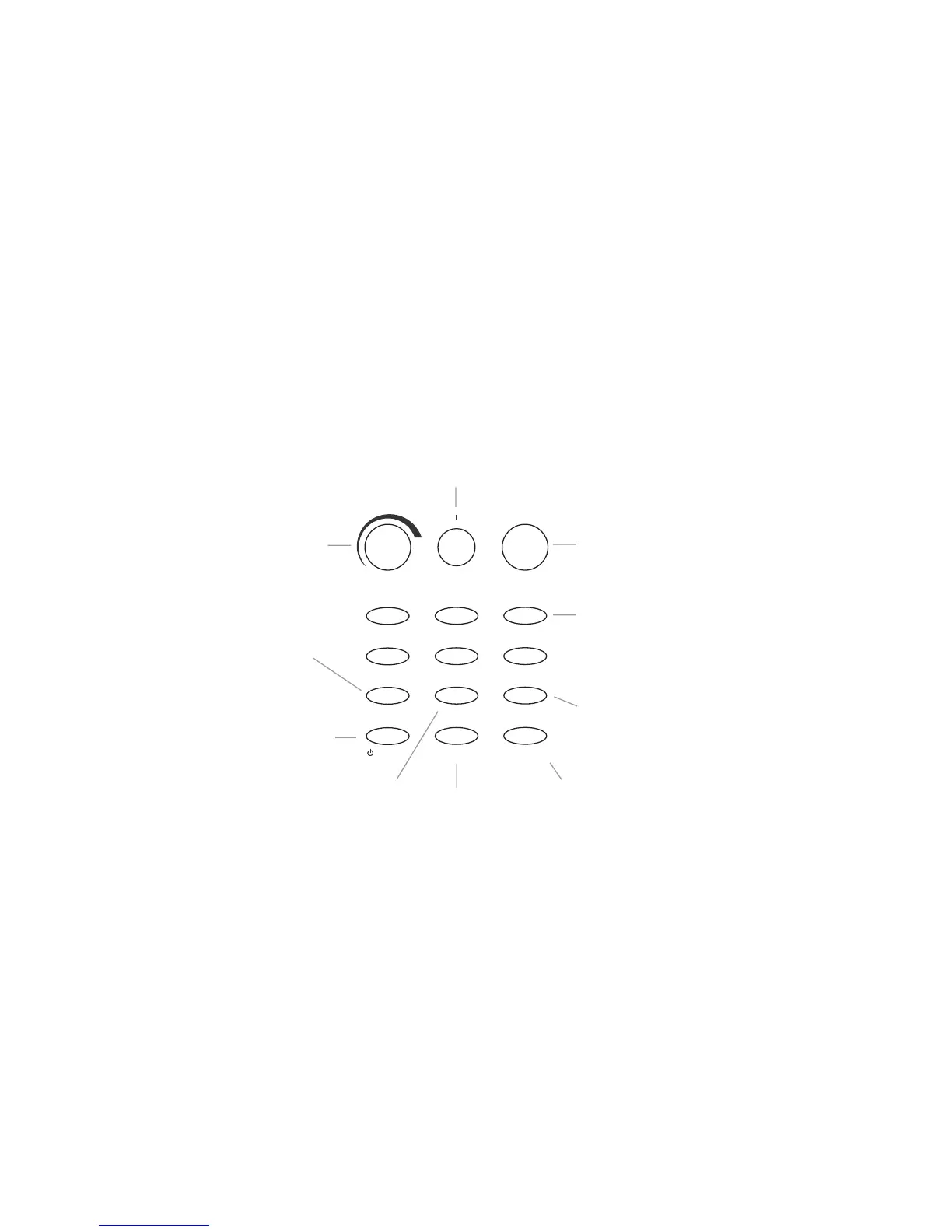
Front panel - controls
Presets (1-6)
Press and hold for 2 seconds
to store a preset.
Press to listen to a preset.
Standby
Press to switch between on and standby using mains.
Press to switch between on and off using batteries.
Info
Press and repeat to change the text
shown on the bottom of the display
Tune
Turn to scroll through and then press to select stations
and menu options. Push in DAB mode to see signal strength,
push in FM mode to change the tuning method.
DAB/FM/AUX
Press to switch between
DAB, FM and AUX modes
Menu
Press to access and exit setup menu options,
turn the Tune knob to scroll through
and push to select an option
Volume
Turn to adjust
the volume
Tone
Turn to adjust tone
from low (more bass)
to high (more treble)
Light
Press to turn backlight on
for 10 seconds
Timer
Press and use Tune to set
a countdown timer which
will sound an alarm after
the period you set
(from 1 min to 23 hrs 59 mins)
Volume Tone Tune
123
456
Light Info Menu
Standby Timer DAB/FM/AUX


 To Next Page