15
Silencing the kitchen timer
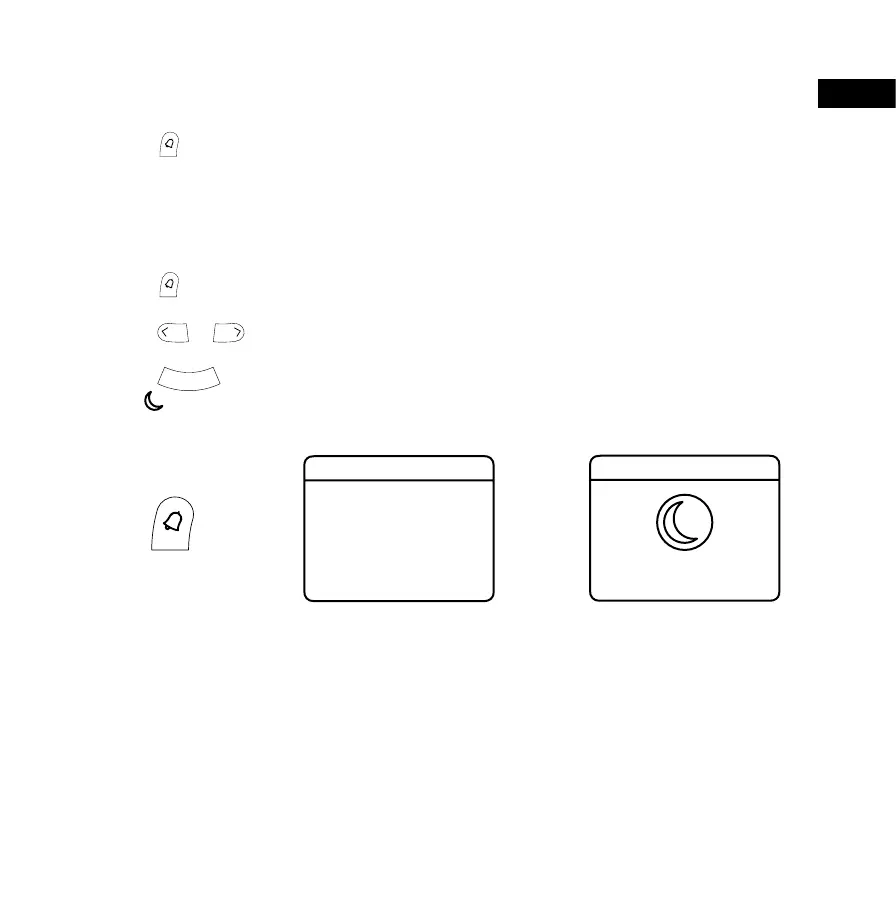
To silence the kitchen timer:
• Press .
Setting the sleep timer
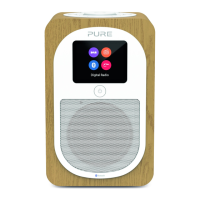
The sleep timer puts your Evoke H3 in standby after a set amount of time.
To set the sleep timer:
1. Press
.
2. Press the Select buttons to choose ‘Sleep’.
3. Press
or to choose the duration of the timer.
Tip: You can choose between 15 and 90 minutes.
4. Press
to start the timer.
The symbol and remaining time is displayed at the bottom of the screen when the timer is set.
>
Alarm
Alarm 1
Alarm 2
Timer
Sleep
On 09:00
Off 11:30
>
Set Sleep Timer
15 minutes
EN


 To Next Page