4
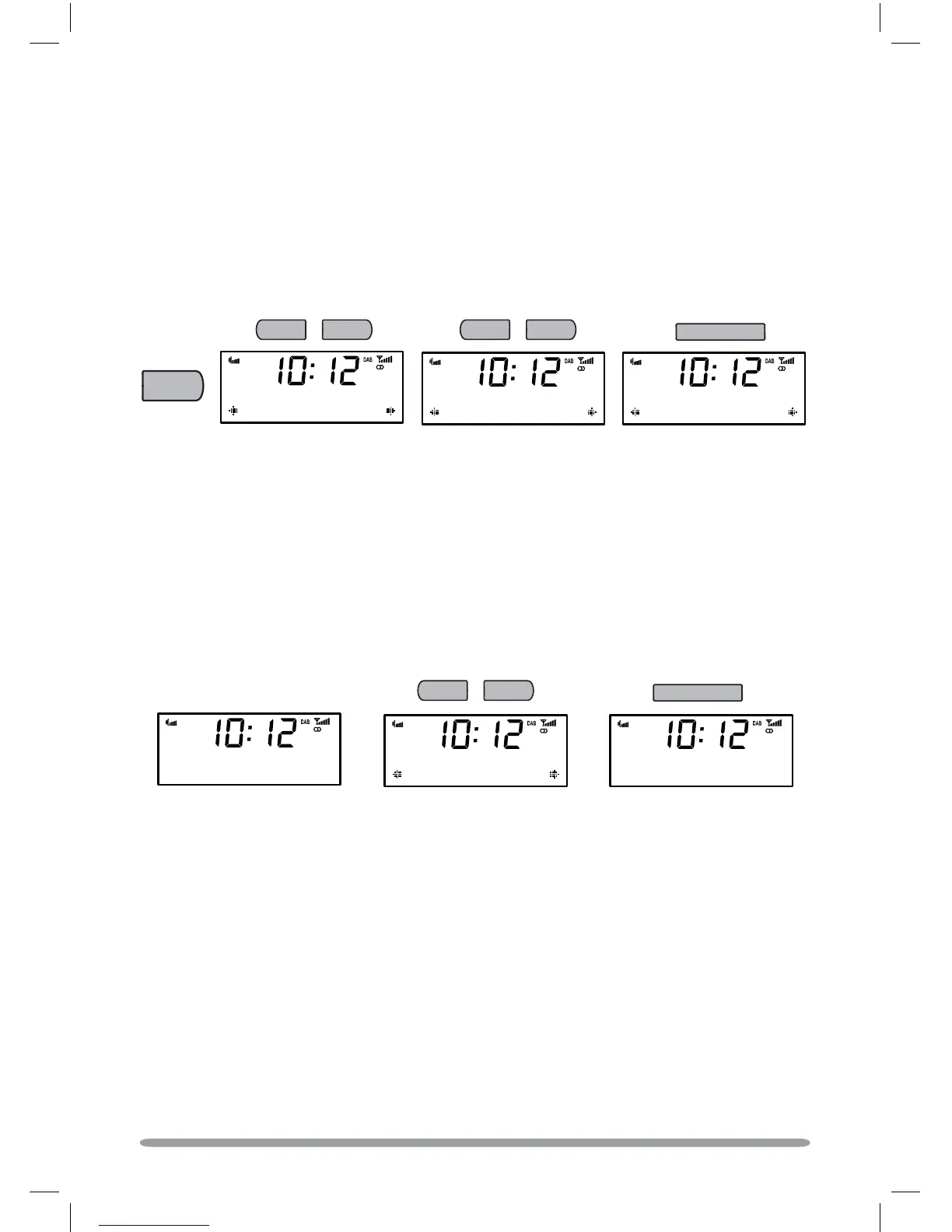
1. Press the + and − buttons to browse through the list of available stations.
2. Press Select to tune.
APSX^!
0\hbcTahc^dac
Changing stations
+
−
APSX^!
9PiiaPSX^
9PiiaPSX^
H^daYPiiUPe^da
Select
Changing the information shown on-screen
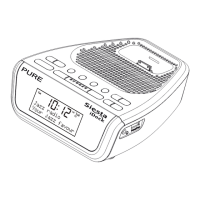
Siesta iDock can display different information relating to the DAB station you are listening to.
To change the information shown:
1. Press Menu and select ‘Display’.
2. Use the + and − buttons to cycle through the following options available:
Scrolling text Information broadcast by the station.
Signal Strength A bar indicating the current DAB signal strength.
Signal Quality The quality of the signal received.
Date The current date.
Listening to DAB
Select your language
Siesta iDock has four available languages: English, French, German and Italian.
1. Press Menu, then use the + and − buttons to scroll to ‘Language’. Press Select.
2. Choose your Language using the + and − buttons and press Select to confirm.
The language will change immediately.
Menu
301
;P]VdPVT
;P]VdPVT
3TdcbRW
+
−
Select
B_aPRWT
3TdcbRW
+
−
Select your source
Press the Source button and repeat to change the audio source: DAB/FM/iPod


 To Next Page
 Loading...