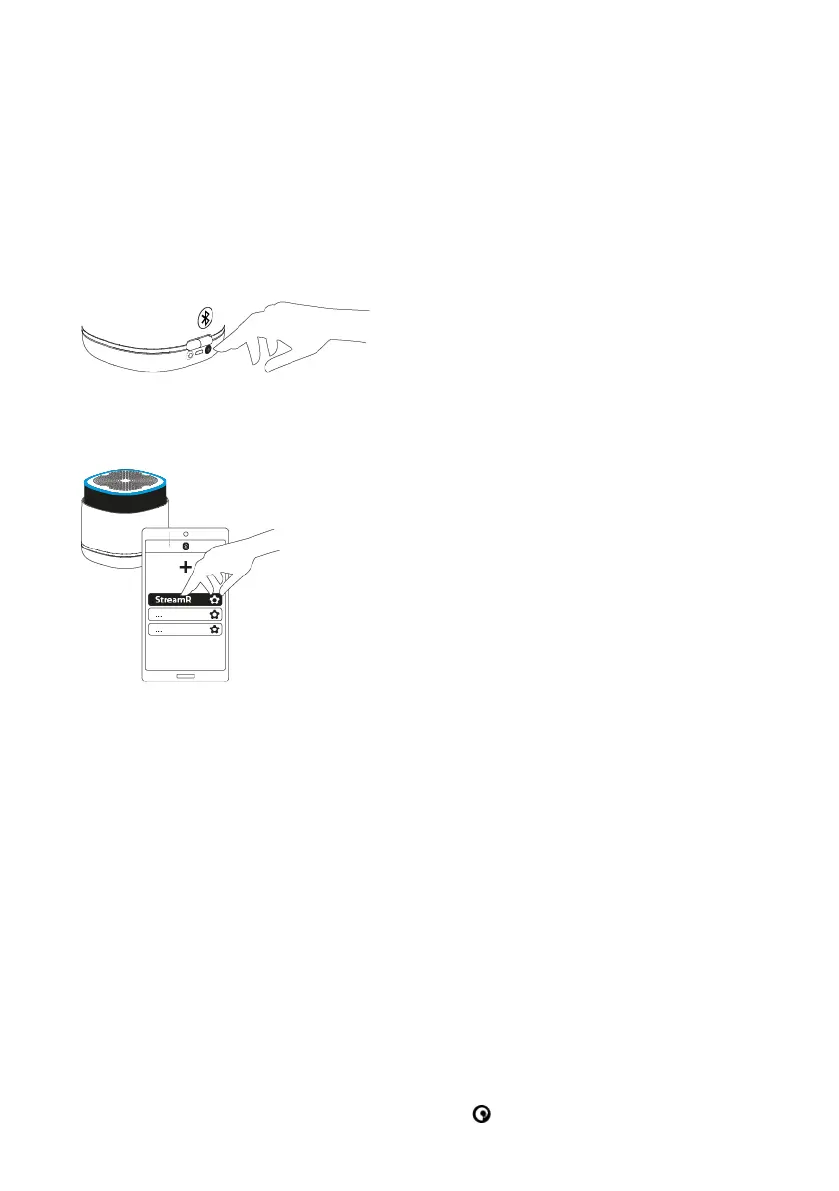
2. Enable Bluetooth on your mobile device.
3. On your mobile device, select your StreamR from the list of available Bluetooth
devices.
To connect a new Bluetooth device:
1. Enable Bluetooth on your mobile device.
2. Press the Bluetooth pairing button at the back of the speaker.
The light ring flashes blue, to indicate that your StreamR is in Bluetooth pairing mode.
3. On your mobile device, select your StreamR from the list of available Bluetooth
devices.
Disconnecting a Bluetooth device
To disconnect a mobile device, do one of the following:
• On your mobile device, go to Bluetooth settings and then disconnect or unpair from
your StreamR.
• On your StreamR, press the Bluetooth pairing button at the back of the speaker. Your
StreamR is now ready to be paired to another mobile device.
Controlling music
You can control music played on your StreamR with the buttons on the top of the speaker.
• To play or pause songs, press the Pure button .
StreamR User Guide 11



 To Next Page