You can store up to four radio stations as presets, and they can be FM or digital stations. For
example, your four presets can be made up of two digital radio stations and two FMradio
stations.
Storing presets
You can only store presets when in digital radio or FM radio mode.
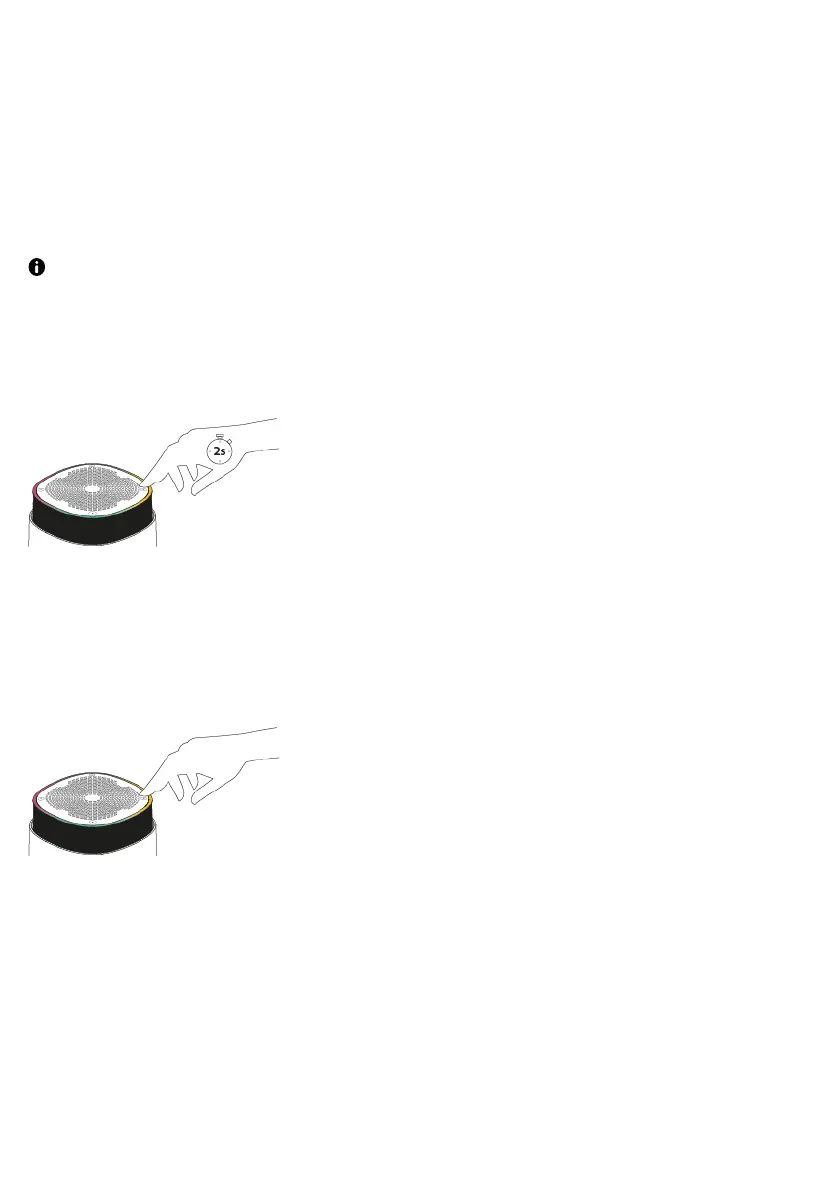
To store the radio station that is currently playing to a preset, press and hold the preset
corner.
If the preset corner already has a radio station stored to it, the new station overwrites it.
Selecting presets
To listen to a stored radio station, press the preset corner. You can access your presets
from any source mode.
Connecting an auxiliary device
You can connect your StreamR to any auxiliary device, using the built-in 3.5mm auxiliary
cable.
StreamR User Guide 15



 To Next Page