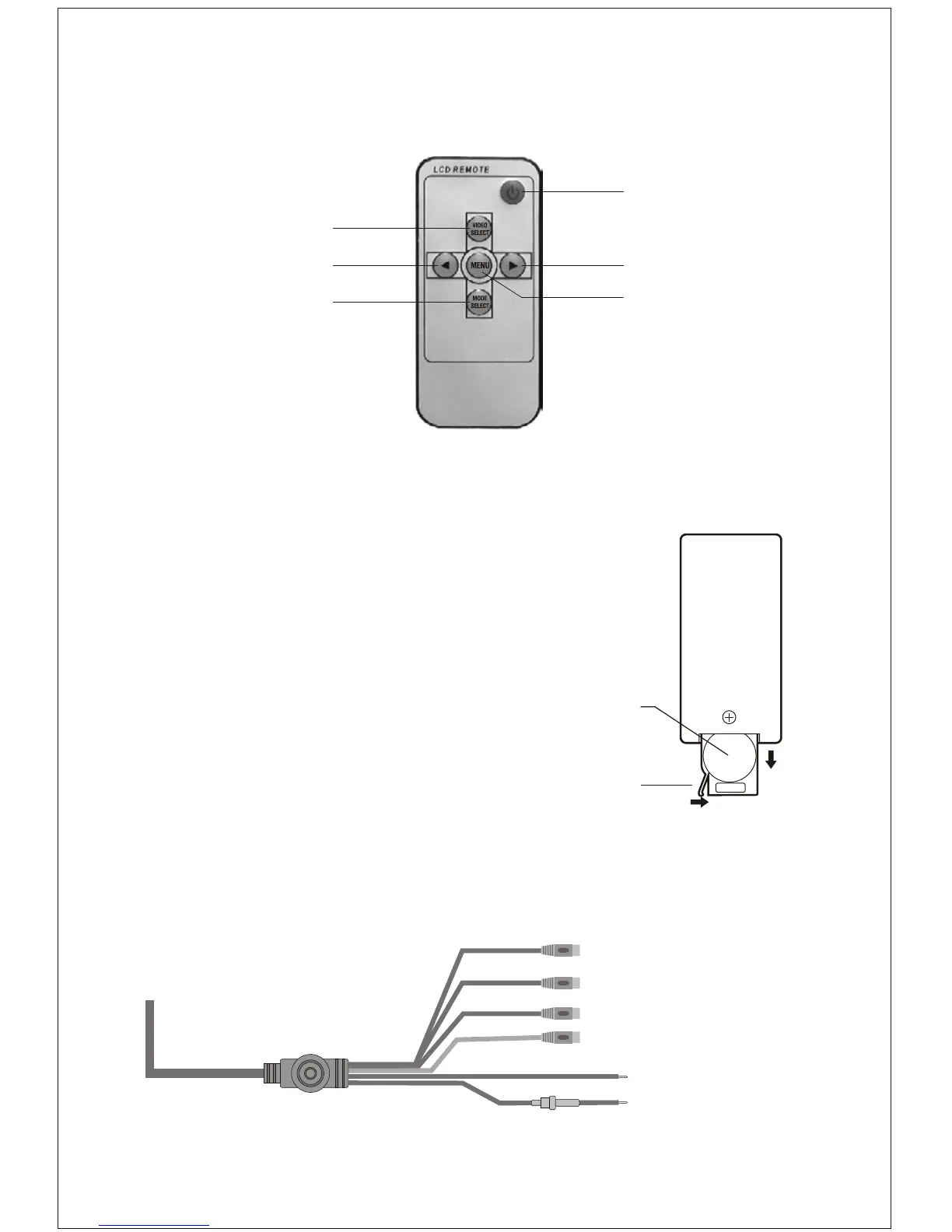
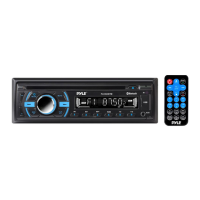
Remote Contorl
Power ON/OFF
Analog variable increase
Menu button
V1/V2 conversion
Analog variable decrease
Switch for mode
Installation Diagram
(Yellow) Video 2 input
Changing the battery in the remote control
The remote battery is held in a small " drawer"
on one edge of the remote. To open this
drawer, press and hold the small button on
the edge of this drawer (as shown below) and
slide the drawer out.
Insert a new battery and push the drawer
back fully into the remote.
Battery
Release button
(Yellow) Video 1 input
(Red) Audio right input
(White) Audio left input
(Black) Grounding
(Red) Battery +12V


 To Next Page