Need help?
Do you have a question about the Pyle PLR34M and is the answer not in the manual?
Details on the opening size required for dashboard installation and the mounting sleeve.
Step-by-step guide on how to safely detach the unit from the dashboard.
Illustrates the standard ISO connector pinout for system wiring and speaker connections.
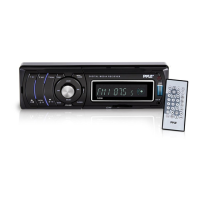
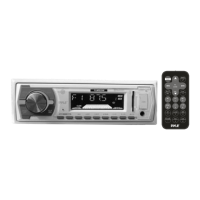
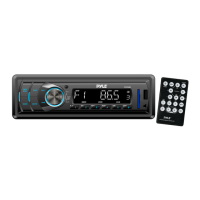
Identifies and labels all buttons and interface elements on the unit's front panel.
Instructions on how to power the audio system on and off.
Guide to adjusting bass, treble, balance, fader, loudness, EQ, and volume settings.
Explanation of how to view time and other indicators on the unit's display.
How to connect and use external audio sources via the AUX IN jack.
Procedure for resetting the unit to factory default settings.
Steps for switching to radio, selecting frequency bands, and tuning stations.
How to automatically store stations and scan through preset channels.
Manual process for saving favorite radio stations to preset buttons.
Guide to playing MP3 and WMA files from a connected USB drive.
Guide to playing MP3 and WMA files from an inserted SD or MMC card.
Detailed explanation of each button's function on the optional remote control.
Provides power requirements, chassis dimensions, tone control ranges, and current drain.
Details FM and AM frequency coverage, IF, and sensitivity parameters.
 General
| MP3 playback | Yes |
|---|---|
| CD-R playback | No |
| Audio formats supported | MP3, WMA |
| AM band range | 530 - 1710 kHz |
| FM band range | 87.5 - 107.9 MHz |
| Supported radio bands | AM, FM |
| Preset stations quantity | 30 |
| Display type | LCD |
| Product color | Black |
| Compatible memory cards | MMC, SD |

 To Next Page