Need help?
Do you have a question about the Pyle PLR38I and is the answer not in the manual?
Adjust volume and cycle through sound parameters like Bass, Treble, Balance, and Fader.
Controls unit power on/off and audio muting.
Cycles through audio input sources like Bluetooth, AUX, TUNER, USB, CARD, and iPod.
Starts, pauses, and resumes playback of tracks.
Controls for playback of music from an iPod.
Instructions for installing special dock adaptors for iPod models.
Illustrates the wiring connections for speakers, power, and grounds.
Details on bending support tabs, forming brackets, and inserting the unit.
Configures the radio band frequency ranges for different regions.
Controls whether the AUX input is enabled or disabled.
 General
| Brand | Pyle |
|---|---|
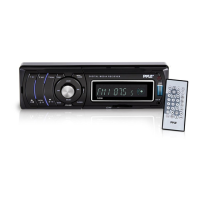
| Model | PLR38I |
| Category | Car Receiver |
| Language | English |

 To Next Page