8
3 PTSA Measurement
3.1 PTSA Measurement
1. Fill the 10 ml sample vial with the test solution and tightly cap the sample vial.
2. Place the sample vial into the sample vial compartment and slide the light shield
cover to the closed position.
3. Press the PTSA on the main page. Pyxis SP-900 will start to measure the PTSA
concentration in the sample.
4. Pyxis SP-900 will display the PTSA concentration in ppb as PTSA.
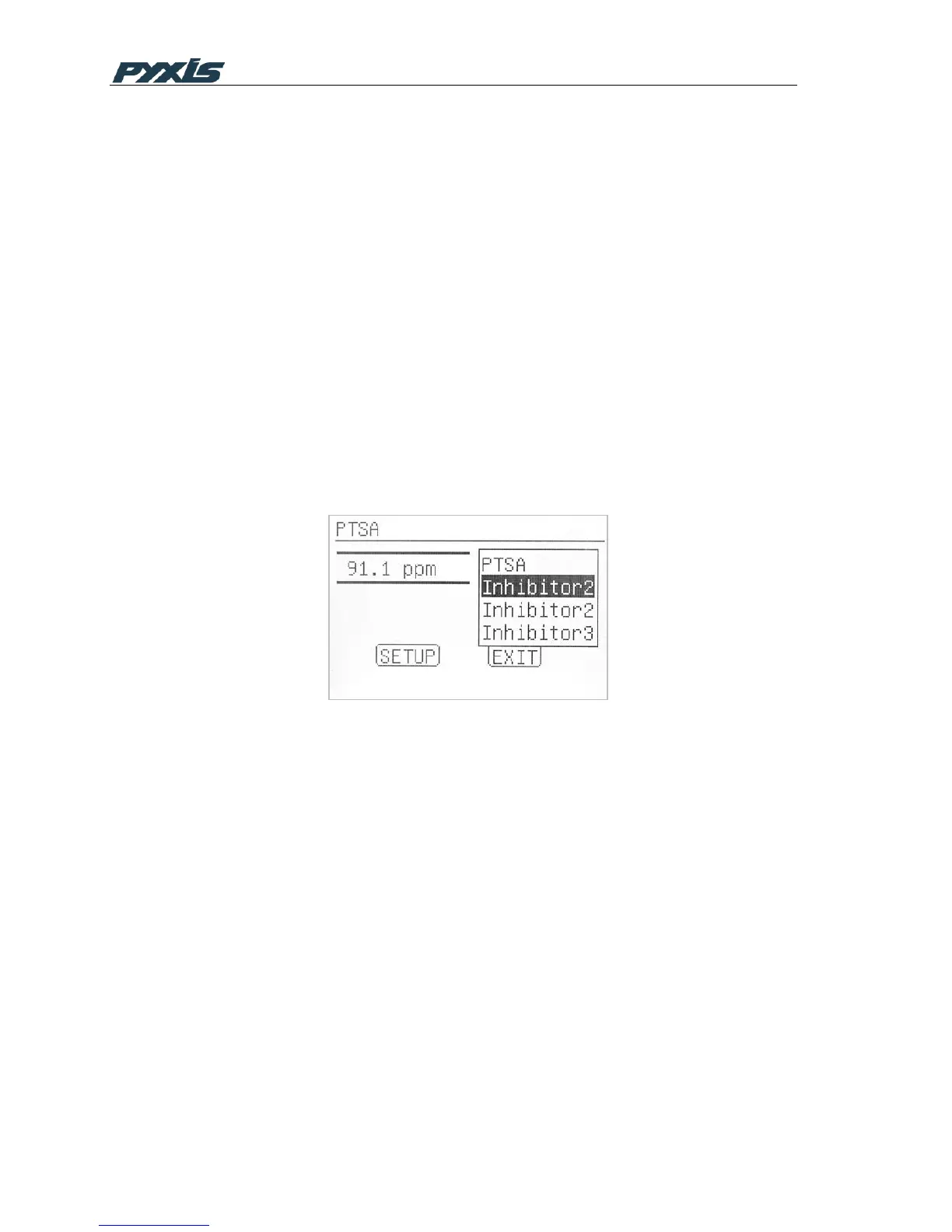
A list of five product names as the alternative concentration form other than PTSA can
be created. After the setup, a product name in a dropdown list can be selected. The
PTSA result is the displayed according to the selected product name. After each PTSA
measurement, the default product will be at the top of the user defined product name
list. If no alternative product names are set up, Pyxis SP-900 will display the PTSA
result in ppb as PTSA.
Figure 5 PTSA Measurement
During the fluorescence measurement to determine the PTSA concentration, Pyxis
SP-900 checks the sample turbidity. If the sample turbidity value detected is greater
than 40 NTU, Pyxis SP-900 will display a warning. For best results, the sample should
be filtered if turbidity exceeds 40 NTU.
Sample color causes a lower PTSA concentration to be measured. Pyxis SP-900
automatically compensates for sample color. If the sample color is too intense, Pyxis
SP-900 will display a warning.
For best results, ensure that the sample vial is clean. Wipe off water on the outside
wall of the sample vial using a lint-free tissue paper. Fill the sample vial to the 10 ml
mark. If the sample contains air bubbles, tap the sample vial gently to remove the
bubbles before placing the sample vial to sample vial compartment.
3.2 PTSA Product Setup



 To Next Page