4.2 Select a Method
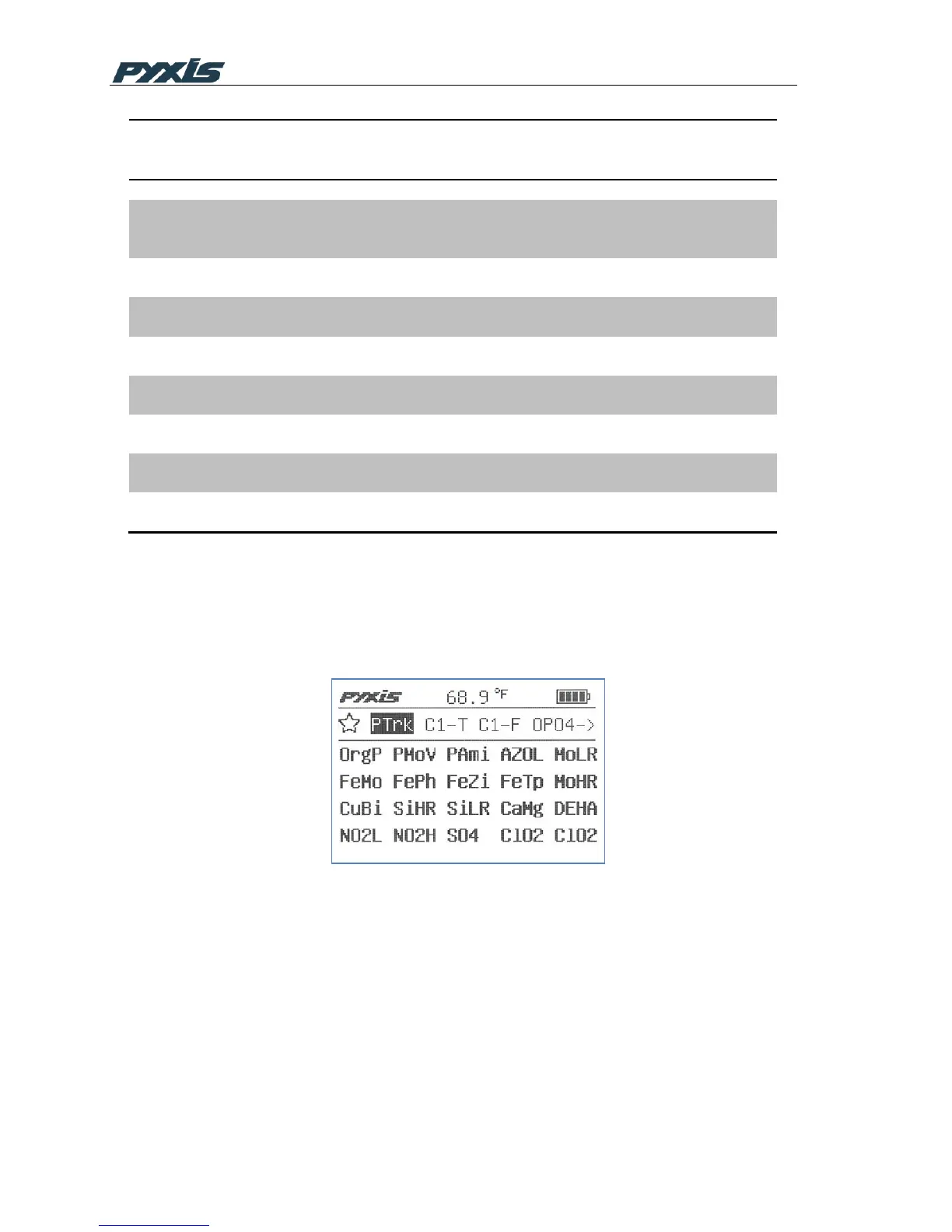
Move the icon focus to the method icon MthD using the navigational (left, right, up, or
down) keys. Press OK on the icon to launch the first method selection page. The
methods shown on the top row of the page are the most frequently selected methods.
Figure 8 Method Selection
The followings are the operations associated with this page:
1. Use the navigational keys and the OK key to select and launch a method.
2. Press the arrow icon at the end of the favorite methods row to return to the
main page. Press the arrow icon at the lower right corner of the page to display the
second method selection page if the device is loaded with more than 23 methods.
Note: Methods shown in the method selection pages include Hach© equivalent
methods and Pyxis specific advanced methods. Table 1 in Appendix A provides a



 To Next Page