19
5 Turbidity Measurement
5.1 Operation
Follow the following steps to measure turbidity:
1. Fill the 10 ml sample vial to above the 10 ml mark.
2. Insert the sample vial to the sample vial compartment.
3. Slide the light shield cover to the closed position.
4. Press the Turb Icon in the main page to launch the turbidity measurement.
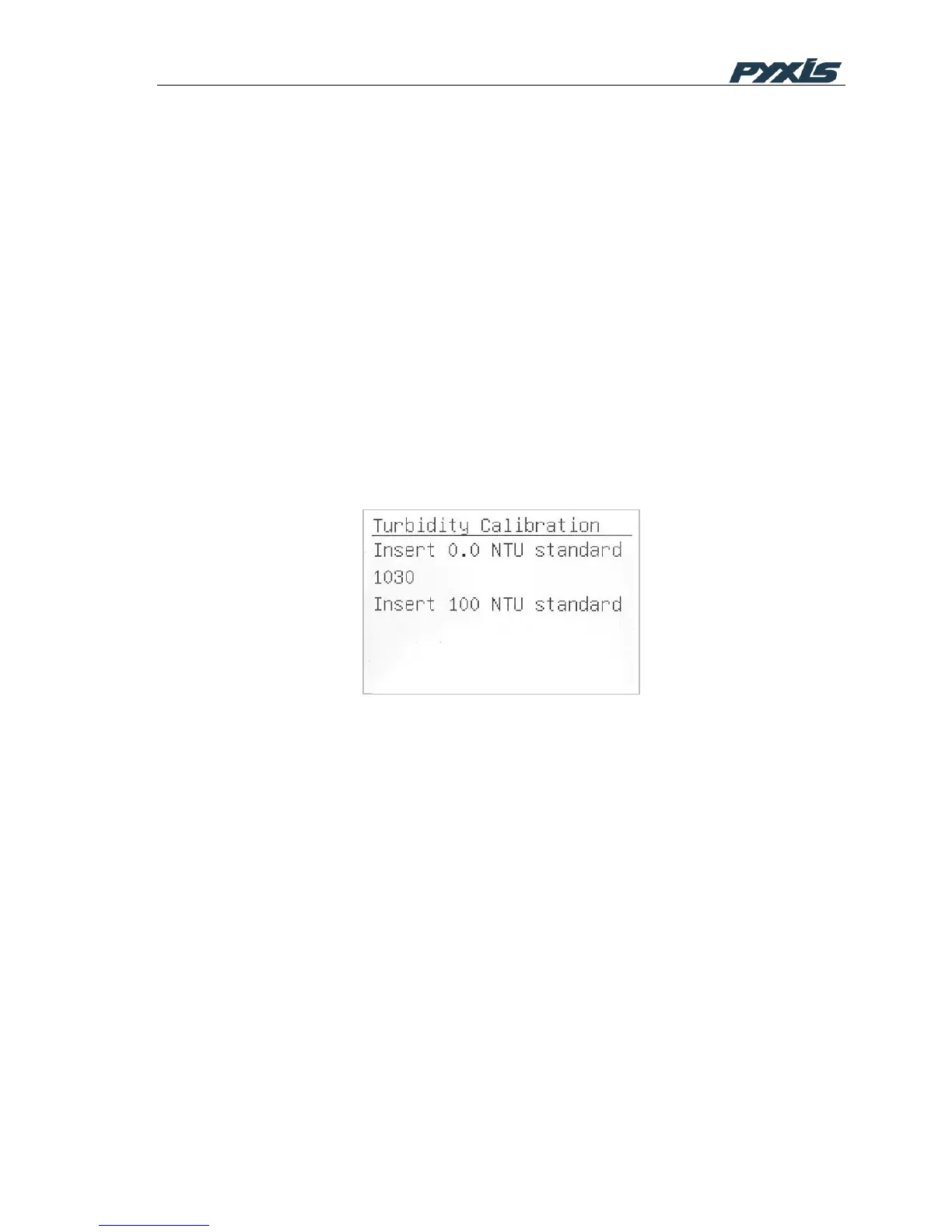
5.2 Turbidity Calibration
1. Fill the 10 ml sample vial to above 10 ml mark with the 100 NTU formazin
standard.
2. Insert the sample vial to the sample vial compartment.
3. Slide the light shield cover to the closed position.
4. Press the TCal button on the turbidity result page to launch the calibration.
Figure 15 Turbidity Calibration



 To Next Page