EasyManua.ls Logo

QBC Diagnostics Star - User Manual

QBC Diagnostics Star
65 pages
Print Icon
To Next Page IconTo Next Page
Loading...
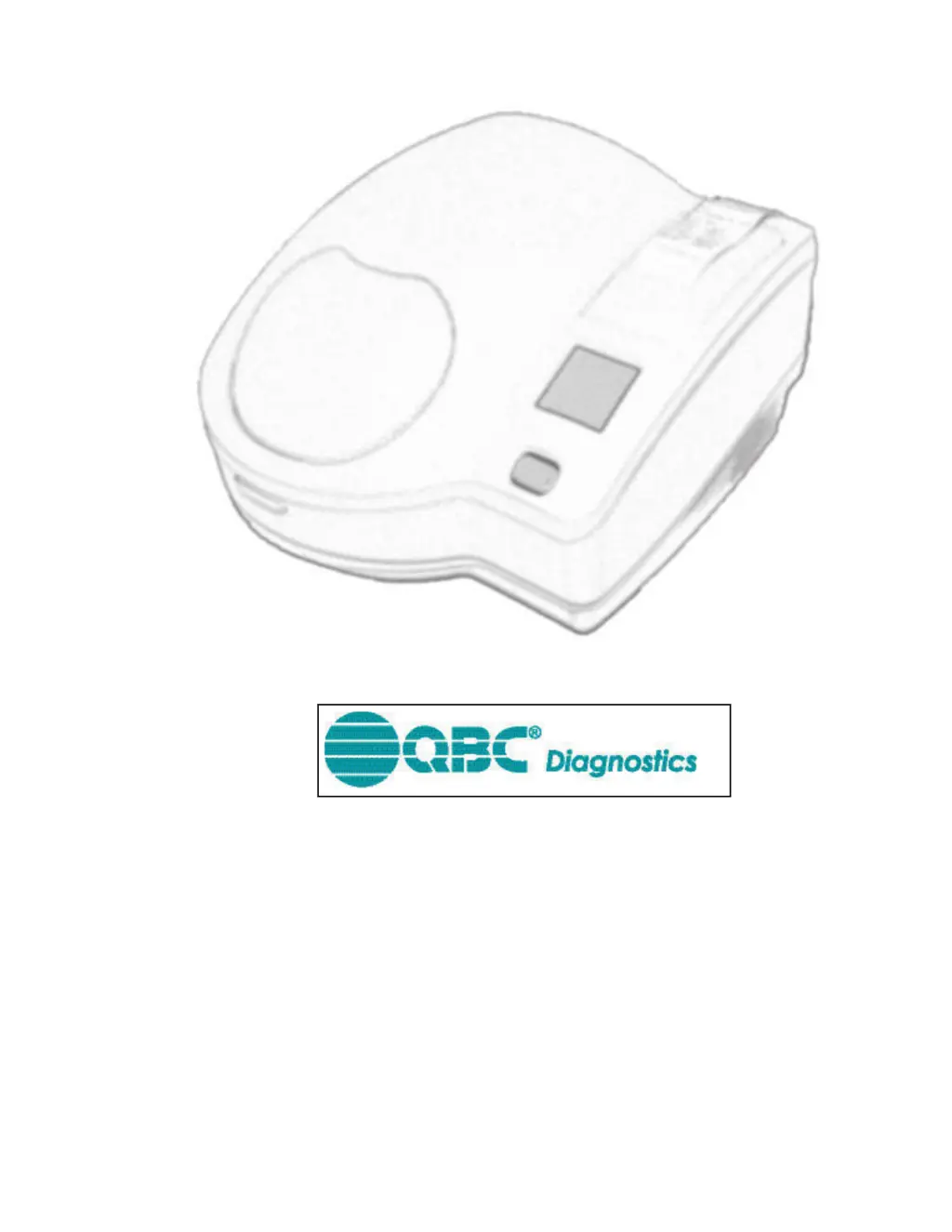
QBC STAR
System Operator’s/Service
Manual
2006/02
QBC D
iagnostics
Inc.
Document Number: L–000867 200 Innovation Blvd., Suite 212
Revision:
A
State College, PA 16803 USA
877.231.3115

Table of Contents

Questions and Answers

  • T
    Thomas MartinAug 18, 2025
    What to do if QBC Diagnostics Star Laboratory Equipment shows 'Sample Already Processed'?
    • K
      karen36Aug 19, 2025
      If the QBC Diagnostics Laboratory Equipment indicates 'Sample Already Processed', it could mean the tube has already been tested, wasn't placed in the instrument promptly after filling (within 15 minutes), or the sample leaked into the safety plastic sleeve. Remove the incorrect tube and insert the correct one, then press the 'Star' key. If the issue continues, rerun the test with a new tube. If the tube hasn't been tested before and was prepared quickly, double-check your technique when capping the sample.
  • G
    Gary SnyderAug 21, 2025
    What to do if QBC Diagnostics Laboratory Equipment doesn't operate?
    • D
      Debra AguilarAug 21, 2025
      If your QBC Diagnostics Laboratory Equipment isn't working, here are a few things to check: * Make sure the power cord is properly plugged into both the unit and the wall socket. * Ensure the door is fully closed and securely latched. * If the above are correct, the line fuse may have blown and need replacement, follow instructions in Section 5.
  • D
    david79Aug 23, 2025
    What to do if QBC Diagnostics Star displays 'Sample Error (XX)'?
    • V
      vnormanAug 23, 2025
      If the QBC Diagnostics Laboratory Equipment displays a 'Sample Error (XX)', it means the blood sample readings are outside the acceptable range, possibly due to incorrect drawing or processing. Rerun the test using a new tube and sample. If the issue persists, perform the assay using a different method and contact QBC Diagnostics Inc.
  • M
    Mr. Joseph RushAug 26, 2025
    How to fix 'Fill Error' on QBC Diagnostics Star?
    • E
      Emily GuerreroAug 26, 2025
      A 'Fill Error' on the QBC Diagnostics Laboratory Equipment means the tube's fill volume was incorrect. You'll need to prepare and test the tube again. To prevent this, make sure to fill all tubes between the two black fill lines.
  • J
    James DavidsonAug 27, 2025
    What to do if QBC Diagnostics Laboratory Equipment shows 'Sample Cap Not Seated'?
    • T
      Tanya VelezAug 28, 2025
      If the QBC Diagnostics Laboratory Equipment displays 'Sample Cap Not Seated', it means the tube cap isn't properly on the tube. Press firmly to seat the caps in place. Then, put the tube back in the instrument and press the 'Star' key to start testing.
  • S
    Scott AdamsAug 30, 2025
    How to resolve 'External Printer Problem' with QBC Diagnostics Star?
    • M
      Mark HansenAug 30, 2025
      If you're experiencing an 'External Printer Problem' with your QBC Diagnostics Laboratory Equipment, check the printer's paper supply, look for paper jams, and ensure the cable is properly connected. Also, verify the printer is powered on. If everything seems fine, check the printer's status lights and refer to its operating instructions.
  • T
    Tiffany KnightSep 1, 2025
    What to do if QBC Diagnostics Laboratory Equipment displays 'Tube Error (XX)'?
    • J
      James GonzalezSep 1, 2025
      If the QBC Diagnostics Laboratory Equipment shows 'Tube Error (XX)', rerun the test with a new tube and sample. If the problem continues, perform the assay using a different method and contact QBC Diagnostics Inc.
  • F
    Frank BishopSep 3, 2025
    What to do if QBC Diagnostics Star is too hot?
    • W
      Wayne RobertsSep 3, 2025
      If your QBC Diagnostics Laboratory Equipment is too hot to operate, ensure there's at least 2 inches of space around it for airflow. Also, check that the environment meets the requirements specified in Section 2. If the conditions are right, and it's still overheating, contact QBC Diagnostics Inc.
  • H
    Heather ObrienSep 6, 2025
    How to resolve 'Internal Printer Problem' with QBC Diagnostics Star?
    • Z
      Zachary PattersonSep 6, 2025
      To resolve an 'Internal Printer Problem' with the QBC Diagnostics Laboratory Equipment, first, check the paper supply and for any paper jams. Then, make sure the paper release lever is in the 'closed' (rear) position. If the issue remains, contact QBC Diagnostics Inc.
  • S
    Stephen BriggsSep 8, 2025
    What to do if QBC Diagnostics Laboratory Equipment displays 'Sample or Cap Not Present'?
    • D
      Daniel Brown DVMSep 8, 2025
      If the QBC Diagnostics Laboratory Equipment displays 'Sample or Cap Not Present', insert the tube and press the 'Star' key to begin testing. If the tube is present but the cap is missing: 1. Find the cap. 2. Place the cap firmly on the end of the tube. 3. Put the tube into the instrument. 4. Press the 'Star' key to start the test.

Summary

Introduction

Intended Use

Describes the diagnostic hematology profile provided by the QBC STAR system.

Principles of the Test

Explains the technology and principles behind the QBC STAR system's analysis.

System Overview

Provides a general overview of the QBC STAR Hematology System and its capabilities.

Instrument Self-Testing and Calibration

Explains the automatic self-testing and calibration procedures of the instrument.

Getting Started

Guides users on initial familiarization with the manual and instrument.

Conventions

Explains symbols and formatting used throughout the manual.

Installation and Setup

Unpacking and Setup

Instructions for unpacking and preparing the instrument for use.

Electrical Connection

Details the process of connecting the instrument to the power source.

QBC STAR Specifications

Lists the physical and electrical specifications of the QBC STAR instrument.

External Connections

Describes the ports and connections available on the instrument.

System Setup and Utilities

Explains various system setup parameters and utility functions.

Controls and Indicators

Star Button

Explains the functions and usage of the "Star" button.

Liquid Crystal Display (LCD)

Explains the role of the LCD screen for prompts, results, and errors.

Printer

Information about the instrument's built-in printer and its output.

Operation

Summary of Operation Steps

Lists the sequential steps for routine operation of the QBC STAR system.

Turn Instrument Power on

Instructions for powering on the QBC STAR instrument.

Prepare the QBC STAR tube

Guidance on preparing the QBC STAR tubes for sample collection.

Insert the tube into the instrument

Guides on inserting the prepared tube into the instrument.

Start the test

Explains how to initiate the testing cycle using the "Star" button.

Emergency Door Unlock

Procedures for unlocking the instrument door in case of power failure.

Performance and Limitations

Accuracy

Details the accuracy of the QBC STAR system compared to other methods.

Interfering Substances

Lists substances that may affect test results and how to manage them.

Controls

Explains the internal quality control systems of the QBC STAR instrument.

Internal Quality Control

Details the five internal quality control elements for system integrity.

Maintenance

Disinfection

Procedures for disinfecting the instrument in case of spills.

Replacing Fuses

Instructions on how to replace the instrument's fuses.

Troubleshooting

General Problems

Addresses common instrument issues not associated with error codes.

Error Codes and Messages

Explains how to interpret and resolve instrument error codes.

Glossary

Limited Warranty

Parts and Accessories

Software Update Log

Contact

Blood Collection and Handling

Universal Precautions for Specimen Handling

Outlines safety measures for handling blood and body fluids.

Venous Blood Collection (Venipuncture)

Procedure

Step-by-step instructions for performing venous blood collection.

Capillary Blood Collection

Procedure

Step-by-step instructions for performing capillary blood collection.

Avoiding Hemolysis during Capillary Blood Collection

Bibliography

QBC Diagnostics Star Specifications

General IconGeneral
BrandQBC Diagnostics
ModelStar
CategoryLaboratory Equipment
LanguageEnglish