L–000867(A) 2–9
2 – Installation and Setup
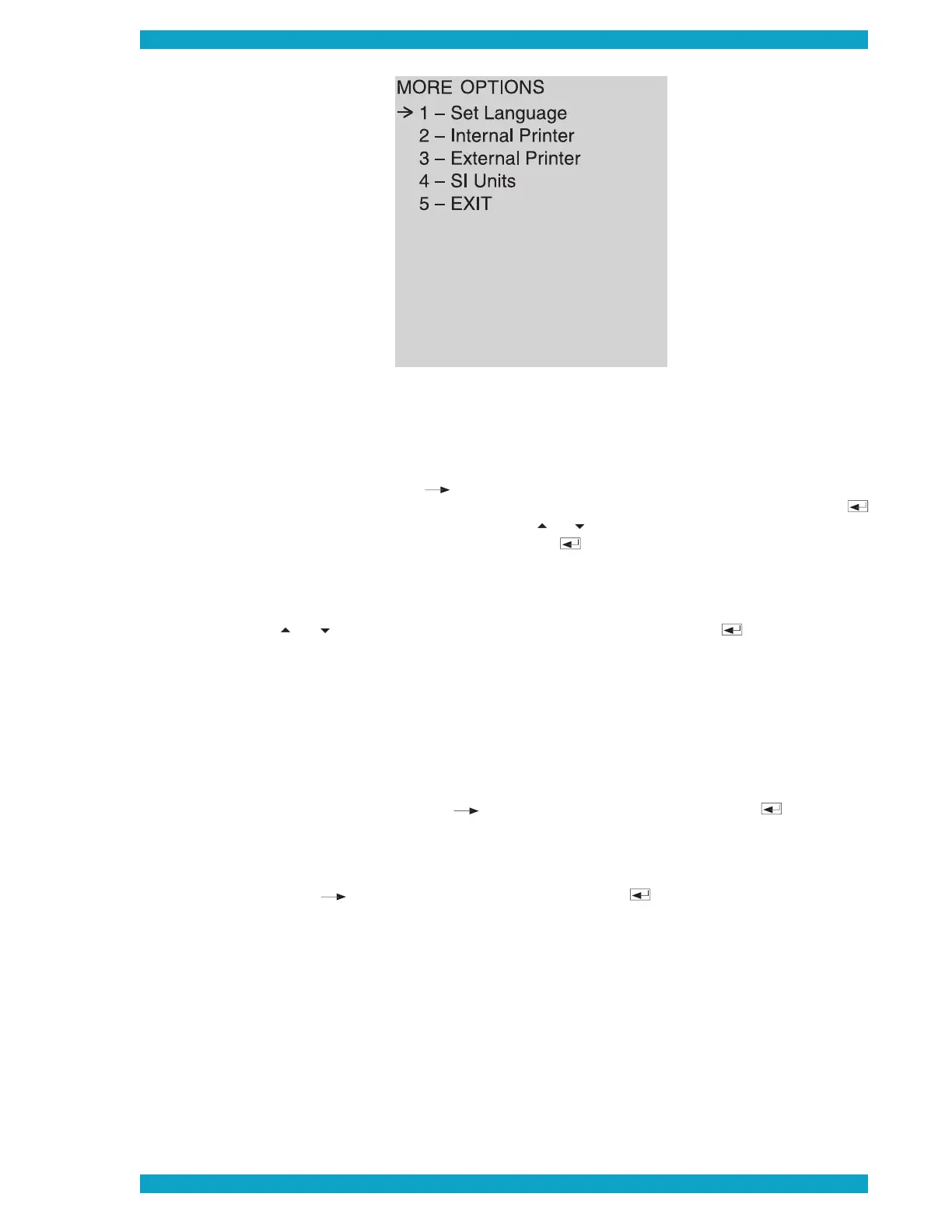
Set Language
Set language lets you select from the following languages: German (Deutsch); English; Spanish
(Español); French (Français); Italian (Italiano).
When you select the option, a sub-menu titled “
” appears. It lists these language
selections. The arrow cursor (
) points to the item that is currently selected. (When you fi rst
access the menu, the cursor points to the fi rst item, Deutsch.) To select the current item, press
on the keypad. To select another item, use the
key to move the arrow cursor up or down
the list. When the desired option is selected, press
When you select a different language, another window pops up that lets you select the time format
you want. English defaults to a 12-hour time format, i.e., 12:00 a.m. to 11:59 p.m. The other lan-
guages default to a 24-hour format, i.e., 00:00 to 23:59. If you want to change the time format,
key to move the arrow cursor to the other format. Press
Internal Printer
Internal Printer lets you enable or disable the QBC STAR system’s built-in printer. When you select
the option, a sub-menu titled “INTERNAL PRINTER” appears.
When the printer is ENABLED, the menu lets you disable the printer by selecting option 1. When
, option 1 reads “Disable Printer.” You can disable the printer by
confi rming that the arrow cursor (
) is pointing to option 1 and pressing the
sage appears stating “Internal Printer Is Disabled.”
When the built-in printer is
, you can enable it by selecting option 1. When the printer
is disabled, option 1 reads “Enable Printer.” You can enable the printer by confi rming that the
) is pointing to option 1 and pressing the
key. A message appears stating
“Internal Printer Is Enabled.”
1 – Set Language
2 – Internal Printer
3 – External Printer
4 – SI Units
5 – EXIT


 To Next Page