Professional
FM Transceiver
23
Radio Check
FUNCTION MENU SETUP
If enabled, this feature allows you to determine if another radio is active in a system without
disturbing the user of that radio. No audible or visual notication is shown on the target radio.
This feature is only applicable for subscriber aliases or Ids.
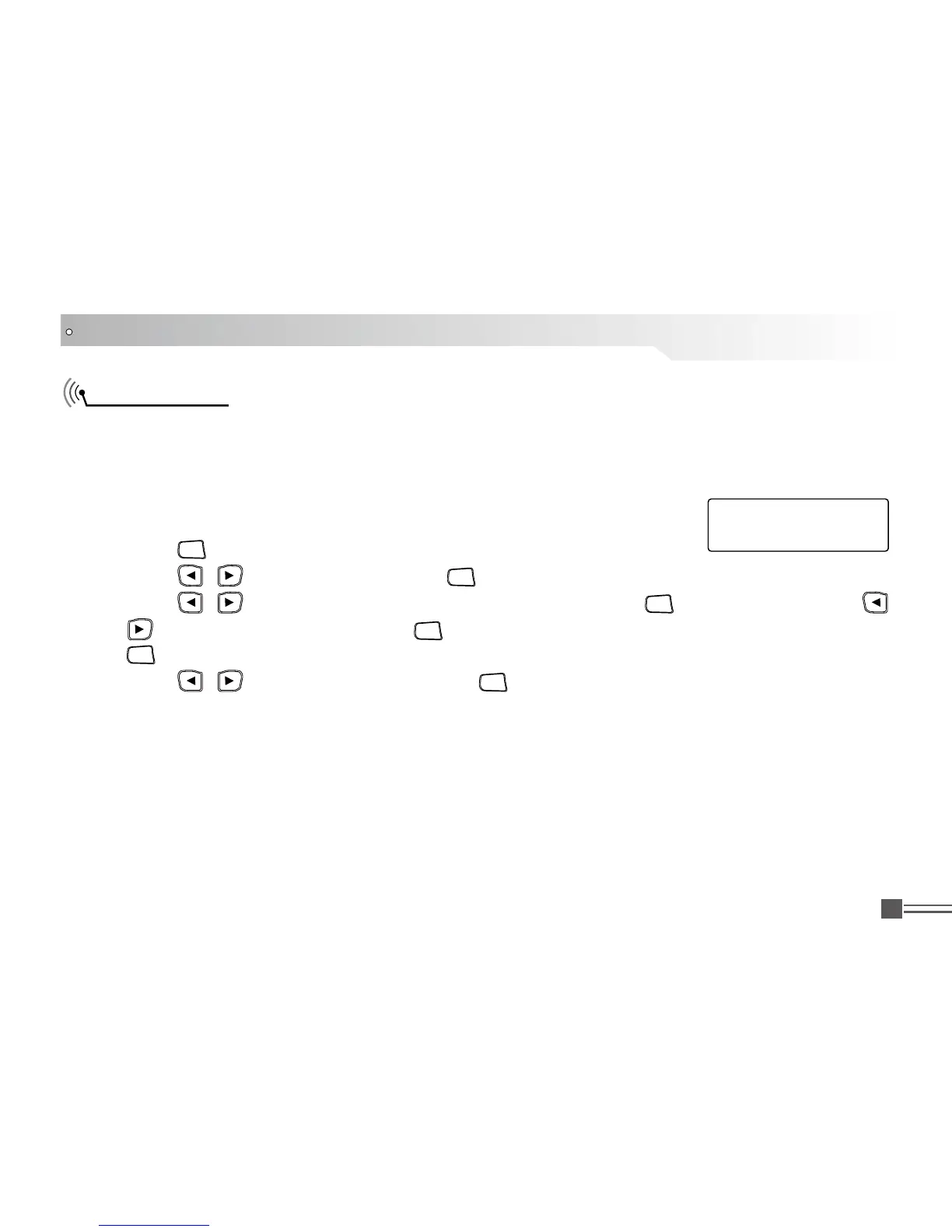
Sending a Radio Check.
Procedure: Use the menu.
Press [ 1.
MENU
] to access the menu.
Press [ 2.
/
]
to Contacts and press [
MENU
] to select
Press [ 3. /
]
to the required subscriber alias or ID and press [
MENU
] to select. OR Press [
/
]
to Manual Dial and presses [
MENU
] twice. Input the subscriber alias or ID and then Press
[
MENU
].
Press [ 4.
/
]
to Radio Check and press [
MENU
] to select.
Screen display radio checking: < subscriber alias or ID>, indicate that the radio is on checking, 5.
LED turns to red.
If the target radio is active in the system, a tone sounds and the display briey shows Target 6.
Radio Available.
OR If the target radio is not active in the system, a tone sounds to show Target Radio Not
Available.
Radio returns to the subscriber alias or ID screen. If is waiting for acknowledgement, transceiver 7.
stop all retry and exit checking mode.
Call 1
Radio Check:



 To Next Page