Professional
FM Transceiver
34
FUNCTION MENU SETUP
Deleting all Sent Text Messages from Inbox
Review the text message, press [ 1.
MENU
] again.
Press [ 2.
/
]
to resend, then press [
MENU
] to resend again.
The display shows Text Message: <Subscriber/Group Alias or ID>, confirming your message 3.
is sending to correct target radio If the message is sent, a tone sounds and the display shows
Message Sent. OR If the message is not sent, a high tone sounds and the display shows
Message Send Failed. The radio back to the resend screen, press [
MENU
] to resend the message
to the same subscriber/group alias or ID.
Forward, send the text message to other group/subscriber alias or ID. ●
Edit, rewrite the select message before sending. ●
Delete, delete the select message. ●
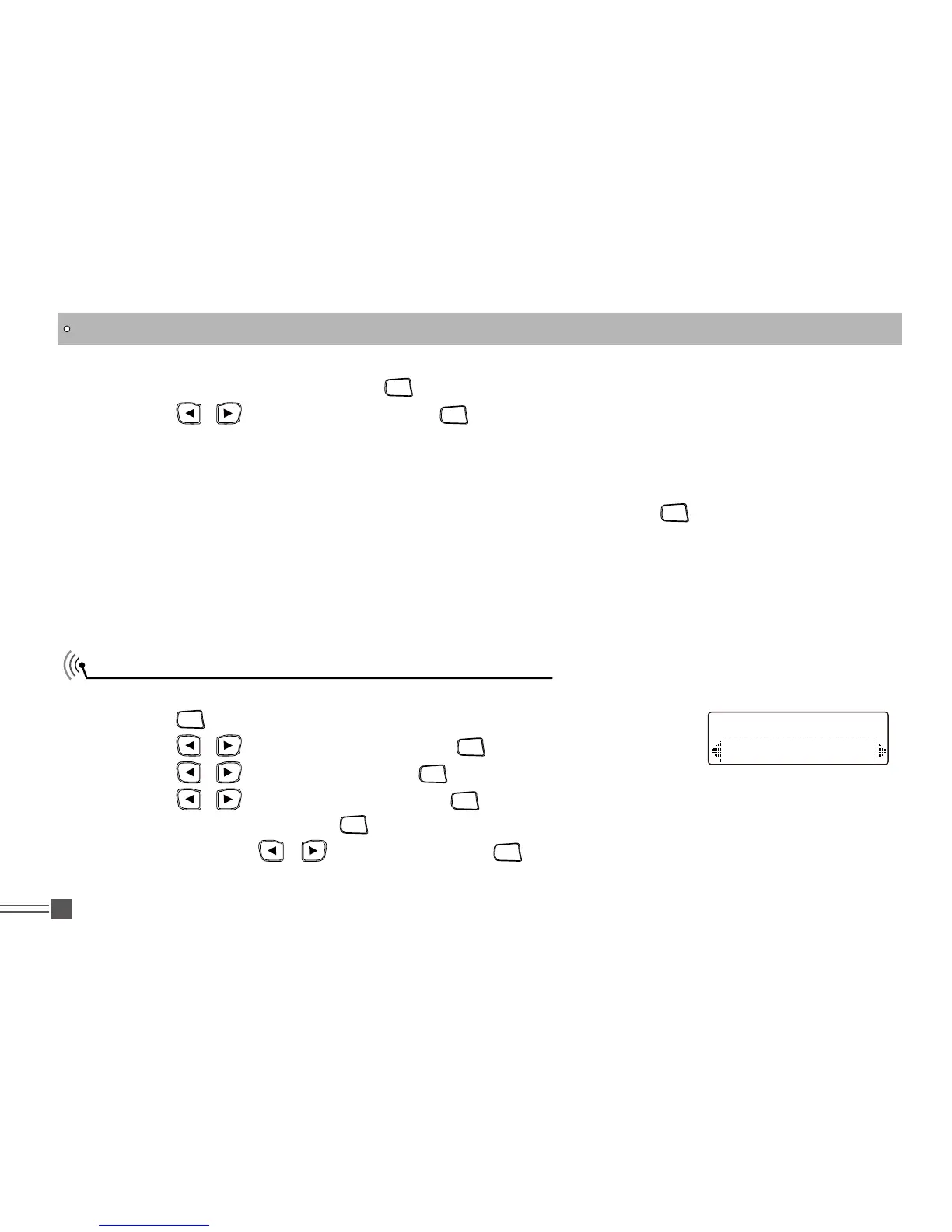
Procedure:
Press [ 1.
MENU
] to access the menu.
Press [ 2.
/
]
to Messages and press [
MENU
] to select.
Press [ 3. /
]
to Inbox and press [
MENU
] to select.
Press [ 4. /
]
to Delete All and press [
MENU
] to select.
At Delete Message Press [ 5.
MENU
] to select Yes. The display shows Inbox Cleared. OR At Delete
Message Press [
/
]
to No and press [
MENU
] to return to the previous screen. When you
select inbox and it contains no text messages, the display shows List Empty.
Delete All
Inbox



 To Next Page