Professional
FM Transceiver
27
FUNCTION MENU SETUP
Storing an Alias or ID from the Missed Call List
Deleting a Call from a Call List
Procedure:
Press [ 1.
/
]
to access the menu.
Press [ 2.
/
]
to Call Log and press [
MENU
] to select.
Press [ 3. /
]
to Missed call and press [
MENU
] to select.
Press [ 4. /
]
to the required missed call alias or ID and Press [
MENU
] to select.
Press [ 5. /
]
to Store and press [
MENU
] to select.
A blinking cursor appears. If needed, Input the alias for that ID and press [ 6.
MENU
] .
The display shows Contact Saved. You can also store an ID without an alias.7.
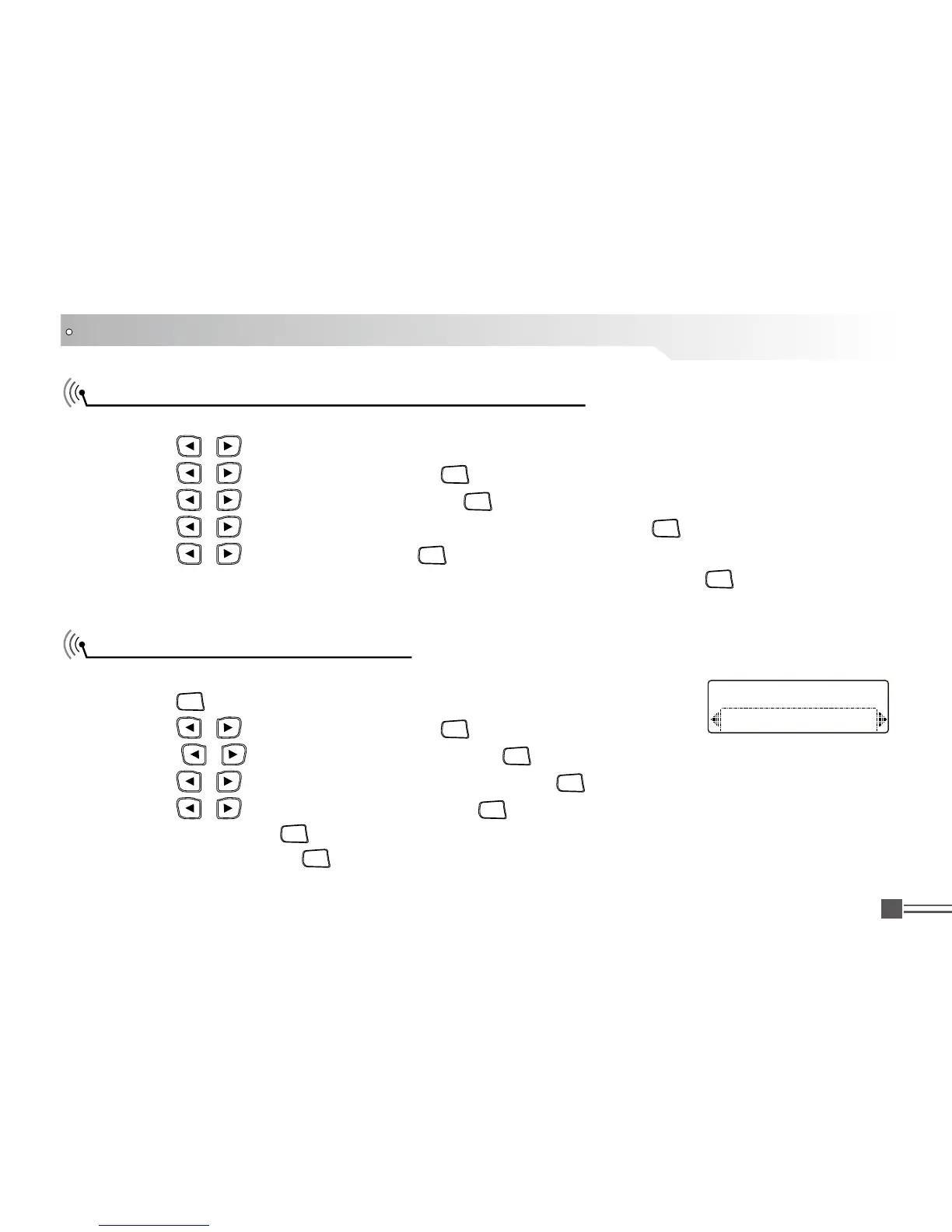
Procedure:
Press [ 1.
MENU
] to access the menu.
Press [ 2.
/
]
to Call Log and press [
MENU
] to select.
Press [ 3. /
]
to the required list and press [
MENU
] to select.
Press [ 4. /
]
to the required alias or ID and press [
MENU
] to select.
Press [ 5. /
]
to Delete Entry, And press [
MENU
] to select delete or not.
Select “Yes”, press [ 6.
MENU
] to delete the entry and screen display the entry have deleted.
OR select “No”, press [
MENU
] to back to previous screen. When you select a call list and it contains
no entries, the display shows List Empty.
Delete Entries
Call 1



 To Next Page