Professional
FM Transceiver
25
FUNCTION MENU SETUP
Contacts Settings
Making a Group Call from Contacts
Making a Private Call from Contacts
Contacts provides "address-book" capabilities on your radio. Each entry corresponds to an alias or
ID that you use to initiate a call.
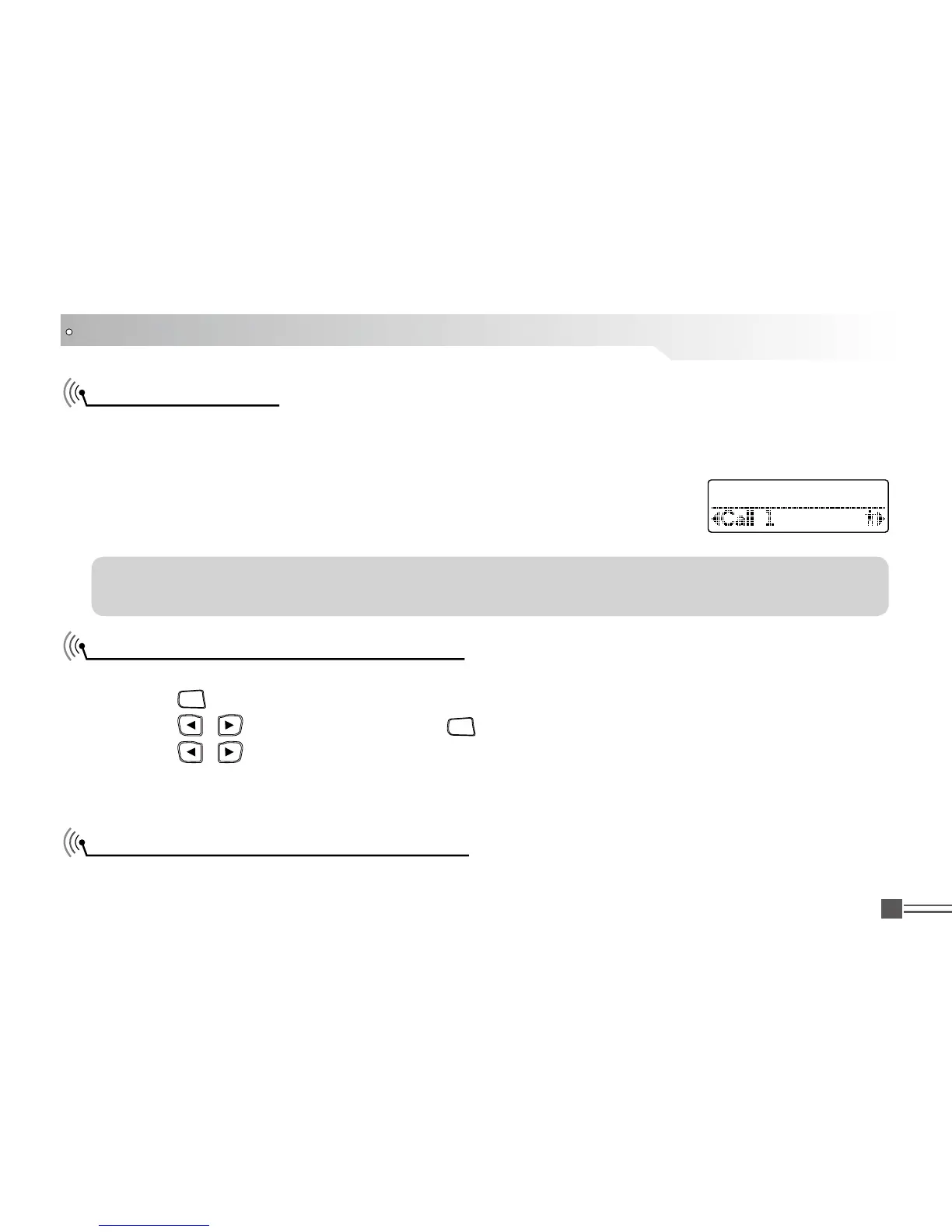
Each entry within Contacts displays the following information:
Procedure:
Press [ 1.
MENU
] to access the menu.
Press [ 2.
/
]
to Contacts and press [
MENU
] to select.
Press [ 3. /
]
to the required group alias or ID.
Press the [PTT] button to make the call, Release the [PTT], if any of the radios in the group 4.
responds, LED turns green, and the group call icon display in the screen.
Procedure:
Call Type ●
CallAlias ●
Call ID ●
NOTE: You can add, delete, or edit subscriber IDs for the Digital Contacts list. This transceiver
can save at most 1000 contacts.
Contact 1/12



 To Next Page