5. Power on the NAS.
Installing M.2 Solid State Drives
Warning
• Only qualified personnel should perform the following steps. Failure to follow
instructions can result in serious injury or death.
• Observe electrostatic discharge (ESD) procedures to avoid damage to components.
•
Moving fan blades: Keep your hands and other body parts away from moving fan
blades.
•
Other moving components: Keep your hands and other body parts away from other
moving components.
Note
QNAP recommends installing heatsinks onto the M.2 SSD controllers to enhance cooling
efficiency and to ensure consistent performance.
1. Power off the NAS.
2. Disconnect the power cord from the electrical outlet.
3. Disconnect all cables and external attachments.
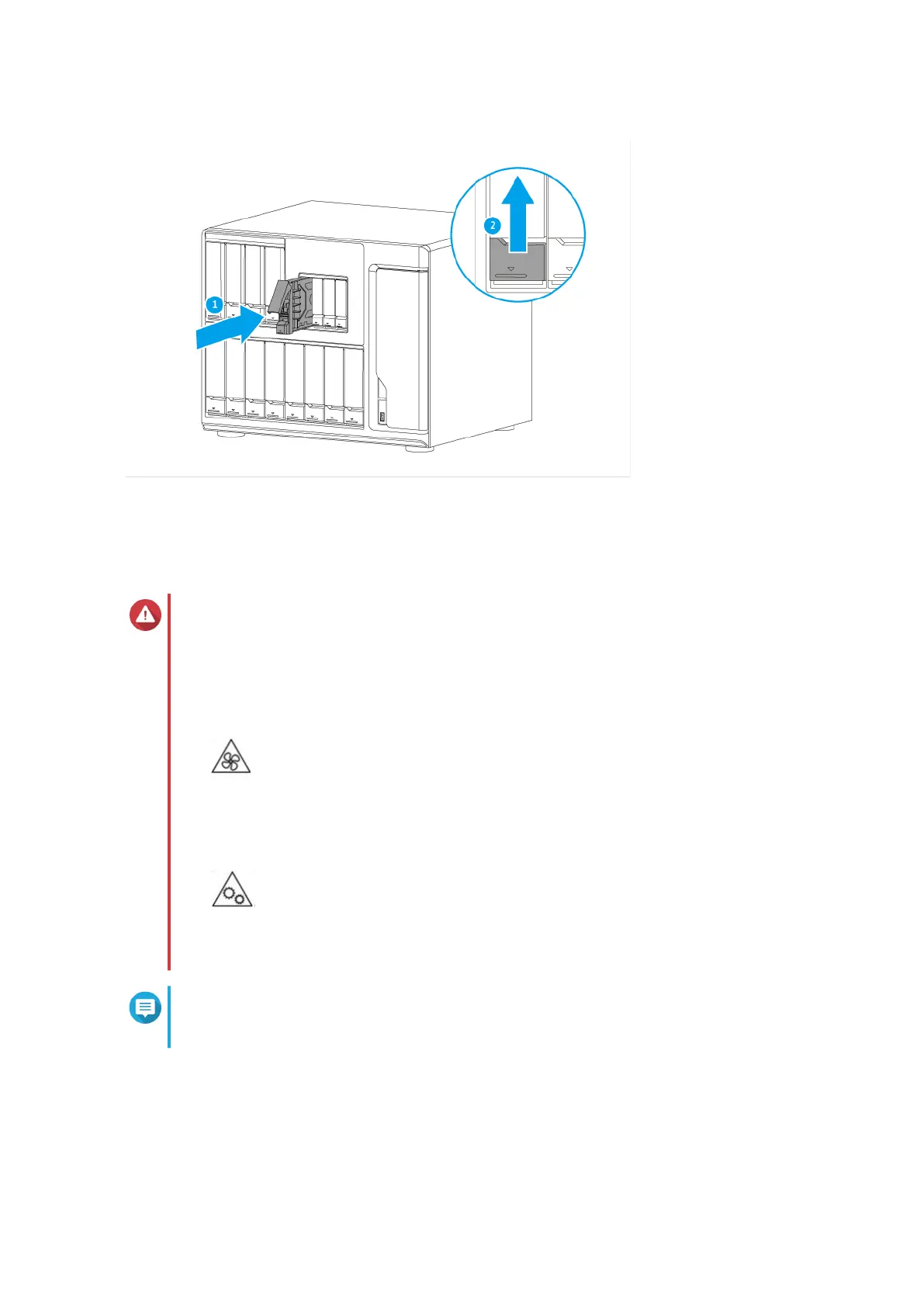
4. Remove the case cover.
TS-1635AX User Guide
Installation and Configuration 19


 To Next Page
 Loading...