103
Chapter 8. Install M.2 SSDs
8.1 M.2 SSD Heat Sink Installation
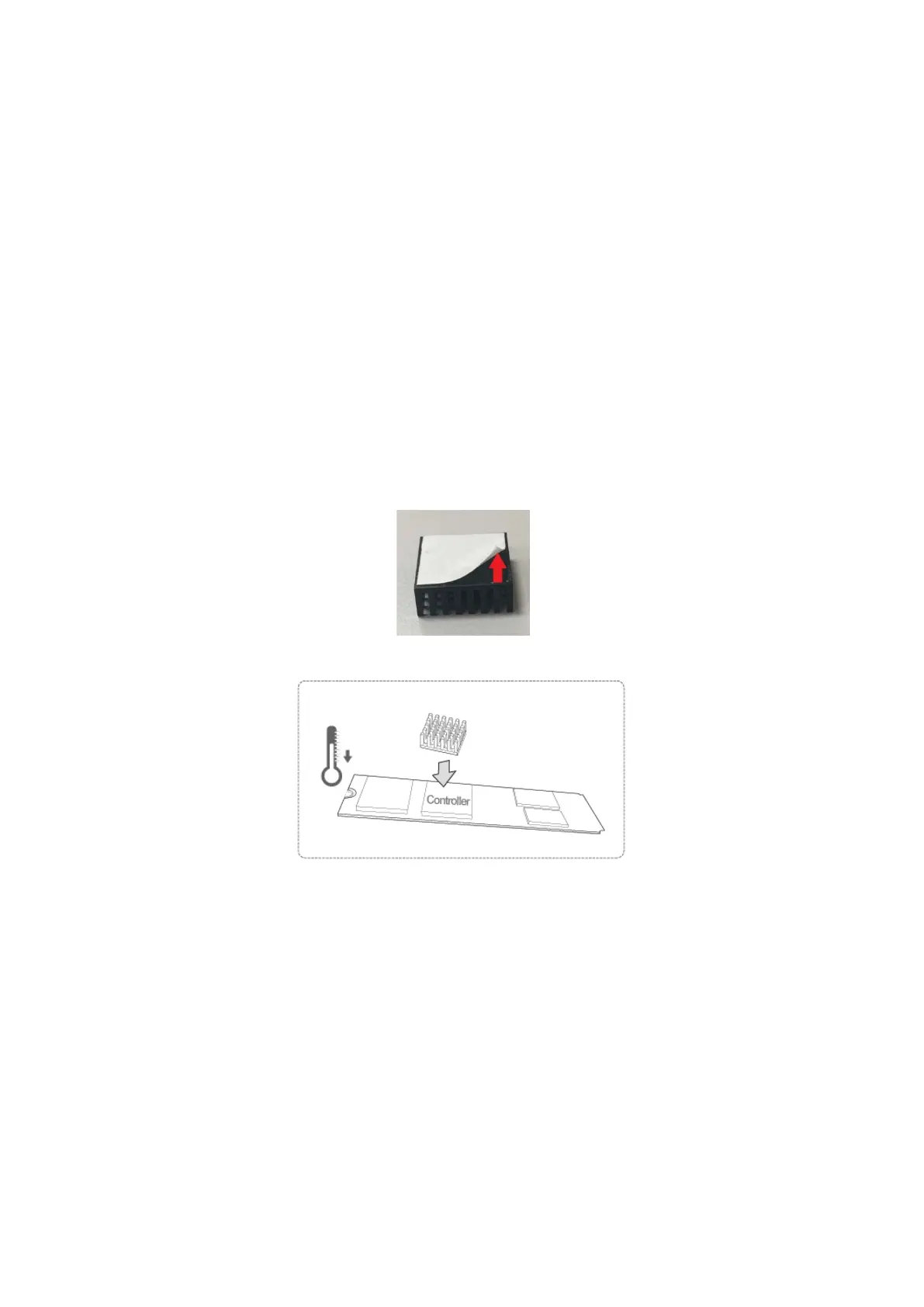
NAS models that support M.2 SSDs are packaged with M.2 SSD heat sinks. For reliable
operation, it is recommended that you install the heat sinks onto the SSD controller.
To install heat sink:
1. Locate the SSD controller on the M.2 SSD. Location of SSD controller varies by model.
Refer to SSD manufacturer for details.
2. Remove any existing stickers or labels on the controller.
3. Remove the release liner from bottom of the heat sink.
4. Stick heat sink onto the controller. No thermal paste required.



 To Next Page
 Loading...


