46
properly with the clips in place.
4. Close the NAS cover and fasten the screw. Reconnect the power and network cables
to the NAS.
5.2 TBS-453A
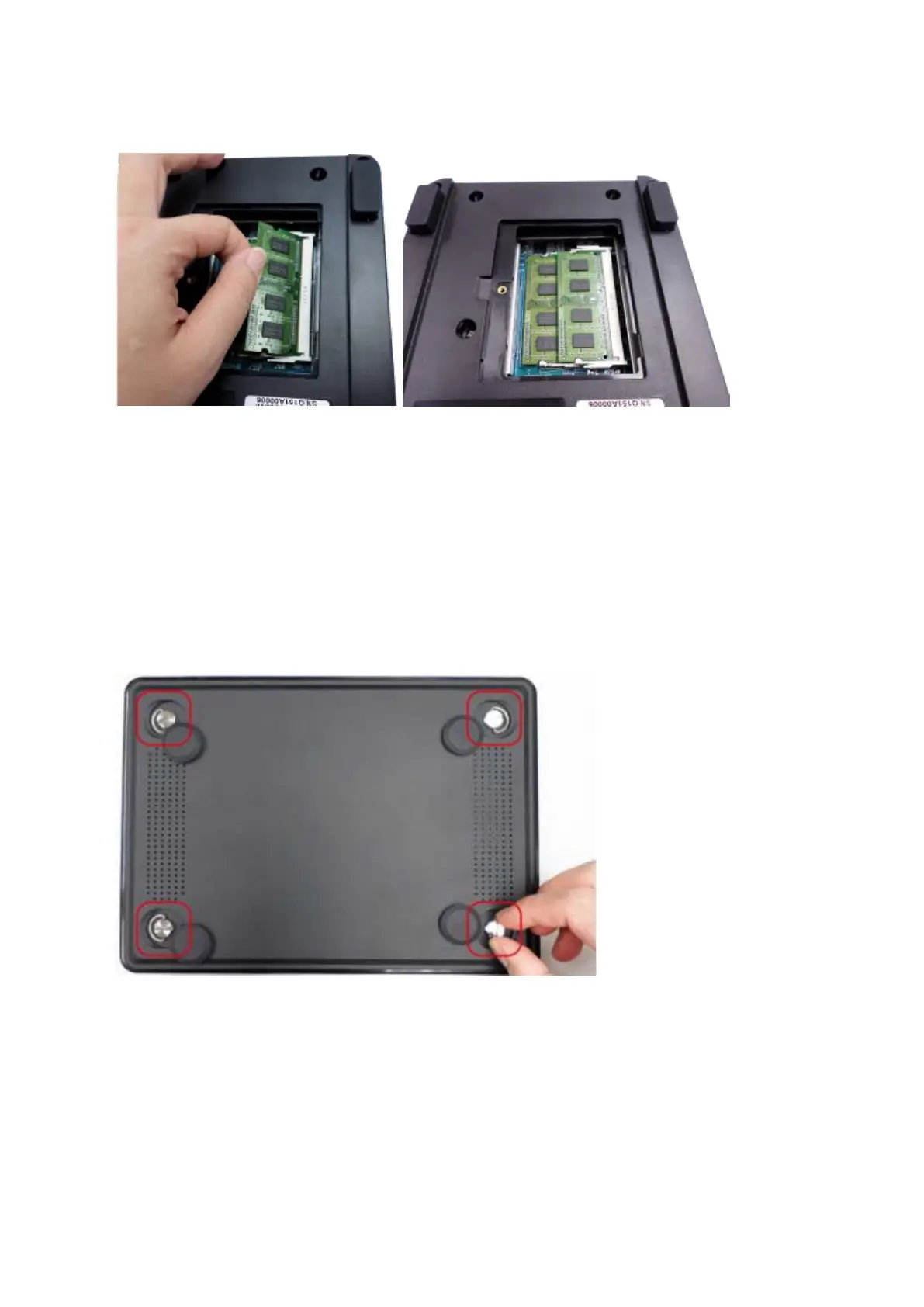
1. Remove the rubber feet and loosen the four hand screws on the bottom of the NAS.
Then lift the compartment cover away.
2. To remove installed memory modules, pull the retention clips on each side so that the
module tilts up for easy removal.



 To Next Page
 Loading...


