49
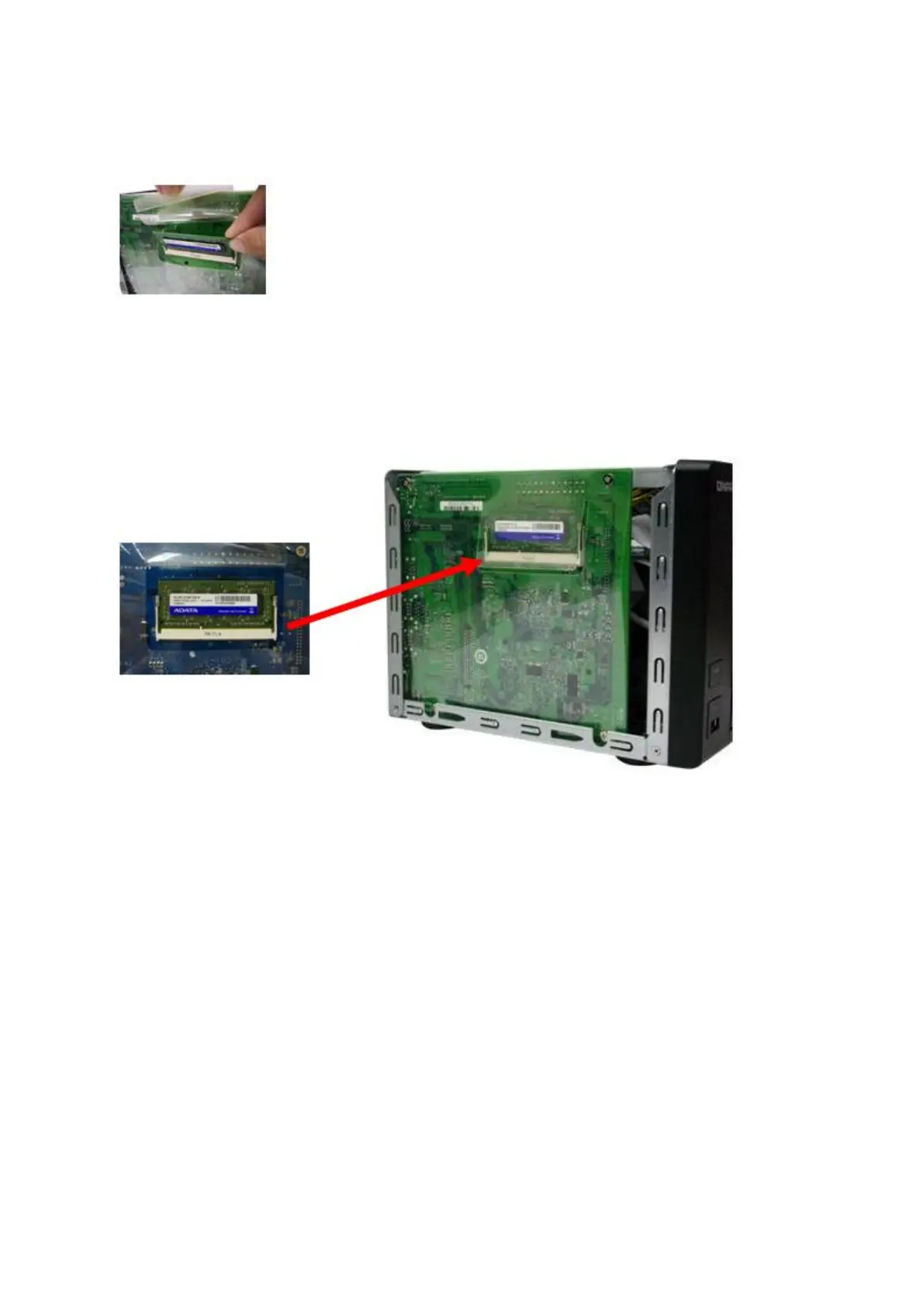
with the notch in the memory slot. Slide the memory module to the slot at a 45-degree
angle (approximately).
5. Gently press the memory module into the slot until it is seated fully.
6. Rotate the memory module towards the motherboard until the securing clips clicks into
place.
7. Close the case cover and fasten the screws. Connect the power adaptor and cables
back to the NAS.
8. To check that the memory module is recognized by the NAS, power up the NAS and
login the web interface as an administrator. Go to “System Status”>“System
Information” and check the total memory in “Hardware Information”.
5.4 TS-1635
1. Loosen the screws on the back of the NAS that are connecting the case cover to the
case.



 To Next Page
 Loading...


