56
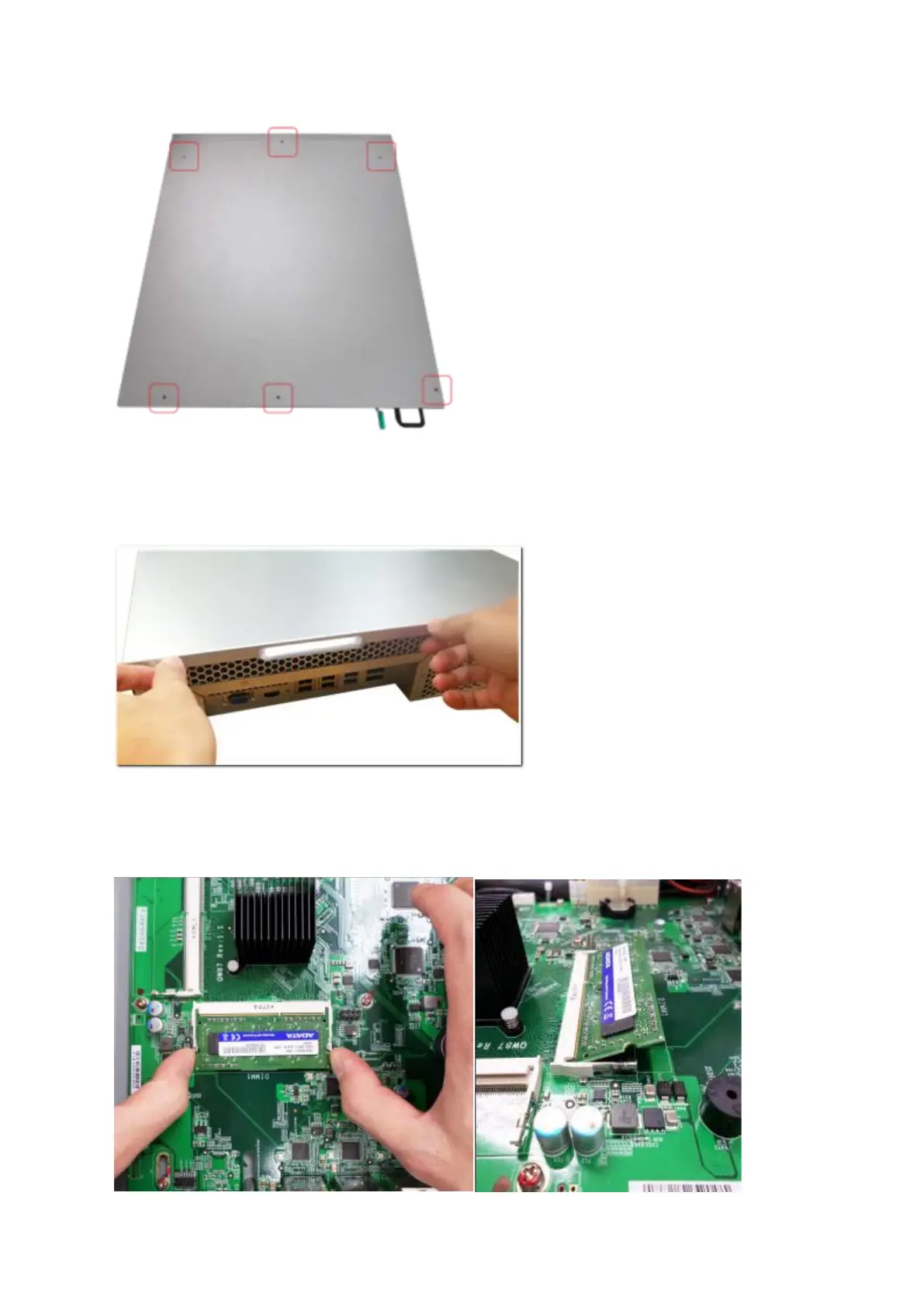
b. TS-831XU, TS-853U, TS-863U, TS-1231XU, TS-1253U, TS-1263U series: Loosen
the two screws on the rear of the NAS.
2. Open the NAS. Pull the retention clips on each side so that the module tilts up for easy
removal. Remove installed memory modules.



 To Next Page
 Loading...


