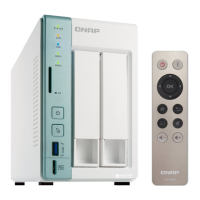
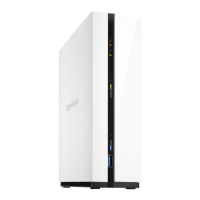
2. Install the drives.
For details, see the following topics:
• Installing 3.5-inch Hard Drives on 3.5-inch Trays
• Installing 2.5-inch Hard Drives or Solid-State Drives on 3.5-inch Trays
3. Connect the power cord and all applicable cables.
4. Power on the NAS.
5. Install QTS.
For details, see QTS Installation.
6. Log on to QTS.
TS-251D User Guide
Product Overview 11


 To Next Page
 Loading...