33
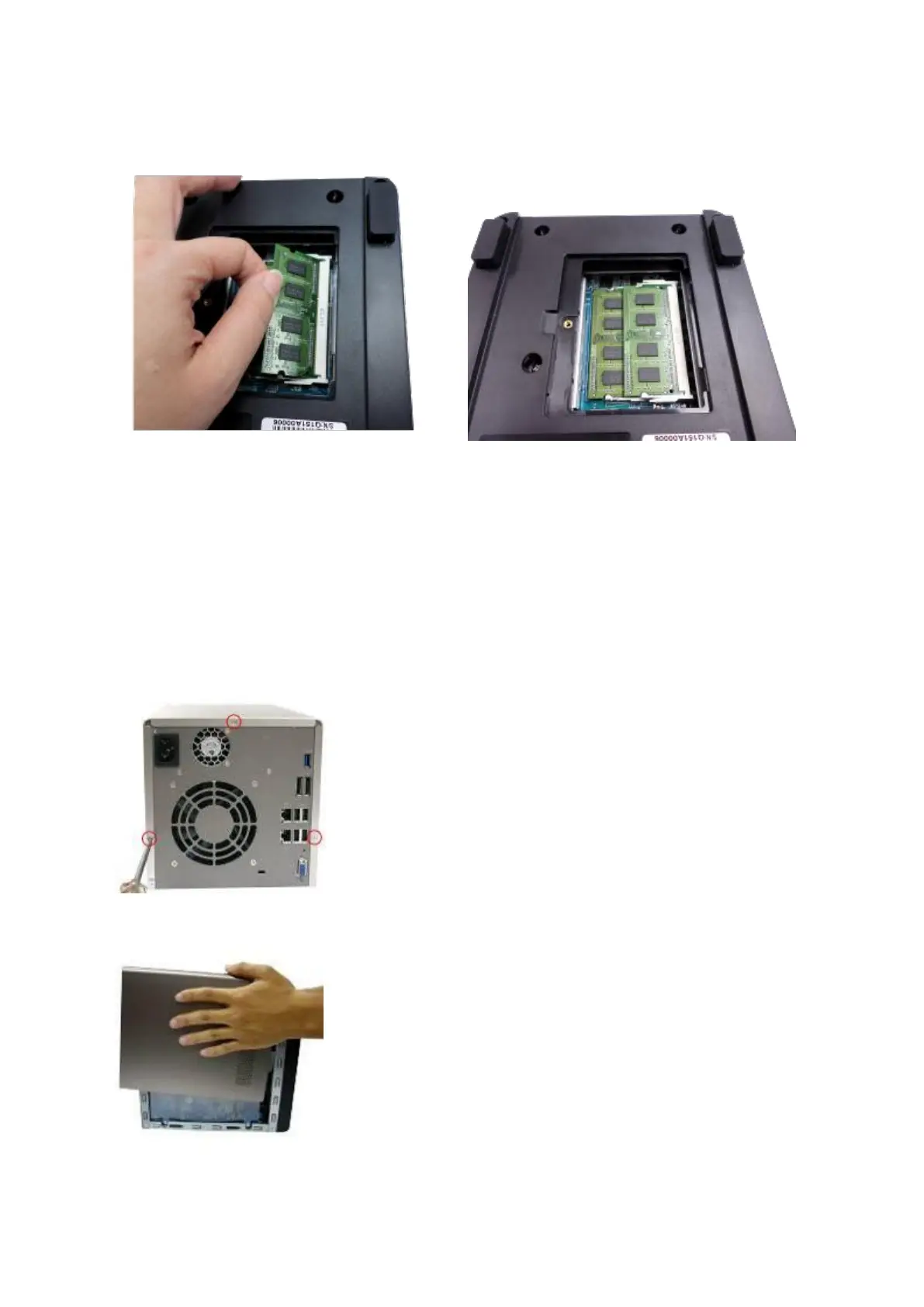
the memory module down until it clips into place. Ensure the memory module sits
properly with the clips in place.
4. Close the NAS cover and fasten the screw. Reconnect the power and network cables to
the NAS.
5.2 TS-451S, TS-531P, TS-651, TS-851, TS-x53/x53S Pro, TS-563, TVS-x63,
TS-x53A series (2/4/6/8-bay)
1. Loosen the three screws on the rear of the NAS.
2. Remove the case cover of the NAS gently.



 To Next Page
 Loading...



