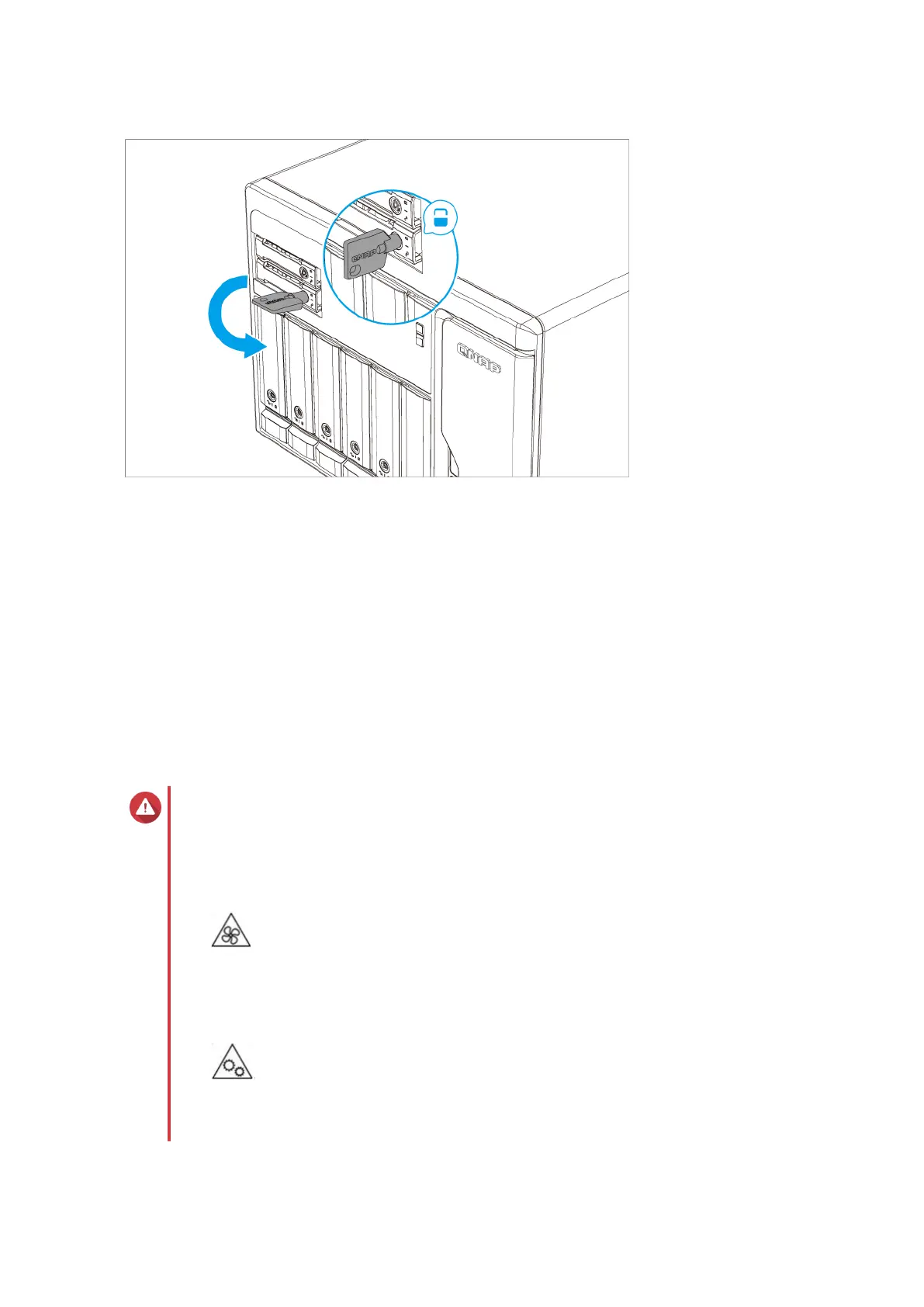
b. Push the handle.
c. Slide the lock up.
d. Lock the tray.
5. Power on the NAS.
Installing M.2 solid-state drives
The TS-855X series has two M.2 SSD slots on the Right panel. For a list of compatible M.2 SSDs, go to
http://www.qnap.com/compatibility.
Warning
• Installing a drive deletes all data on the drive.
• Observe electrostatic discharge (ESD) procedures to avoid damage to components.
•
Moving fan blades: Keep your hands and other body parts away from moving fan
blades.
•
Other moving components: Keep your hands and other body parts away from other
moving components.
TS-855X User Guide
Installation and Conguration 22



 To Next Page