• TL-D400S
• TL-D800S
• TL-D1600S
• TL-R400S
• TL-R1200S-RP
1. Power o the NAS.
2. Install a host bus adapter on the PCIe slot.
Note
For details, see Installing expansion cards.
The QNAP QXP host bus adapter is required for connecting the SATA JBOD enclosure to a host
device. Third-party host bus adapters are not compatible with QNAP JBOD enclosures.
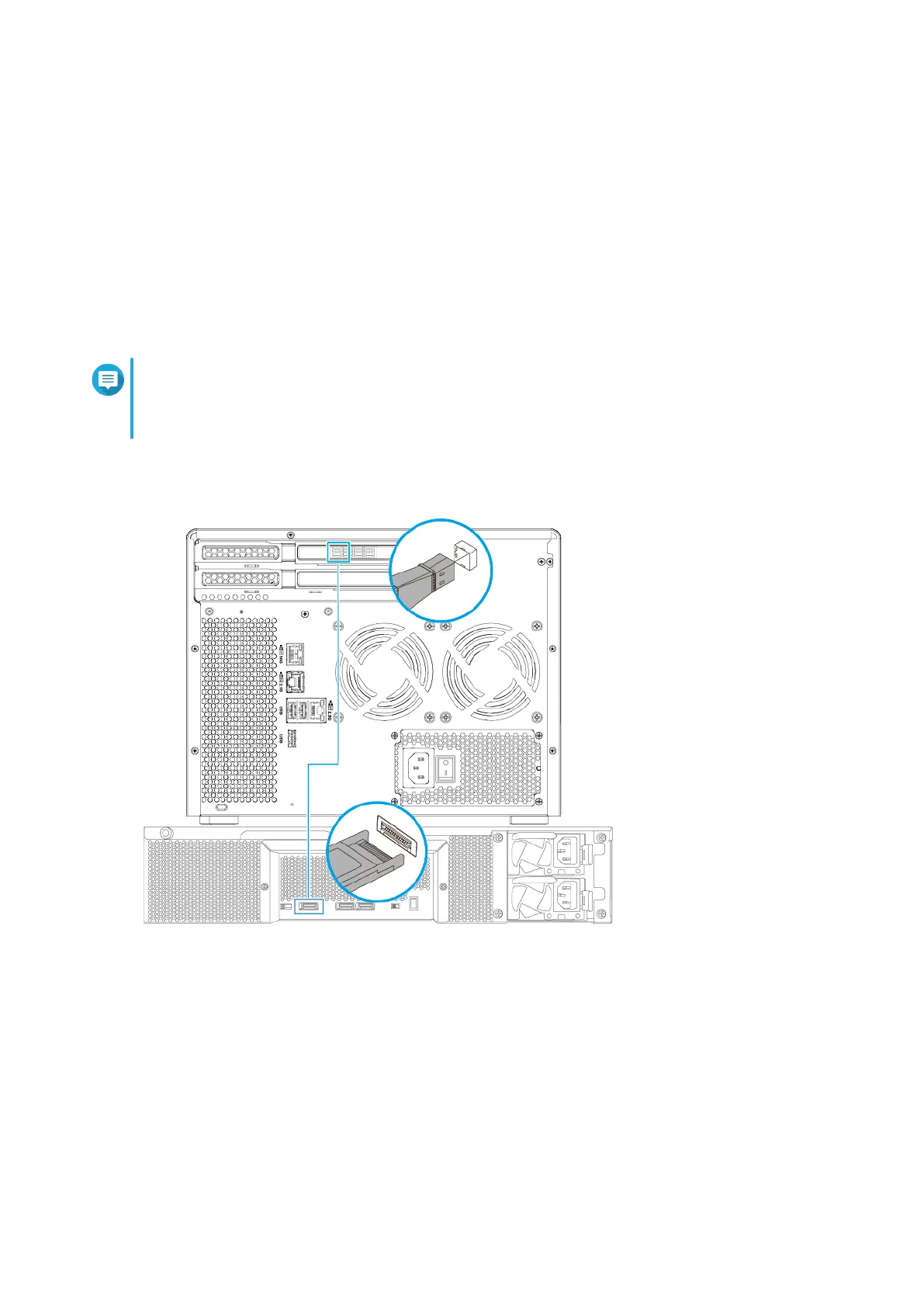
3. Connect the expansion unit to the NAS.
4. Power on the SATA JBOD expansion unit.
5. Power on the NAS.
6. Verify that the expansion unit is recognized by the NAS.
a. Log on to QuTS hero as administrator.
b. Go to Main Menu > Storage & Snapshots > Overview > System .
c. Verify that the expansion unit is listed.
TS-855X User Guide
Installation and Conguration 37



 To Next Page