83
7.1.2. TS-1635
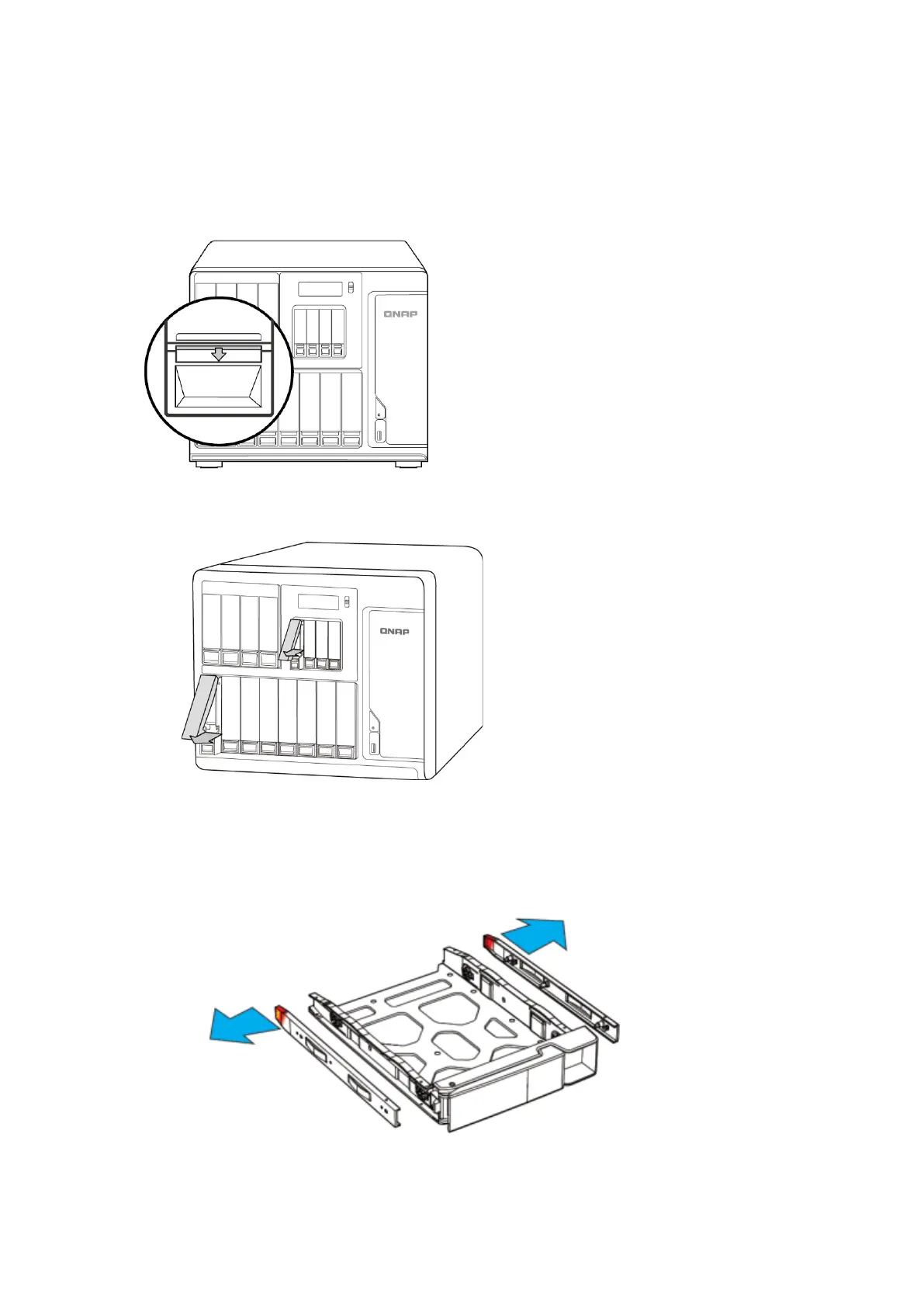
1. Remove hard drive tray from NAS:
i. Push the blue lock switch on the tray down to the unlock position.
ii. Push the button below the blue switch to release the lever.
iii. Pull out tray using lever.
2. Install HDD/SDD onto tray.
a. 3.5” HDD:
i. Remove the fastening panels from the sides of the drive tray.



 To Next Page
 Loading...