

 To Next Page
J
jamesmeyerAug 5, 2025
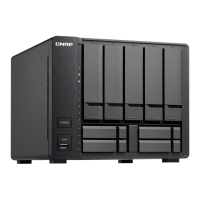
What to do if hot-swapping failed drives on QNAP TS-963X?
- NnfrancisAug 5, 2025
To hot-swap failed drives, follow these steps: 1. Log on to QTS. 2. Go to Main Menu > Storage Manager > Storage > Disks/VJBOD. 3. Locate the failed drive. 4. Prepare a new hard drive with a capacity that is the same as or larger than the failed hard drive. 5. Remove the failed drive from the NAS. 6. Wait for 20 seconds or until the NAS beeps twice. 7. Remove the failed drive from the drive tray. 8. Insert the new drive into the drive tray. 9. Install the new drive. 10. Go to Main Menu > Storage Manager > Storage Space. 11. Locate the volume that contains the new drive and then verify that the status is Rebuilding.
 General








