QSW-4700 Series Switches Hardware Installation and Reference Guide
Product Overview
8
Note:
This is a Class A product. In a domestic environment this product may cause radio interference.
In this case, users are advised to take proper measures against the interference.
An SFP+ port supports both 10GBase-R and 1000Base-X.
The PoE+ port is backward compatible with the PoE standard.
• Management port: The management port is a 10/100/1000Base-T Ethernet port that
uses an RJ-45 connector. This port is connected to an Ethernet port of a PC with an
Ethernet cable for program downloading. You can manage and maintain the switch
remotely by connecting the management port to the Ethernet port of a PC with an
Ethernet cable.
• USB port: The USB port is the interface into which you plug your USB storage device
for online upgrade or log storage.
• Console port: The console port is an RS-232 port that uses an RJ45 connector. The
console port is used to connect a PC directly to the management system for debugging,
configuration, maintenance, management and program loading.
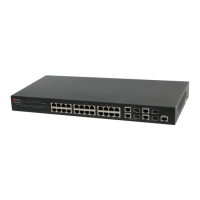
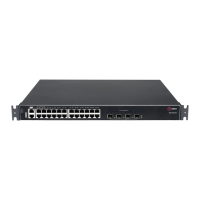
1.2. QSW-4700-28TX
1.2.1. Specifications
• SFP+ Port:
• SFP Modules and SFP BIDI Modules
• SFP+ Modules, SFP+ Cables and SFP+ BIDI Modules.
• See Chapter 7 for details.
Note:
The module types may update without prior notification. Please
contact Qtech for details.


 To Next Page
 Loading...