EasyManua.ls Logo

Qtx QX12A - User Manual

Qtx QX12A
4 pages
Print Icon
To Next Page IconTo Next Page
Loading...
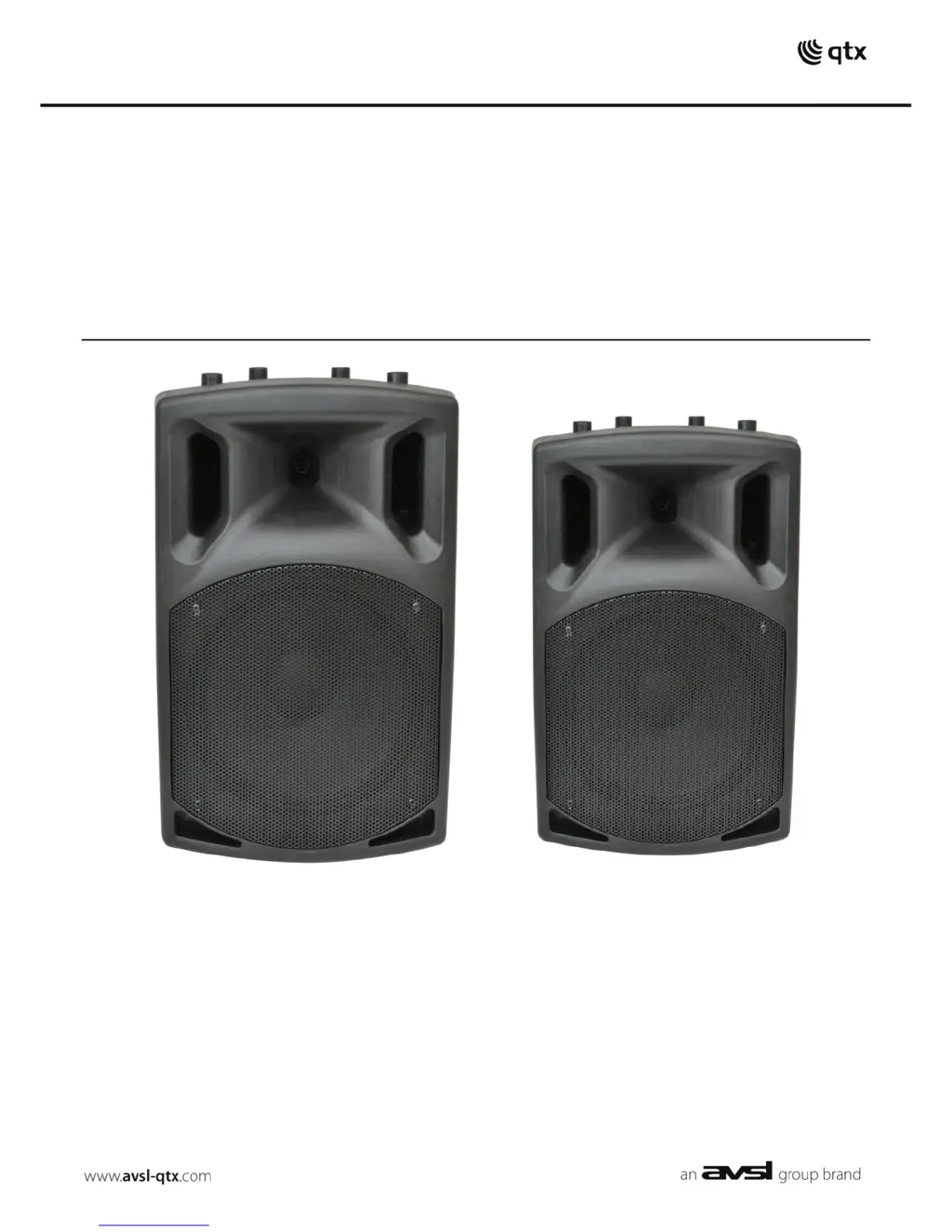
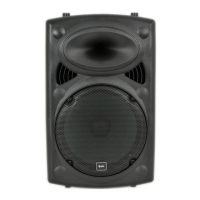
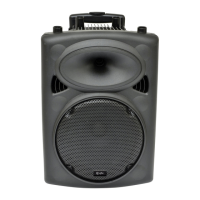
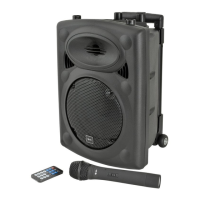
QX12A, QX15A
Active Speaker Cabinets
Order ref: QX12A (178.755UK)
QX15A (178.758UK)
User Manual

Questions and Answers

  • R
    Robert WhiteAug 8, 2025
    How to troubleshoot Qtx QX12A Speakers with no output and no LEDs lit?
    • R
      Robert MaciasAug 8, 2025
      If your Qtx Speakers have no output and the LEDs are not lit, first, ensure that the POWER switch is turned on. Next, check that the mains lead is properly connected. Finally, verify that the mains fuse hasn’t blown.
  • J
    Joanna HarperAug 25, 2025
    What to do if Qtx QX12A Speakers power LED is on but there is no sound?
    • C
      Christopher SalazarAug 25, 2025
      If the power LED is lit but you're not getting any sound from external inputs on your Qtx Speakers, make sure the connecting leads are working correctly and properly connected. Also, verify that the volume and on/off switch on the external microphone or line source are correctly set. Finally, ensure that the VOLUME controls on the Qtx Speakers are not turned all the way down.

Summary

Introduction and Package Contents

Introduction

Welcome message and overview of the QXA series active speaker cabinet's design and purpose.

Package Contents

Details what items should be included in the product package upon receipt.

Safety and Usage Guidelines

General Warnings

Crucial safety advice to prevent hazards like electric shock and to maintain warranty validity.

Safety Precautions

Ensuring correct voltage and mains lead condition before connecting the unit.

Placement Recommendations

Guidance on the optimal placement of the unit to avoid damage and ensure proper function.

Cleaning Instructions

Proper methods for cleaning the speaker cabinet and controls to avoid damage.

Rear Panel and Connectivity

Rear Panel Components

Detailed identification and function of all connectors and controls on the rear panel.

Setup and Operation Procedures

Initial Setup and Connection

Steps for connecting power, inputs, and setting initial operational parameters.

Gain and Volume Adjustment

Procedure for setting input gain levels and master volume for optimal sound output.

EQ, Echo, and Output Configuration

Using tone controls, echo effect, and output connections for sound shaping and linking.

Feedback and Power Down

Tips for avoiding feedback and the correct procedure for powering down the unit.

Specifications and Troubleshooting

Technical Specifications

Key technical data for QX12A and QX15A models, including power, dimensions, and frequency response.

Troubleshooting Common Issues

Guidance on diagnosing and resolving common operational problems like no output or no LEDs.

Qtx QX12A Specifications

General IconGeneral
TypeActive PA speaker
Frequency Response50Hz - 18kHz
Impedance8 Ohms
Sensitivity96dB
Woofer Size12 inch
OutputsXLR
Enclosure TypeBass-reflex
Input ConnectorsXLR, 6.3mm jack

Related product manuals