EasyManua.ls Logo

Qtx QR12PA - User Manual

Qtx QR12PA
8 pages
Print Icon
To Next Page IconTo Next Page
Loading...
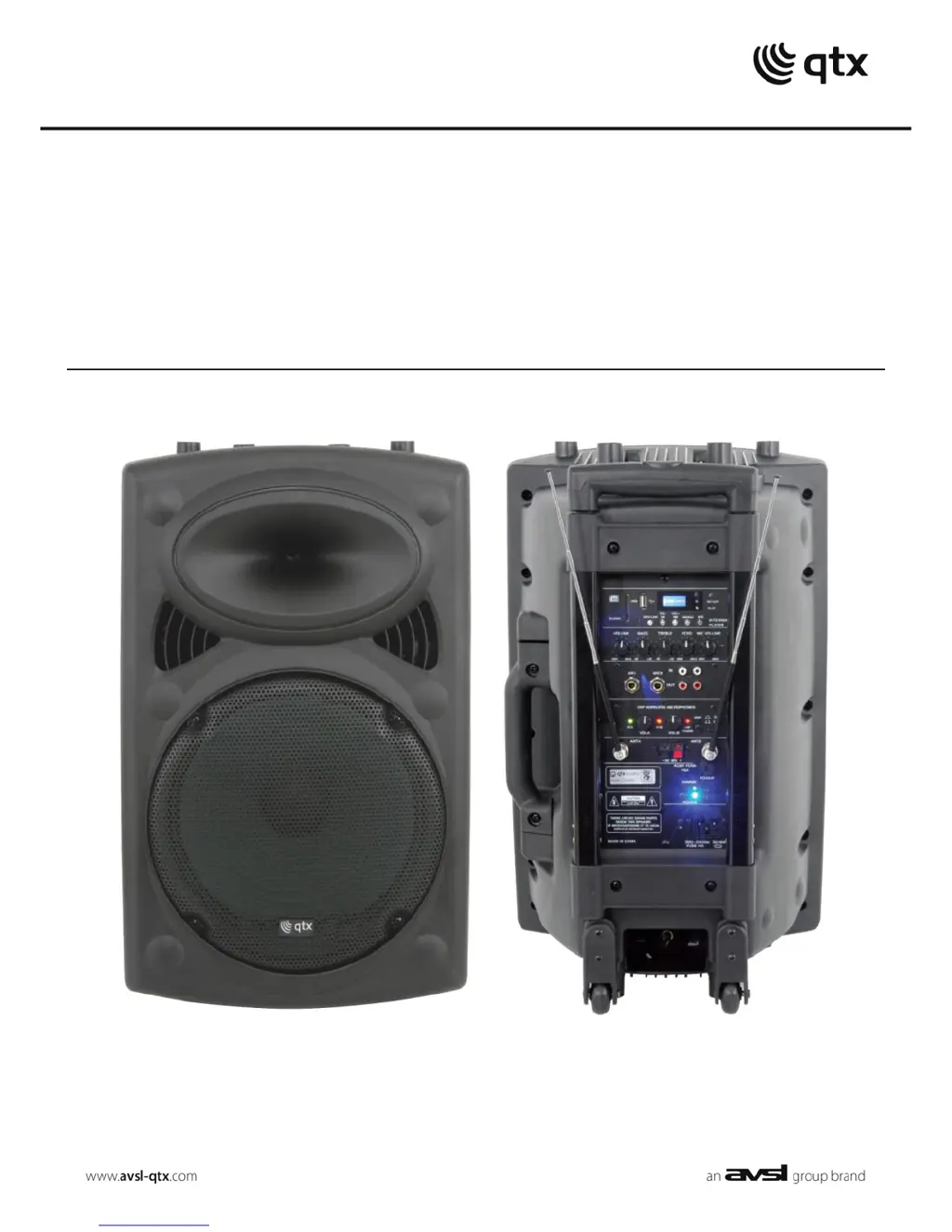
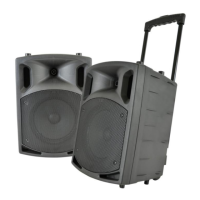
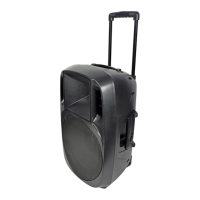
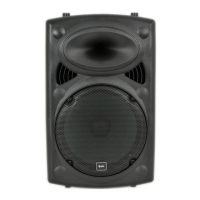
QRPA
Portable PA Units
Order ref: QR12PA (178.843)
QR15PA (178.846)
User Manual
VERSION 4.

Questions and Answers

  • J
    Jodi ColeAug 16, 2025
    What to do if power LED is lit but there is no USB/SD player output on my Qtx QR12PA Speakers?
    • M
      Mrs. Julie Gutierrez DDSAug 16, 2025
      If your Qtx Speakers have power LED lit, but there is no USB/SD player output, verify that the USB or SD has correct audio files and is connected properly. Try pressing the MP3/LINE button and then the >II button. Also, ensure that the VOLUME is not turned down. Press and hold the “VOL +” button. Finally, check the LCD display to see moving numbers.
  • L
    Lisa WilliamsAug 19, 2025
    What to do if power LED lit but no sound from external inputs on Qtx QR12PA Speakers?
    • J
      James ConleyAug 19, 2025
      If your Qtx Speakers have power LED lit, but you're not getting any sound from external inputs, first, check that the leads are OK and properly connected. Next, check the volume and on/off switch on the external mic or line source. Make sure the VOLUME or MIC VOLUME control is not fully down. Finally, check if "LINE IN" is displayed on the LCD for AUX input by pressing MP3/LINE.
  • L
    Luke PerkinsAug 22, 2025
    How to troubleshoot no output and no LEDs lit on Qtx QR12PA Speakers?
    • A
      Angela MitchellAug 22, 2025
      If your Qtx Speakers have no output and no LEDs are lit, check that the POWER switch is on, the battery is not fully drained, the mains lead is connected, and the mains or D.C. fuse hasn’t blown.
  • F
    fdouglasAug 26, 2025
    What to do if power LED is lit but no VHF output on Qtx QR12PA Speakers?
    • C
      christina52Aug 26, 2025
      If the power LED is lit on your Qtx Speakers, but there is no VHF output, you should check the 9V batteries in the wireless transmitters and ensure that the wireless transmitters are switched on. Also, verify that the VHF POWER is switched on and the MIC VOLUME is not turned down. Finally, check the RF A and RF B LEDs for a radio signal.
  • M
    Michelle StricklandAug 28, 2025
    Why is the music level off or cutting out on my Qtx QR12PA?
    • F
      fernandezkennethAug 28, 2025
      If the music level is off or cutting out on your Qtx Speakers, check that VCV is not switched on, as it will mute the music upon microphone signal.
  • M
    Michael PriceAug 31, 2025
    What to do if Qtx Speakers have no output and no LEDs are lit?
    • J
      Joseph MillerAug 31, 2025
      If your Qtx Speakers have no output and the LEDs are not lit, ensure the POWER switch is turned on. Also, check that the battery is not completely drained and the mains lead is securely connected. Finally, verify that the mains or D.C. fuse hasn’t blown.
  • A
    Alison FisherSep 3, 2025
    What to do if Qtx QR12PA Speakers power LED is lit but there's no sound from external inputs?
    • E
      ejohnsonSep 3, 2025
      If the power LED is lit but you're not getting any sound from external inputs on your Qtx Speakers, first, check that the leads are working and properly connected. Then, make sure the volume and on/off switch on the external microphone or line source are correctly set. Also, confirm that the VOLUME or MIC VOLUME control isn't fully turned down. Finally, check if 'LINE IN' is displayed on the LCD for the AUX input by pressing the MP3/LINE button.
  • J
    Jacob SalazarSep 6, 2025
    What to do if Qtx Speakers power LED is lit but there's no USB/SD player output?
    • J
      John MasonSep 6, 2025
      If the power LED is lit, but there's no output from the USB/SD player on your Qtx Speakers, verify that the USB or SD card contains the correct audio files and is properly connected. Press the MP3/LINE button and try the >II button. Check that the VOLUME isn't turned down, and press and hold the “VOL +” button. Finally, check the LCD display to see moving numbers.
  • M
    mcarlsonSep 9, 2025
    Why does the music level keep cutting out on my Qtx QR12PA?
    • G
      gallegosjoshuaSep 9, 2025
      If the music level is off or keeps cutting out on your Qtx Speakers, check that VCV is not switched on, as it will mute the music upon receiving a microphone signal.
  • T
    Tracy GraySep 12, 2025
    What to do if Qtx QR12PA Speakers power LED is lit but there is no VHF output?
    • G
      Grant MillerSep 12, 2025
      If the power LED is lit but there's no VHF output from your Qtx Speakers, check the 9V batteries in the wireless transmitters and ensure the wireless transmitters are switched on. Also, verify that the VHF POWER is switched on and the MIC VOLUME is not turned down. Finally, check the RF A and RF B LEDs for a radio signal.

Summary

Introduction

QRPA portable PA units

Overview of the versatile portable PA unit and its features, suitable for various applications.

Package Contents

Lists the items included with the QRPA portable PA unit to ensure all parts are received.

Warning

Safety

Placement

Cleaning

Controls

Operation

Connection

Instructions for connecting the QR-series portable PA unit to mains or external DC supply.

Power Up

VHF Wireless Microphones

External Inputs

Internal USB;SD player

Charging the battery

Troubleshooting

Qtx QR12PA Specifications

General IconGeneral
BrandQtx
ModelQR12PA
CategorySpeakers
LanguageEnglish

Related product manuals