EasyManua.ls Logo

Qtx QR10PA - User Manual

Qtx QR10PA
9 pages
Print Icon
To Next Page IconTo Next Page
Loading...
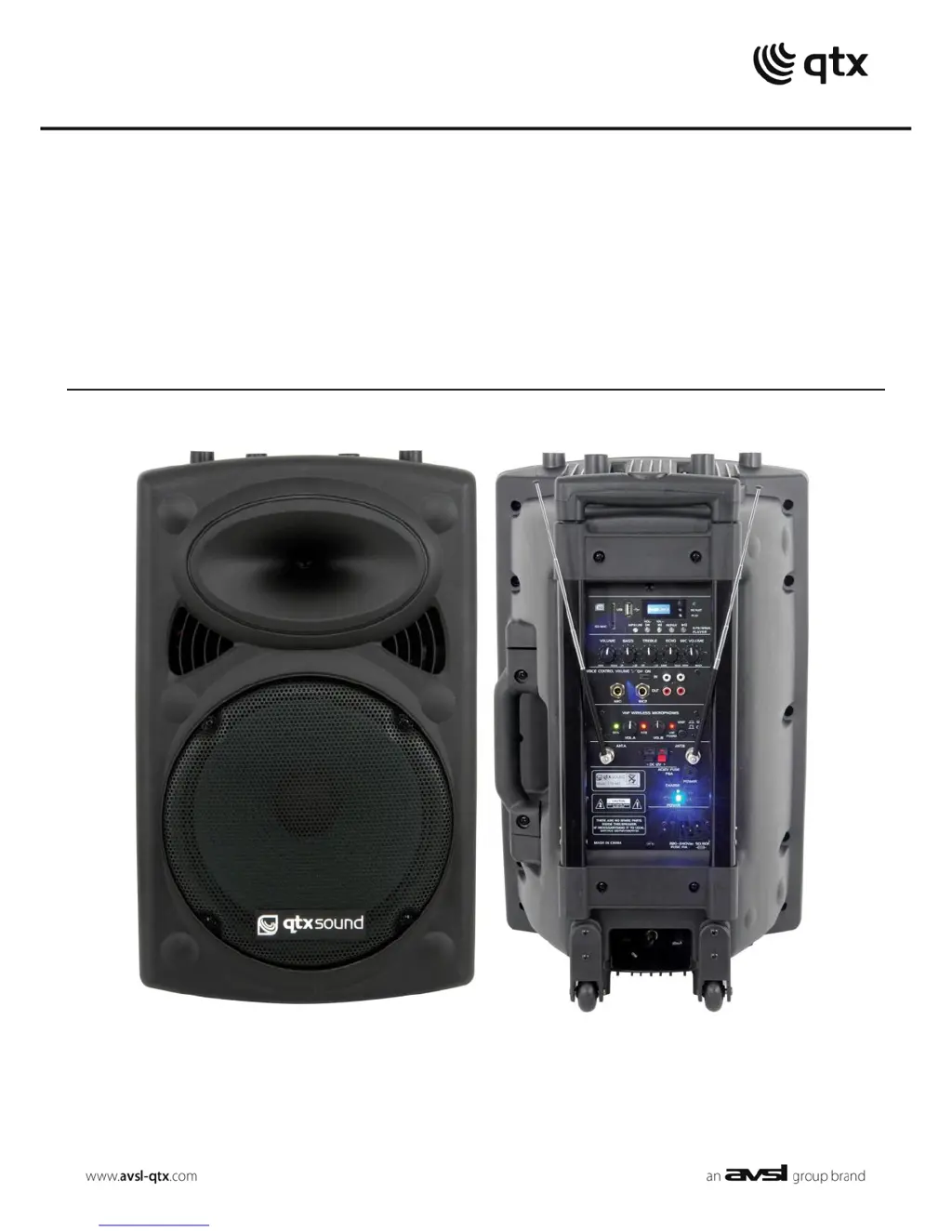
QRPA
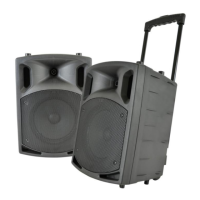
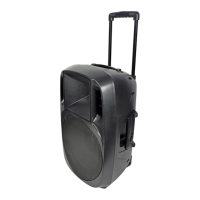
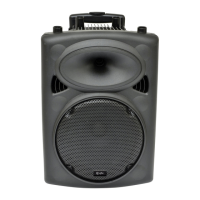
Portable PA Units
Order ref: QR10PA (178.840)
QR12PA (178.843)
QR15PA (178.846)
User Manual
VERSION 1.0

Other manuals for Qtx QR10PA

Questions and Answers

  • M
    Mikayla RamirezJul 30, 2025
    What to do if Qtx QR10PA Speakers power LED is lit but there is no media player output?
    • J
      Jacqueline MillsJul 31, 2025
      If your Qtx Speakers have power LED lit but no media player output, ensure that your USB or SD card contains compressed audio files and is correctly connected. Try pressing the MODE button, then Play/Pause. In FM tuner mode, make sure a station is tuned in. Also, verify that the VOLUME isn't turned down, and check the LCD display for moving numbers. If needed, press and hold the 'VOL +' button.
  • M
    Michael TerrellAug 4, 2025
    How to troubleshoot Qtx QR10PA with no output and no LEDs lit?
    • T
      Tony HebertAug 5, 2025
      If your Qtx Speakers have no output and no LEDs are lit, first, check that the POWER switch is on. Next, ensure the battery is not fully drained. If not running on battery, verify the 12Vdc adapter is connected. Finally, check if the internal fuse has blown.
  • D
    Douglas HolmesAug 9, 2025
    Why Qtx Speakers power LED is lit but there is no VHF output?
    • A
      Arthur WarnerAug 9, 2025
      If your Qtx Speakers power LED is lit but there's no VHF output, check the 9V batteries in the beltpack transmitter and ensure the beltpack transmitter is fully switched on and not muted. Also, make sure the volume is turned up on the beltpack transmitter. Verify that the VHF POWER is switched on and the MIC VOLUME on the QR10PA is not turned down. Finally, check if the RF LED is lit; if not, check the transmitter frequency.
  • J
    jasonsmithAug 14, 2025
    What to do if Qtx QR10PA power LED is lit but there is no sound from external inputs?
    • I
      Ian SextonAug 15, 2025
      If your Qtx Speakers have power LED lit but no sound from external inputs, check that the leads are OK and properly connected. Ensure the volume and on/off switch on the external mic or line source are correctly set. Verify the VOLUME or MIC VOLUME control is not fully down. In AUX mode, press Play/Pause to ensure the input is not muted.
  • W
    William SmithAug 20, 2025
    Why does the music level keep cutting out on my Qtx QR10PA Speakers?
    • D
      Darryl ChavezAug 20, 2025
      If the music level is off or keeps cutting out on your Qtx Speakers, check that VCV is not switched on, as it will mute the audio upon receiving a microphone signal.
  • K
    Kristen DavisAug 25, 2025
    What to do if Qtx Speakers power LED is lit but there is no VHF output?
    • H
      heather21Aug 26, 2025
      If the power LED is lit but there is no VHF output from your Qtx Speakers, try the following: * Check the AA batteries in the beltpack transmitter. * Ensure the beltpack transmitter is fully switched on and not muted. * Make sure the volume is turned up on the beltpack transmitter. * Check that the VHF POWER is switched on. * Check that the MIC VOLUME is not turned down on the QR10PA. * Check if the RF LED is lit (if not, check the transmitter frequency).

Summary

Warnings and Safety

General Warnings

Essential precautions to prevent fire or electric shock.

Safety Precautions

Guidelines for safe operation and connection.

Placement Guidelines

Recommended positioning for optimal use and storage.

Cleaning Instructions

Methods for safely cleaning the unit.

Controls and Operation

Control Panel Overview

Identification and function of all controls on the unit.

Connection

Steps for connecting the PA unit to power sources.

Power Up and Microphones

Power Up Procedure

Steps to safely turn on and prepare the PA unit for operation.

VHF Wireless Microphones

Setup and operation of the included wireless microphones.

Input Sources

External Inputs

Connecting external audio sources like wired mics and AUX.

Internal USB;SD Player

Using the built-in media player with USB/SD devices.

Battery Management

Charging the Battery

Instructions for recharging the internal battery.

Troubleshooting and Disposal

Troubleshooting Guide

Solutions for common operational issues and problems.

Disposal Instructions

Guidelines for environmentally responsible disposal.

Qtx QR10PA Specifications

General IconGeneral
TypePortable PA Speaker
Power Output (RMS)50W
Woofer Size10 inch
Weight11.4kg
Line outputRCA
Power Supply230Vac, 50Hz
HF driver1 inch
Wireless microphone frequencies174.1 MHz
ControlsVolume, Echo
InputsXLR, 1/4", 3.5mm, RCA
Tweeter Size1 inch
Sensitivity95 dB
Connectors6.3mm jack, RCA, 3.5mm jack

Related product manuals