EasyManua.ls Logo

Qtx PAV8-UHF - User Manual

Qtx PAV8-UHF
8 pages
Print Icon
To Next Page IconTo Next Page
Loading...
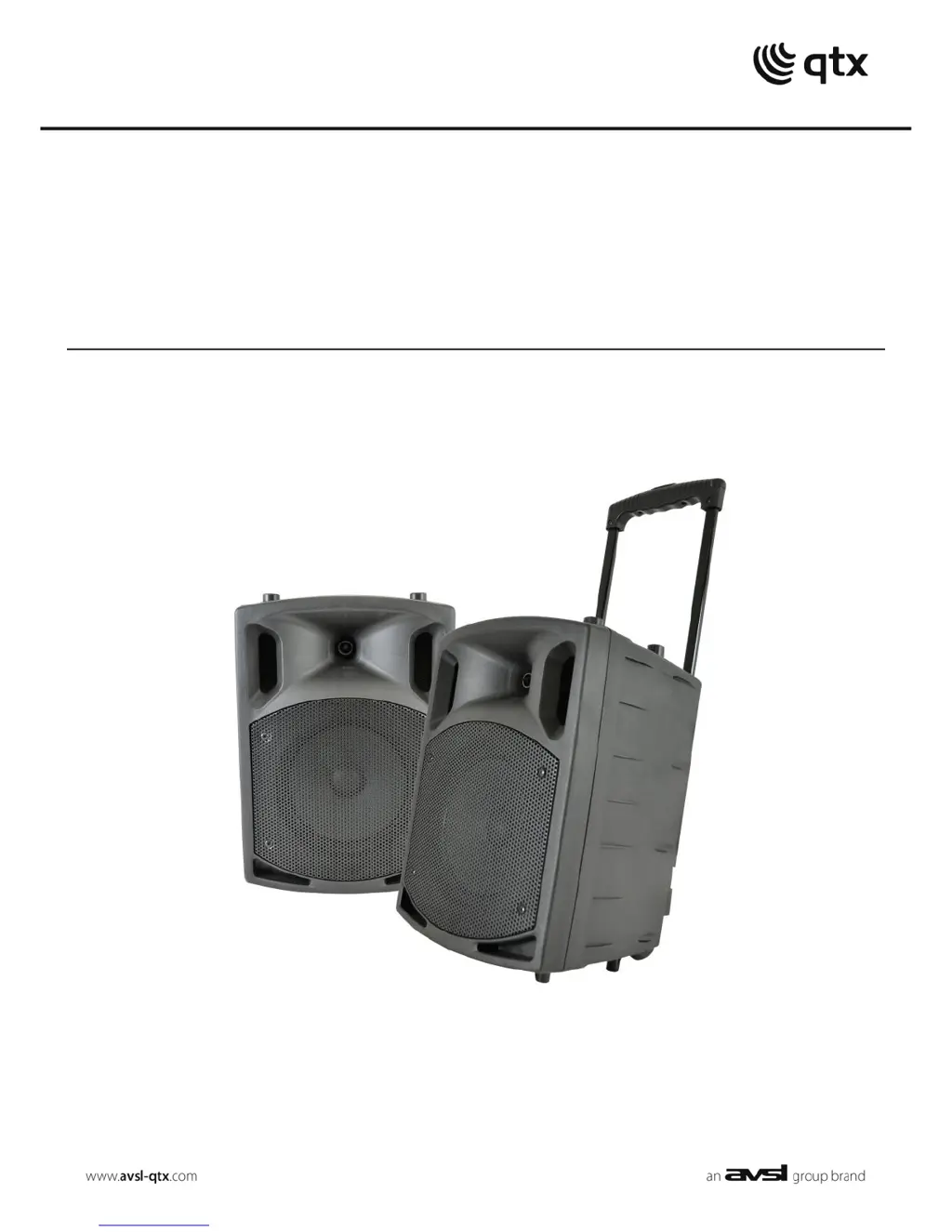
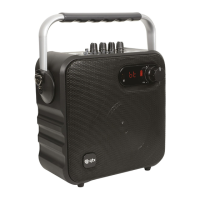
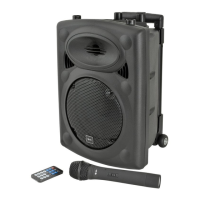
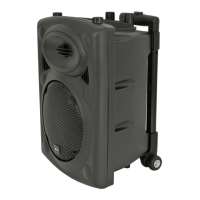
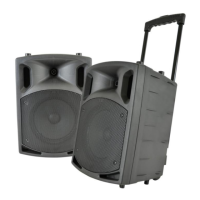
PAV8-UHF
Stereo Portable PA Set
Order ref: 178.859UK
User Manual
VERSION 1.0

Questions and Answers

  • Y
    Yolanda YoungAug 2, 2025
    What to do if Qtx PAV8-UHF power LED is lit but there's no media player output?
    • O
      oliviadelgadoAug 2, 2025
      If the power LED is lit but there's no media player output from your Qtx Speakers, verify that the disc is correctly inserted, using the eject button if needed. Confirm that the disc is the correct media type (DVD, CD, CD+G, mp3, mp5, audio). If using USB, ensure it contains standard compressed audio files. Also, check the volume setting on the remote control and the VOLUME control on the speaker itself to make sure they aren't turned down.
  • C
    Cheryl GarnerAug 8, 2025
    What to do if Qtx PAV8-UHF Speakers power LED is on but there is no UHF output?
    • A
      Alan AndersonAug 8, 2025
      If the power LED is lit but there's no UHF output from your Qtx Speakers, check the batteries in the wireless transmitters and ensure the wireless transmitters are switched on. Also, make sure the UHF VOLUME is not turned down and check the RF A and RF B LEDs for a radio signal.
  • S
    Shawn BakerAug 14, 2025
    What to do if Qtx PAV8-UHF power LED is lit but there is no sound from external inputs?
    • L
      Lisa BarrettAug 14, 2025
      If the power LED is lit but there is no sound from external inputs on your Qtx Speakers, verify that the leads are in good condition and properly connected. Ensure that neither the VOLUME nor the MIC VOLUME control is turned completely down.
  • E
    Eric PetersAug 20, 2025
    How to troubleshoot Qtx Speakers with no output and no LEDs lit?
    • S
      Steven DunnAug 20, 2025
      If your Qtx Speakers have no output and no LEDs are lit, check that the POWER switch is turned on. Verify that the battery is not completely drained. If the battery is low, ensure the mains adapter is connected and functioning correctly.
  • B
    Brittany MooreAug 27, 2025
    Why is the music level cutting out on my Qtx Speakers?
    • W
      williamstiffanyAug 27, 2025
      The music level might be cutting out on your Qtx Speakers because the VCV is switched on. This feature mutes the music when a microphone signal is detected, so ensure that VCV is disabled if you want continuous music playback.

Summary

Introduction

Package Contents

Warning and Safety

General Product Warning

Warning about user-serviceable parts, warranty, and fire/electric shock prevention.

Safety Labelling Conventions

Explains safety symbols for electric shock and accompanying literature.

Placement and Cleaning

Unit Placement Guidelines

Instructions for positioning the unit away from sunlight, heat, and moisture.

Cleaning Instructions

Guidance on using a soft cloth with neutral detergent, avoiding solvents.

Main Unit Rear Panel Overview

Rear Panel Ports and Connectivity

USB, SD/MMC, CD/DVD slots; DC input, Aux, Line, Speaker outputs.

Rear Panel Controls

Controls for Volume, Bass EQ, Treble EQ, Echo, VCV, UHF mic volumes, Contour.

Rear Panel Inputs

6.3mm inputs for wired microphones/guitar, RCA line input.

Rear Panel Status Indicators

Power switch, battery status LEDs, power status LEDs.

Portability

Setting Up

Charging and Powering Up

UHF Wireless Microphones

Microphone Operation and External Inputs

UHF Microphone Volume and Tone

Adjusting UHF mic volume, contour tone shaping, and echo.

VCV Muting Function

Feature to automatically mute music when speaking into a microphone.

External Inputs and EQ

Connecting mics, guitars, aux devices; adjusting Bass and Treble EQ.

Line Output

RCA output for connecting to other speakers or PA units.

Media Player Functions

Disc Player Mode

Playing audio CDs and video DVDs via the disc slot.

USB;SD;MMC Mode

Playing compressed audio from USB drives or SD/MMC cards.

Media Player Transport Controls

Controls for playback: Mode, Open/Close, Next/Prev, Mute, Play/Pause.

Bluetooth Receiver

Remote Control Functions

Remote Control Playback and Source

Controls for track selection, playback, source switching.

Remote Control Volume and Mute

Adjusting output volume and muting the audio.

Remote Control Display Navigation

Buttons for navigating on-screen displays and numerical selection.

Specifications

Troubleshooting

No Output or LEDs

Checks for power, battery, and adaptor connection issues.

No UHF Output

Verifies transmitter battery, power, and UHF volume settings.

Music Level Cutting Out

Checks VCV setting and disc insertion for playback interruptions.

No Media Player Output

Verifies correct media type and compressed audio file format.

No Sound from External Inputs

Checks lead connections and volume levels for external inputs.

Qtx PAV8-UHF Specifications

General IconGeneral
Power Output50W
Weight5.8kg
AmplifierClass D
Battery lifeUp to 8 hours
TypePortable PA Speaker
Speaker Size8 inch
ConnectivityBluetooth, USB, SD
Woofer8 inch
Tweeter1 inch
Power supply220-240Vac, 50/60Hz / 12Vdc internal battery

Related product manuals