EasyManua.ls Logo

Qtx QX15PA Plus - User Manual

Qtx QX15PA Plus
8 pages
Print Icon
To Next Page IconTo Next Page
Loading...
QXPA-PLUS
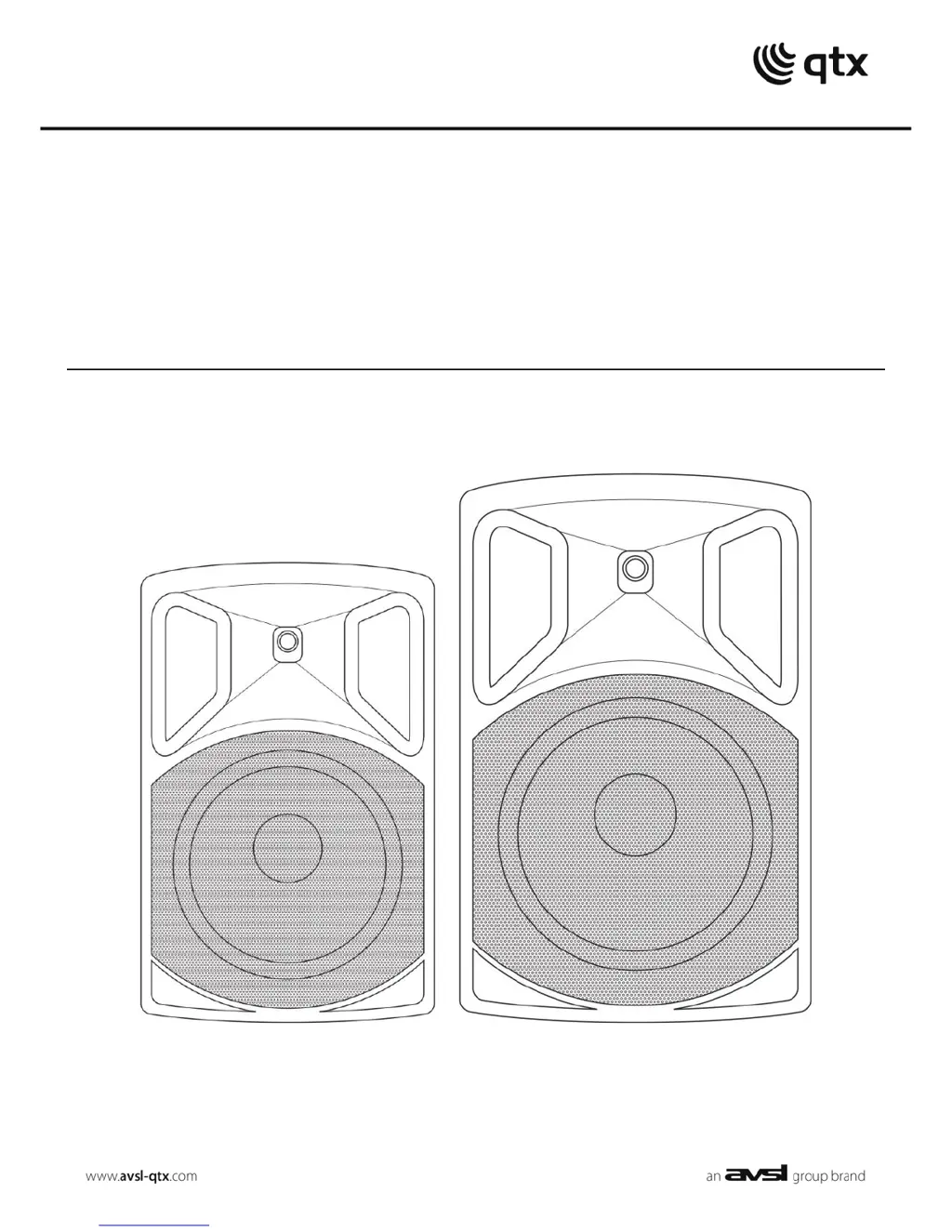
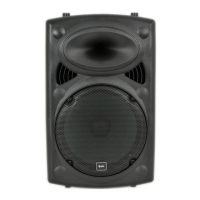
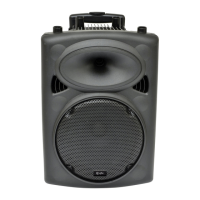
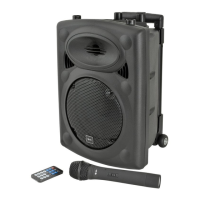
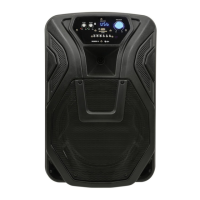
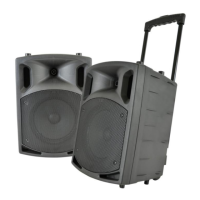
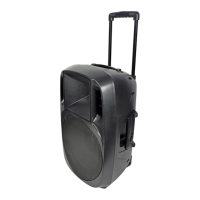
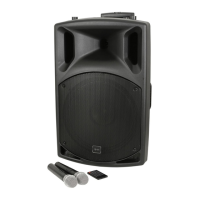
Portable PA Units with Bluetooth® and UHF
Order ref: QX12PA+ (178.854UK)
QX15PA+ (178.857UK)
User Manual
VERSION 1.1

Questions and Answers

  • J
    jacksonashleyAug 3, 2025
    What to do if Qtx QX15PA Plus Speakers power LED is lit but there is no sound from external inputs?
    • J
      James ThompsonAug 3, 2025
      If the power LED is lit but there is no sound from external inputs on your Qtx Speakers, first check that the leads are in good condition and properly connected. Then, check the volume and on/off switch on the external microphone or line source. Finally, ensure that neither the main VOLUME nor the MIC VOLUME control is turned all the way down.
  • S
    Samantha WillisAug 8, 2025
    What to do if the music level is off or cutting out on Qtx Speakers?
    • K
      Kathleen BlankenshipAug 9, 2025
      If the music level is off or cutting out on your Qtx Speakers, check that the Talk Over function is not switched on, as this feature mutes the music when a microphone signal is detected.
  • A
    Andrea HernandezAug 14, 2025
    What to do if the power LED is lit but there is no USB/SD player output on my Qtx Speakers?
    • Z
      zgarciaAug 14, 2025
      If the power LED is on but there's no output from the USB/SD player on your Qtx Speakers, ensure that the USB or SD card contains mp3 or wma audio files and is properly inserted. Try pressing the MODE button followed by the Play/Pause button. Also, verify that the main VOLUME control is not turned down. If there is no display, press the power on/standby button on the remote control. Press and hold the “VOL +” button on the remote control. Check the LCD display to see if the numbers are moving.
  • C
    Christina RichardsonAug 20, 2025
    How to fix Qtx Speakers with no output and no LEDs lit?
    • J
      John FrederickAug 20, 2025
      If your Qtx Speakers have no output and no LEDs are lit, check that the POWER switch is on. Also, ensure the battery is not fully drained and that the mains lead is properly connected. Verify that the mains or D.C. fuse hasn’t blown.
  • D
    Donna StuartAug 27, 2025
    Why is there no UHF output from my Qtx QX15PA Plus when the power LED is lit?
    • D
      dawnphamAug 27, 2025
      If the power LED is lit but there is no UHF output from your Qtx Speakers, check the AA batteries in the wireless transmitters and ensure that the wireless transmitters are switched on. Verify that the UHF POWER is switched on by turning the volume controls up. Also, check the RF A and RF B LEDs for an RF carrier signal.

Summary

Product Introduction

QXPA-Plus Unit Features

Details the features and applications of the QXPA-plus portable PA unit.

Package Contents Verification

Lists all items included in the product package for verification.

Important Safety Information

Safety Labeling Conventions

Explains safety symbols and their meanings regarding electrical hazards.

Electrical Safety and Warnings

Provides critical warnings about preventing electric shock and fire hazards.

Unit Placement and Cleaning Guide

Guidelines for safe placement and proper cleaning of the unit.

Controls and Connectivity

Control Panel Overview

Identifies and explains the function of each control on the unit's panel.

Connecting to Power and Inputs

Instructions on how to connect the QXPA-plus unit to power sources.

Internal Battery Charging

Details the process for charging the internal battery of the unit.

Unit Operation and Inputs

Powering Up the Unit Safely

Steps to safely power on and prepare the QXPA-plus unit for use.

UHF Wireless Microphone Setup

Guide to installing and operating the included UHF wireless microphones.

Connecting External Devices

Information on connecting external microphones and instruments via jack inputs.

Internal Media Player Functions

Media Player Interface

Overview of media player buttons for playback and mode selection.

FM Tuner Operation

Instructions for tuning and using the FM radio functionality.

USB and SD Card Playback

Details on playing music files from USB drives and SD cards.

Wireless and Remote Control

Bluetooth Wireless Connection

Steps to connect and use Bluetooth for wireless audio playback.

Remote Control Operation

Guide to operating the media player using the infrared remote control.

Specifications and Troubleshooting

Technical Product Specifications

Lists detailed technical specifications for both QX12PA+ and QX15PA+ models.

Troubleshooting Common Issues

Provides solutions for common problems encountered during operation.

Qtx QX15PA Plus Specifications

General IconGeneral
BrandQtx
ModelQX15PA Plus
CategorySpeakers
LanguageEnglish

Related product manuals