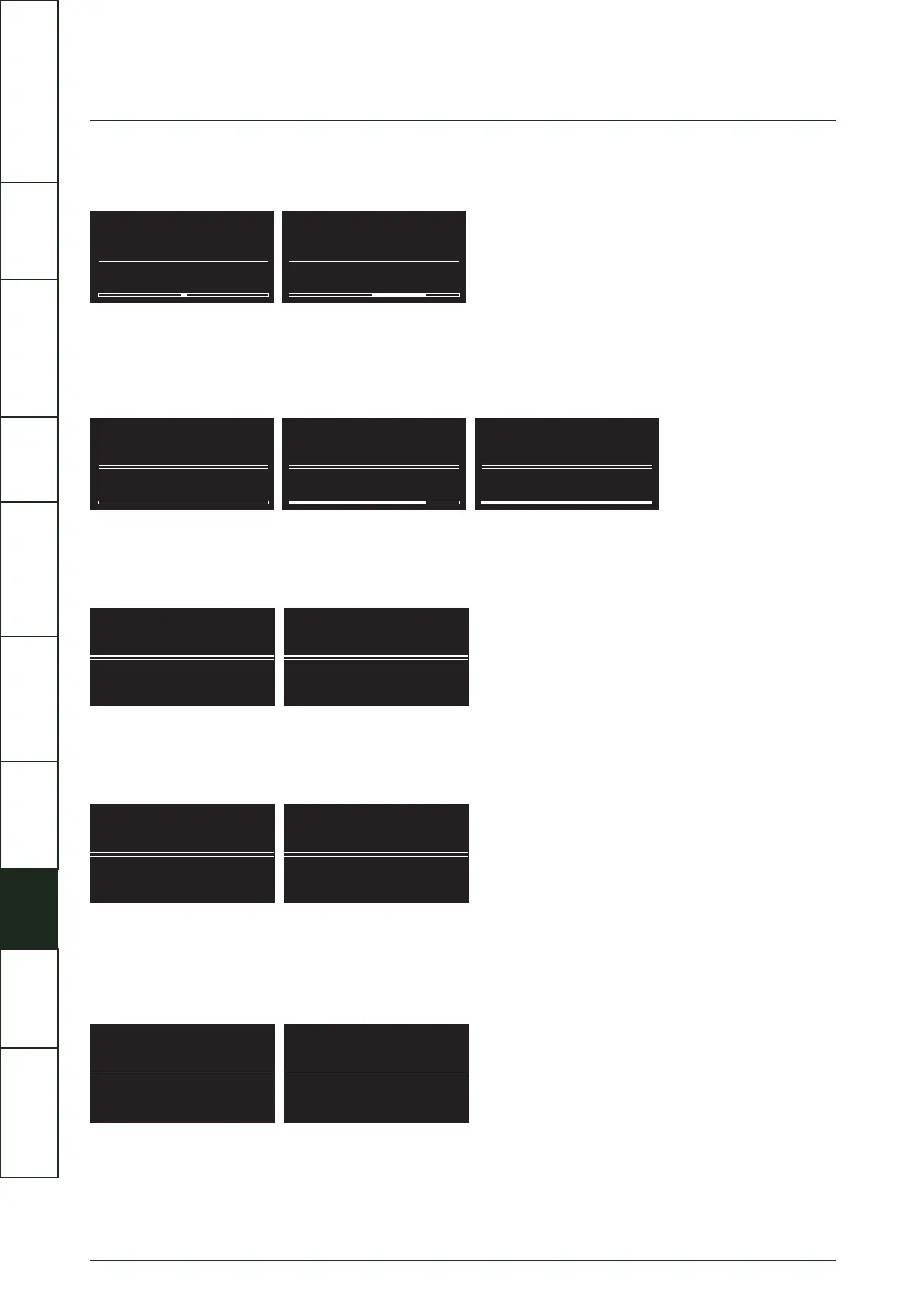
0.0dB
Balance
L R
Balance
1.5dB
Balance
L- +R
0
Volume Limit
80
Volume Limit
100
Volume Limit
13
XLR Direct XLR Direct
On Off
AvDir(AUX3) AvDir(AUX3)
On Off
Phono Phono
MM MC
Balance
The Left and Right channel balance can be adjusted up to 6dB in 0.5dB steps, from +3dB / -3 dB to -3dB / +3dB
Volume Limit
To limit the maximum output level of your amplifier and to protect your loudspeakers, you can set a maximum volume limit. The
limit can be set between 0 - 100 , the default value is 80.
XLR Direct
In XLR Direct mode the signal path is fully balanced and the input is connected directly to the 4 channel volume control and then
straight to the XLR output. This mode bypasses all other signal processing and EQ features will not be available.
AvDir (AUX3)
AV Bypass mode for AUX3 , the gain of the AUX3 audio path is set to fixed level output (0dB). This is for use with sources with build
in volume control such as AV processors.
Phono
The Artera PRE has a built-in low noise precision RIAA amplifier for use with turntables fitted with either MM or MC cartridges.
Select MM or MC to match your cartridge type; MM is the default setting. To avoid hum, the GND cable of your turntable tonearm
should be connected to Artera Pre’s GND terminal.
IMPORTANT
SAFETY INFORMATION
REMOTE
HANDSET
CONTROLS AND
FUNCTIONS
CONNECTIONS
SYSTEM
OPERATIONS
MENU
OPTIONS
SPECIFICATIONS CONTENTSINTRODUCTION
WARRANTY
COVERAGE



 To Next Page