Default Channel
Recall Last Input
Auto Standby Auto Standby
Never 20 Minutes
1 Hour
Auto Standby
14
Level1
Brightness Brightness
Level8
Reset
Factory Reset
Yes / NO
Factory Reset
Ver:0.31
Firmware
Default Channel
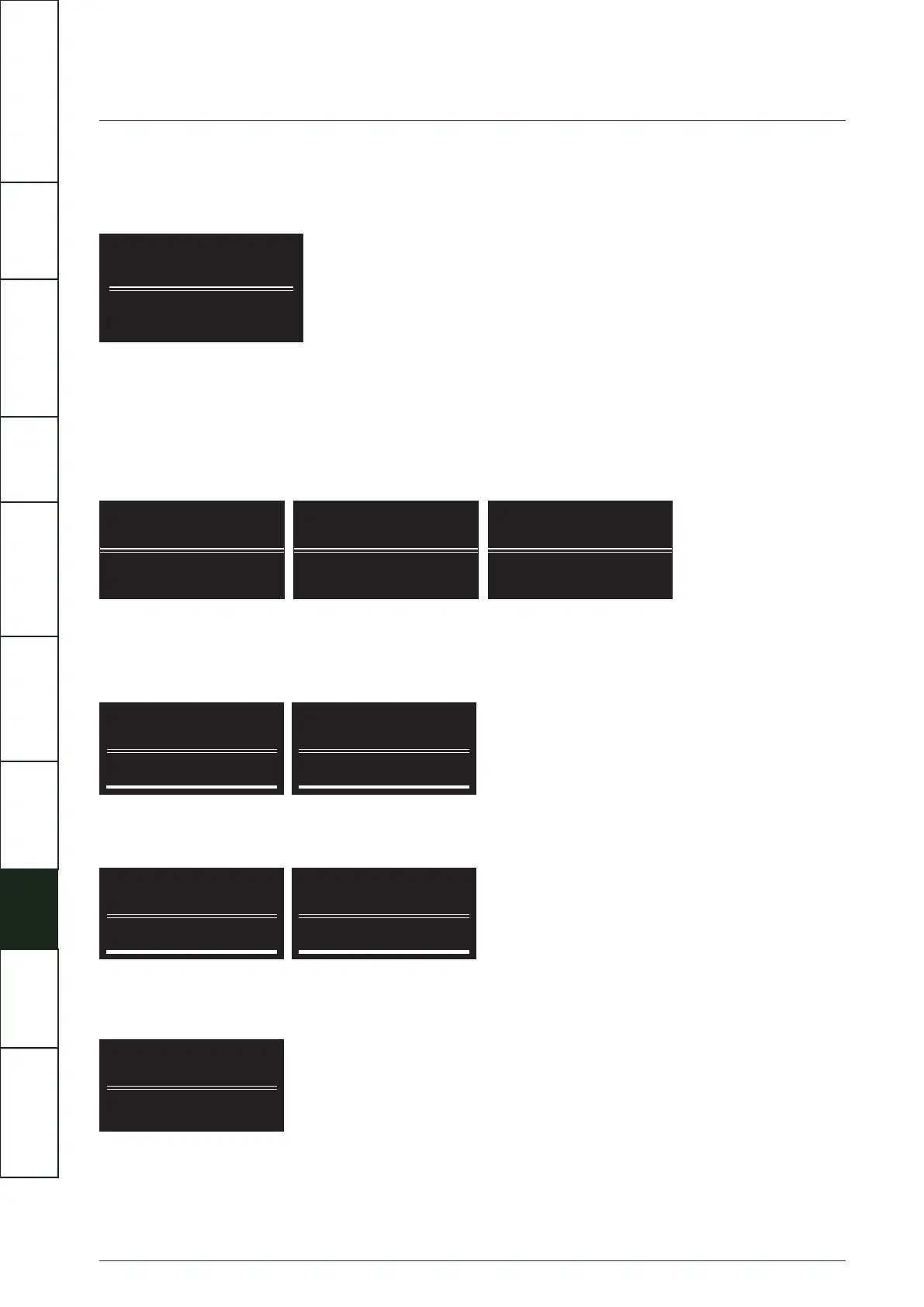
Artera Pre can default to your choice of input when switched on. Alternatively it can be set to “Recall Last Input”. The unit is set to
“Recall Last Input” by default.
Auto Standby
Artera Pre features three modes of Standby, all of which can be set through the menu settings.
Auto Standby Never: even if there is no signal input, the unit will not enter Standby automatically.
Auto Standby 20 Minutes:if there is no signal input for 20 minutes, the device will enter Standby automatically.
Auto Standby 1 Hour:if there is no signal input for 1 hour, the device will enter Standby automatically.
Brightness
The brightness of the display can be adjusted and has 8 levels. This feature can also be accessed directly using the display key on
the remote control - press and hold to access brightness levels, further presses will change the level.
Factory Reset
To restore the Artera Pre to its factory default settings, select Reset then Yes to confirm.
Firmware
The last menu option show the current firmware version of the Artera Pre.
IMPORTANT
SAFETY INFORMATION
REMOTE
HANDSET
CONTROLS AND
FUNCTIONS
CONNECTIONS
SYSTEM
OPERATIONS
MENU
OPTIONS
SPECIFICATIONS CONTENTSINTRODUCTION
WARRANTY
COVERAGE



 To Next Page