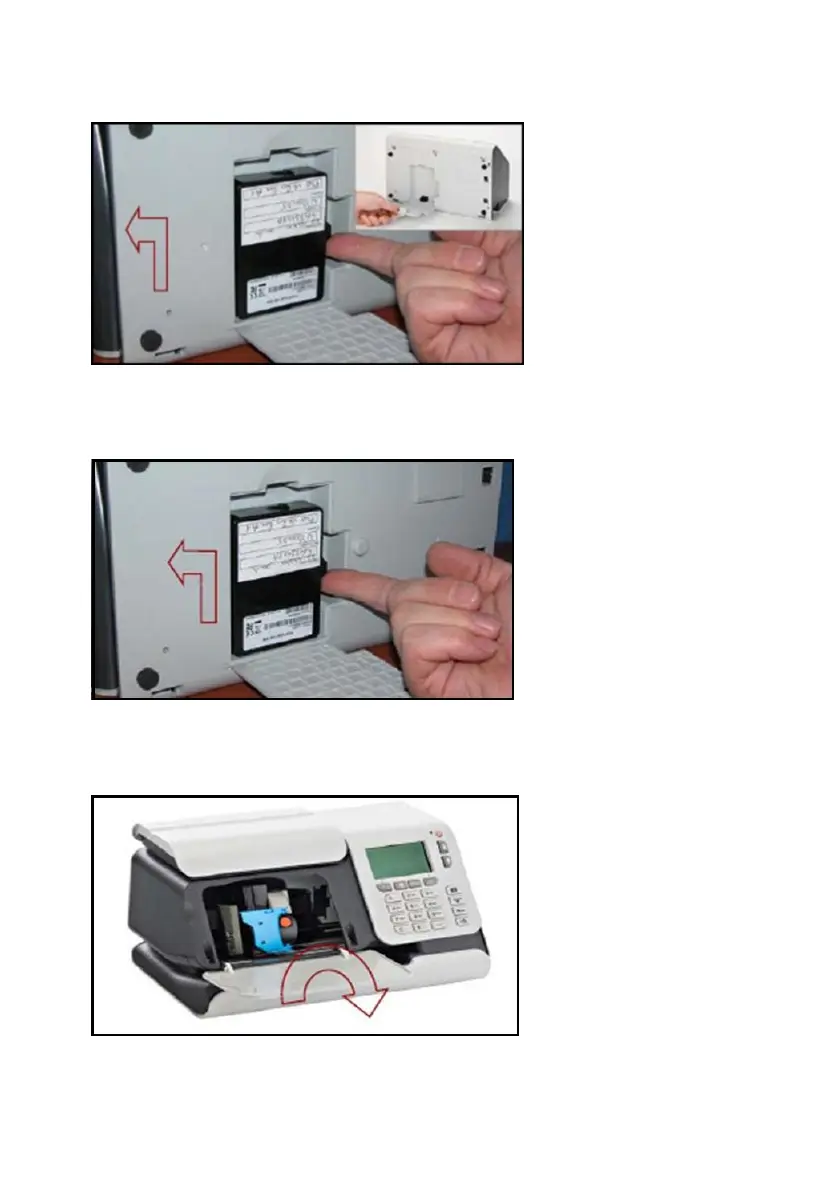
6. Carefully place the base unit onto its back. Open the cover as shown to locate the
meter
7. Remove the meter from the old base unit. Keep the meter in a safe place.The meter
will be refitted during the swap process.
Close the meter cover and place the faulty base to one side.
8. Remove the new base unit from the box. Open the front cover as shown in the diagram.
Remove the packing material. Then close the front cover.
Do not fit the ink cartridge at this stage.
1
3
| Page 3 | Jun-16-2015 01:33 | Swap mailing system base unit





 To Next Page