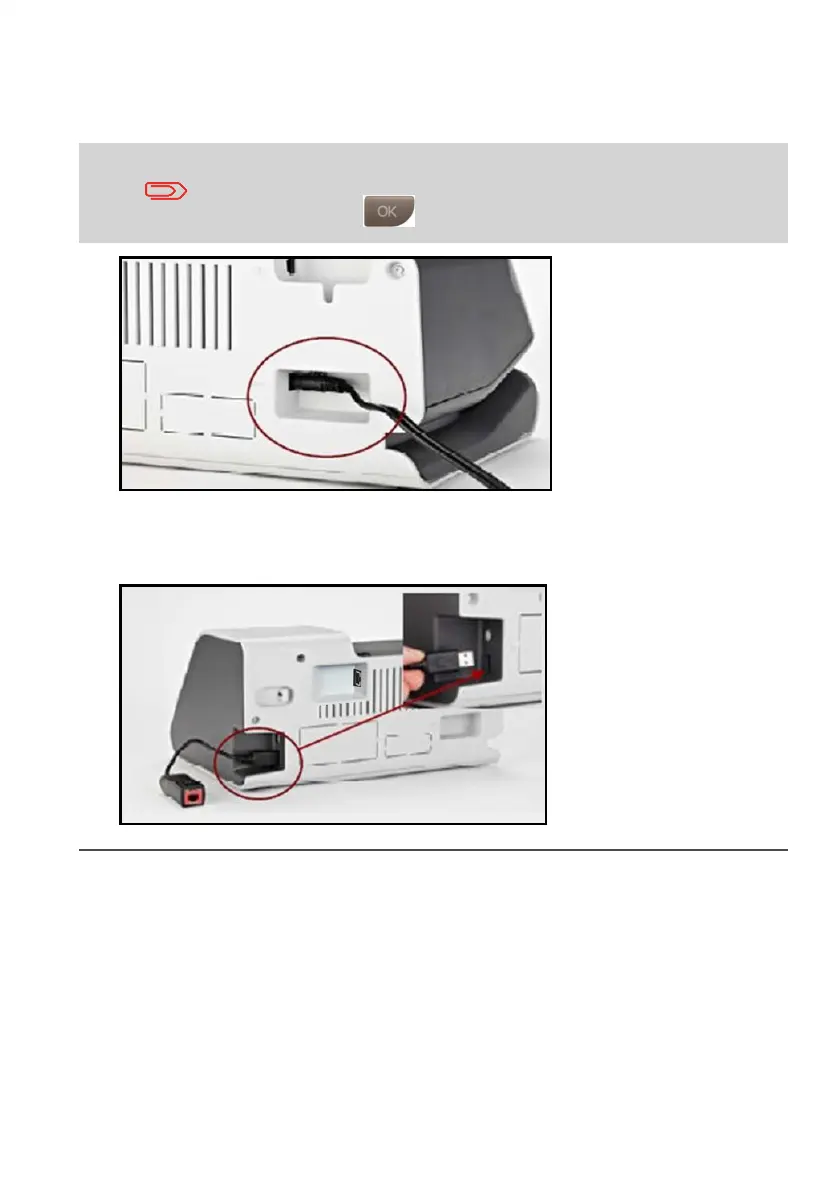
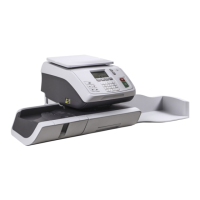
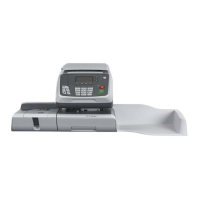
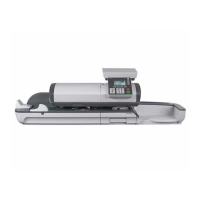
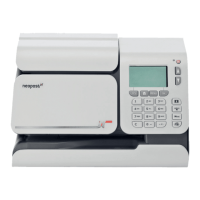
13. Connect the power adapter to the back of the new base as shown and then power
on.
Allow the unit to power up then follow the setup procedure below.
When the unit powers up a message with an error code may appear.
This is due to the base Looking for the ink cartridge.To skip this
screen Press:
If you use Telephone modem :
Reconnect the Telephone modem to the USB port as shown in the diagram.
Check that the Telephone cable is also connected to the correct socket on the wall.
6
| Page 6 | Jun-16-2015 01:33 | Swap mailing system base unit
1




 To Next Page