EasyManua.ls Logo

Quantum Data 701A - Using Test Sequences

Quantum Data 701A
25 pages
Print Icon
To Next Page IconTo Next Page
To Previous Page IconTo Previous Page
Loading...
13
Test Menu
Press the Test button to select special test operating modes.
Using Test Sequences
Running Test Sequence Manually
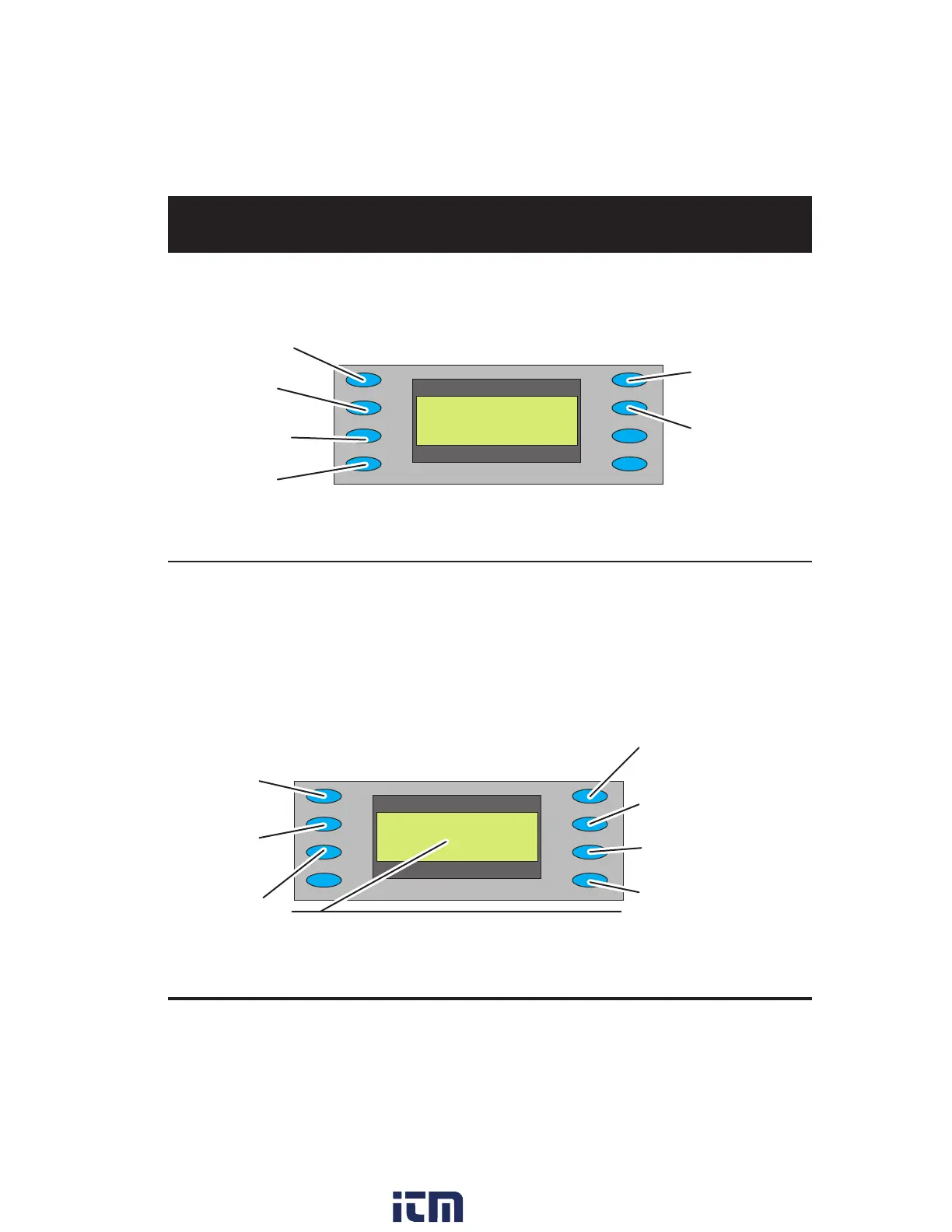
The generator includes a test sequence, which species a series of format and image combinations. To
run the test sequence, select Test > Sequence > Run, and then press the +/- buttons to step through the
sequence. Use the menu buttons to gate video color information, change sync types, and turn all signal
outputs on and off.
You can use VGM to modify the test sequence (see page 19).
 





















 
 
 
 


















w ww . . co m
information@itm.com1.800.561.8187

Related product manuals