EasyManua.ls Logo

Quantum Data 701A - Selecting Images; Gating Outputs

Quantum Data 701A
25 pages
Print Icon
To Next Page IconTo Next Page
To Previous Page IconTo Previous Page
Loading...
7
Selecting Images
Gating Outputs
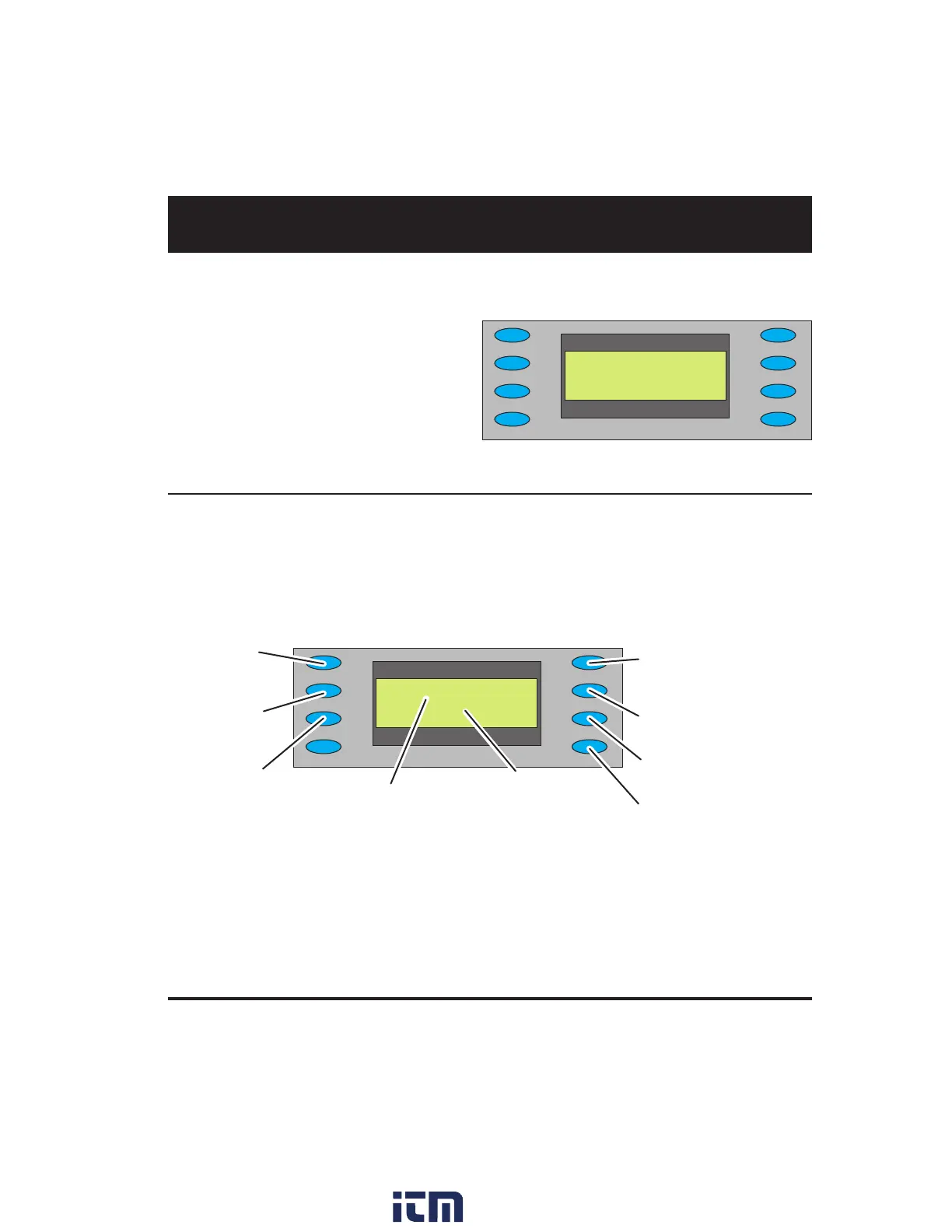
Press the Gating button to gate outputs, and to switch sync types.
Note: Color gating works for all images except Ramp.




Selecting Images
Press the Image button to select from list of available test images (patterns).
You cannot modify the images, or add your own
images.


























w ww . . co m
information@itm.com1.800.561.8187

Related product manuals