Chapter 9: Configuration
VTL Configuration
Quantum DXi4700 User’s Guide 227
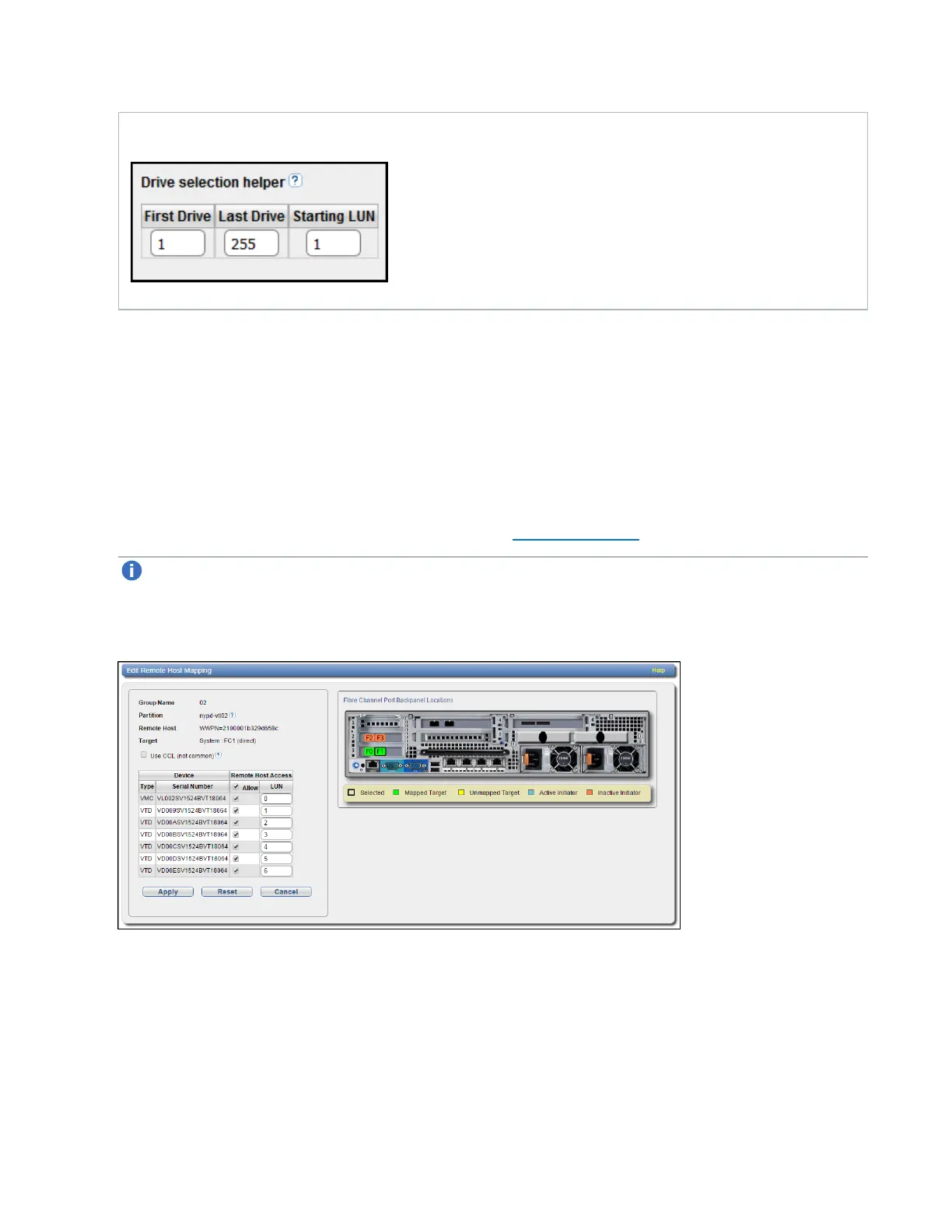
Figure 144: Drive Selection Help
5. Click Apply.
Editing a Remote Host Access Group
Edit a host access group to change the CCL setting. You can also add or remove virtual media changers or
tape drives.
To edit a host access group:
1. Select the group and click Edit.
The Edit Remote Host Mapping page displays (see Figure 145 below).
Note: If you are editing a host access group, you cannot change the Group Name, Partition,
Host, or Target.
Figure 145: Edit Remote Host Mapping Page
2. (Optional) Select the Use CCL check box to use the Command and Control LUN.








 To Next Page