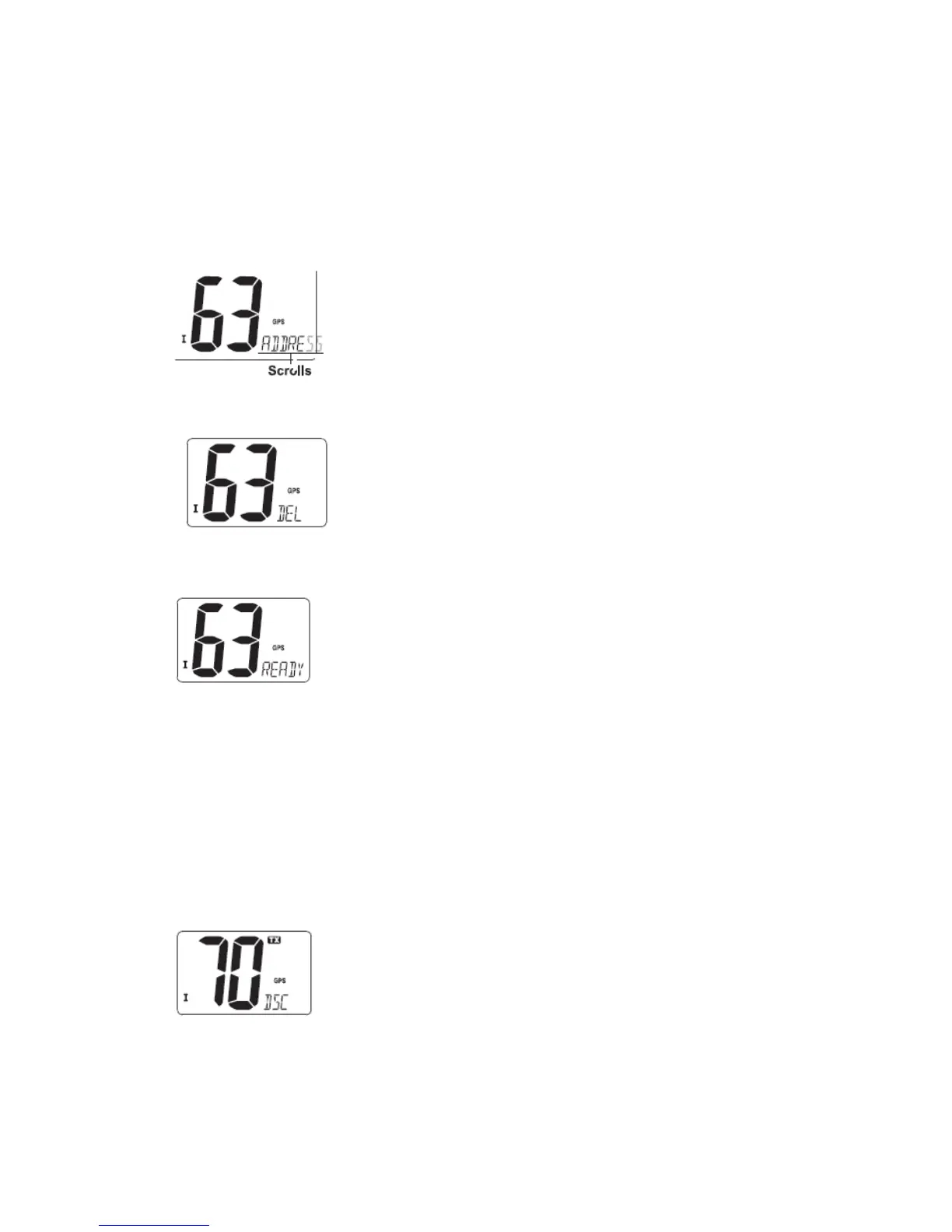
⑤ After inputting 9-digit ID, push [DSC] to input 5 characters ID name using [▲] or [▼].
·Push [16] or [CH/WX] to move the cursor forward or backward, respectively.
·Push [SCAN] to cancel and exit the condition.
⑥ Push [DSC] to program and exit the DSC menu.
◆ Deleting address ID
① Push [DSC] to enter the DSC menu.
② Push [▲] or [▼] to select “ADDRESS” and push [DSC].
④ Push [▲] or [▼] to select “DEL”, then push [DSC].
·When no address ID is programmed, “NO ID” is displayed.
④ Push [▲] or [▼] to select the desired ID name for deleting and push [DSC], “READY”
appears.
■ Distress call
A Distress call should be transmitted if, in the opinion of the master, the ship or a person is
in distress and requires immediate assistance.
Note: Never use the Distress call when your ship or a person is not in an emergency. A
Distress call can be used only when immediate help is needed.
◆ Transmitting a Distress call
① While opening the key cover, push [DISTRESS] for 5 sec. to transmit the Distress call.
·Emergency channel (Channel 70) is automatically selected and the Distress call is
transmitted.
② After transmitting the call, the transceiver waits for an acknowledgment call on
Channel 70.
·The Distress call is automatically transmitted about every 4 minutes.
·“DSC REPEAT” scrolls at the channel comment indicator.


 To Next Page