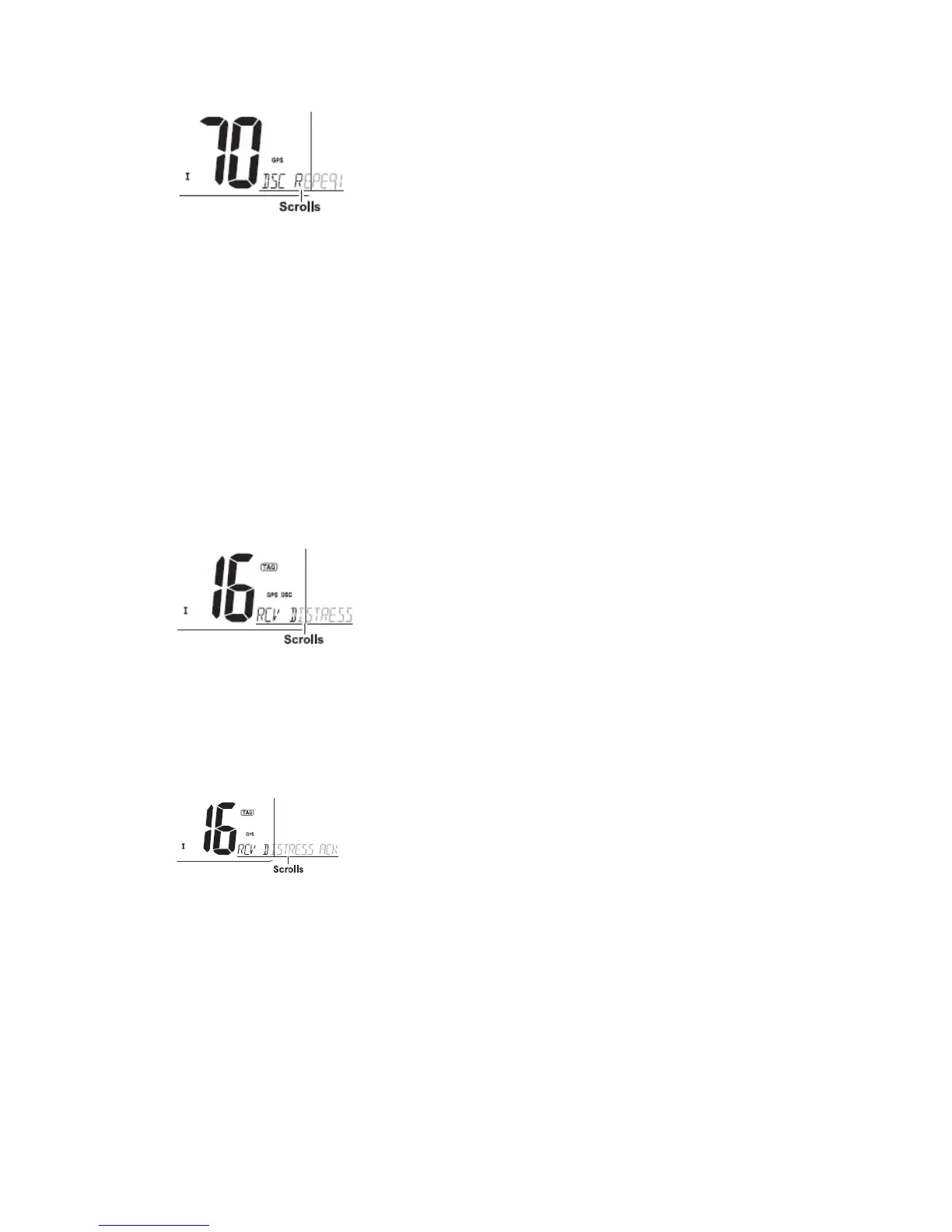
③ After receiving the acknowledgment, reply using the microphone.
·“RCV DISTRESS ACK” scrolls at the channel comment indicator.
④ Push and hold [DISTRESS] for 5 sec. to transmit a re-newed Distress call, if desired.
⑤ Push any key except [DISTRESS] to cancel the ‘call repeat’ mode.
Note: A distress alert contains:
·Kinds of distress: Undesignated distress
·Position data: GPS position data held until receiving an ‘acknowledgement’.
◆ Receiving a Distress call
While monitoring Channel 70 and a Distress call is received:
① The emergency alarm sounds.
·Push any key to stop the alarm.
② “DSC” appears and “RCV DISTRESS” scrolls at the channel comment indicator, then
Channel 16 is automatically selected.
③ Continue monitoring Channel 16 as a coast station may require assistance.
◆ Receiving a Distress acknowledgement
While monitoring Channel 70 and a Distress acknowledgement to other ship is received:
① The emergency alarm sounds.
·Push any key to stop the alarm.
② “DSC” appears and “RCV DISTRESS ACK” scrolls at the channel comment indicator,
then Channel 16 is automatically selected.
◆ Receiving a Distress Relay call
While monitoring Channel 70 and a Distress Relay acknowledgement is received:
① The emergency alarm sounds.
·Push any key to stop the alarm.
② “DSC” appears and “RCV RELAY” scrolls at the channel comment indicator, then
Channel 16 is automatically selected.


 To Next Page