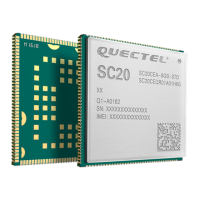
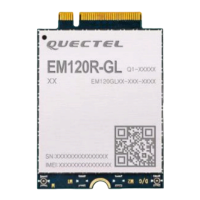
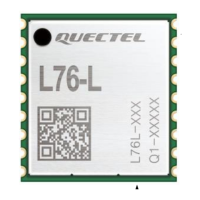
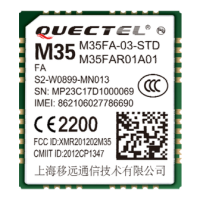
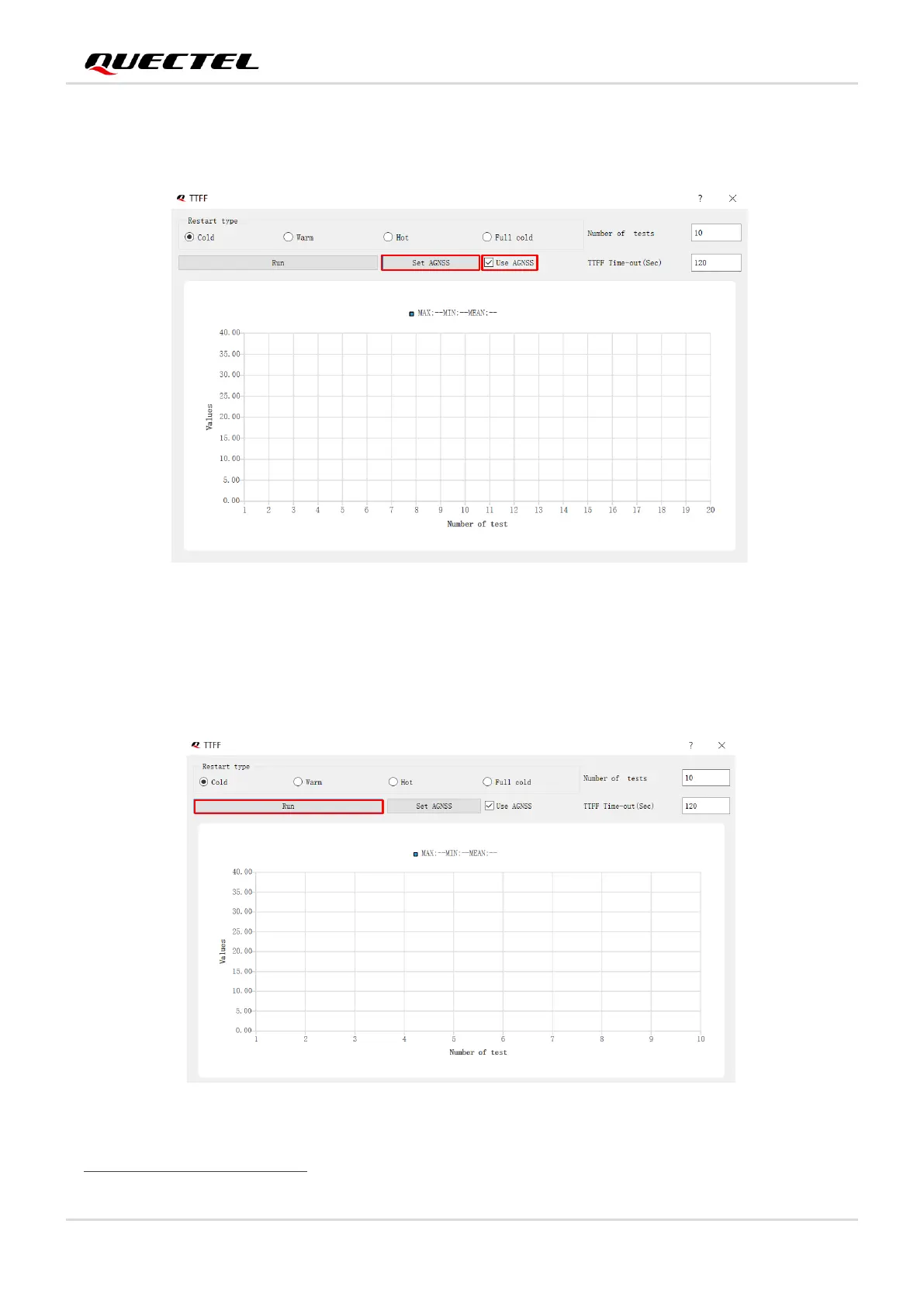
, as shown in the figure below. Click “Set
AGNSS” button to set up online AGNSS. For more information, see Chapter 5.3.1.
Figure 11: AGNSS Setting
Step 4: Click on the “Run” button to start the test. OR
Click on the “Stop” button to stop the test.
Figure 12: Run or Stop Test


 To Next Page
 Loading...