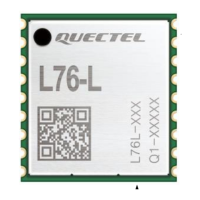
GNSS Module Series
L76_Series_EVB_User_Guide 22 / 31
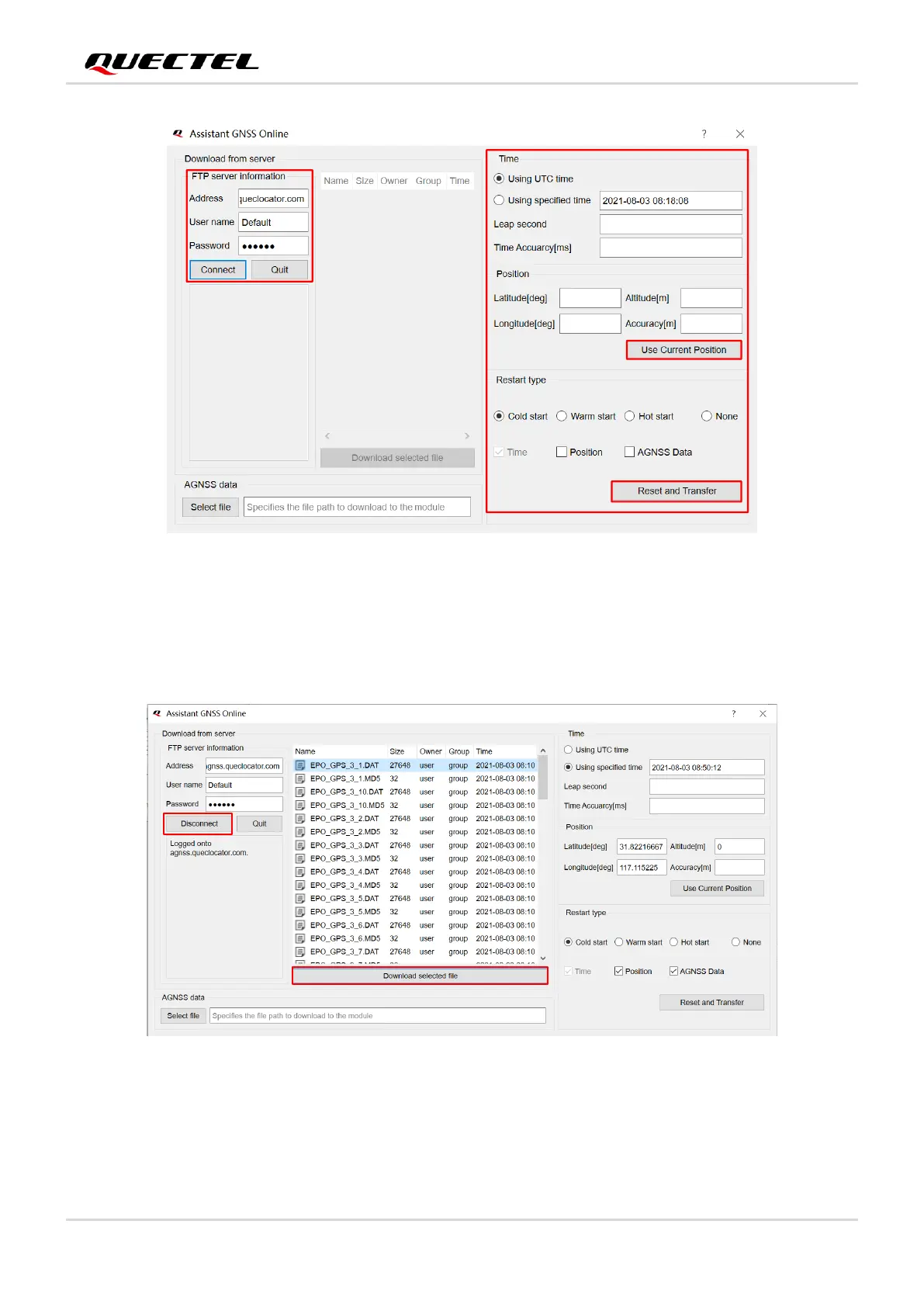
Figure 15: Assistant GNSS Online Setting
Step 3: After clicking the “Connect” button, select online AGNSS files according to your needs and then
click “Download selected file” to download the files from the server.
Figure 16: Connect and Download – AGNSS Online
Step 4: Click the “Select file” button to select the files to be downloaded to the module, and then click
the “Reset and Transfer” button to start downloading, as shown in the figure below.


 To Next Page
 Loading...