User’s Manual 67
A.4 Use of Rabbit 2000 Parallel Ports
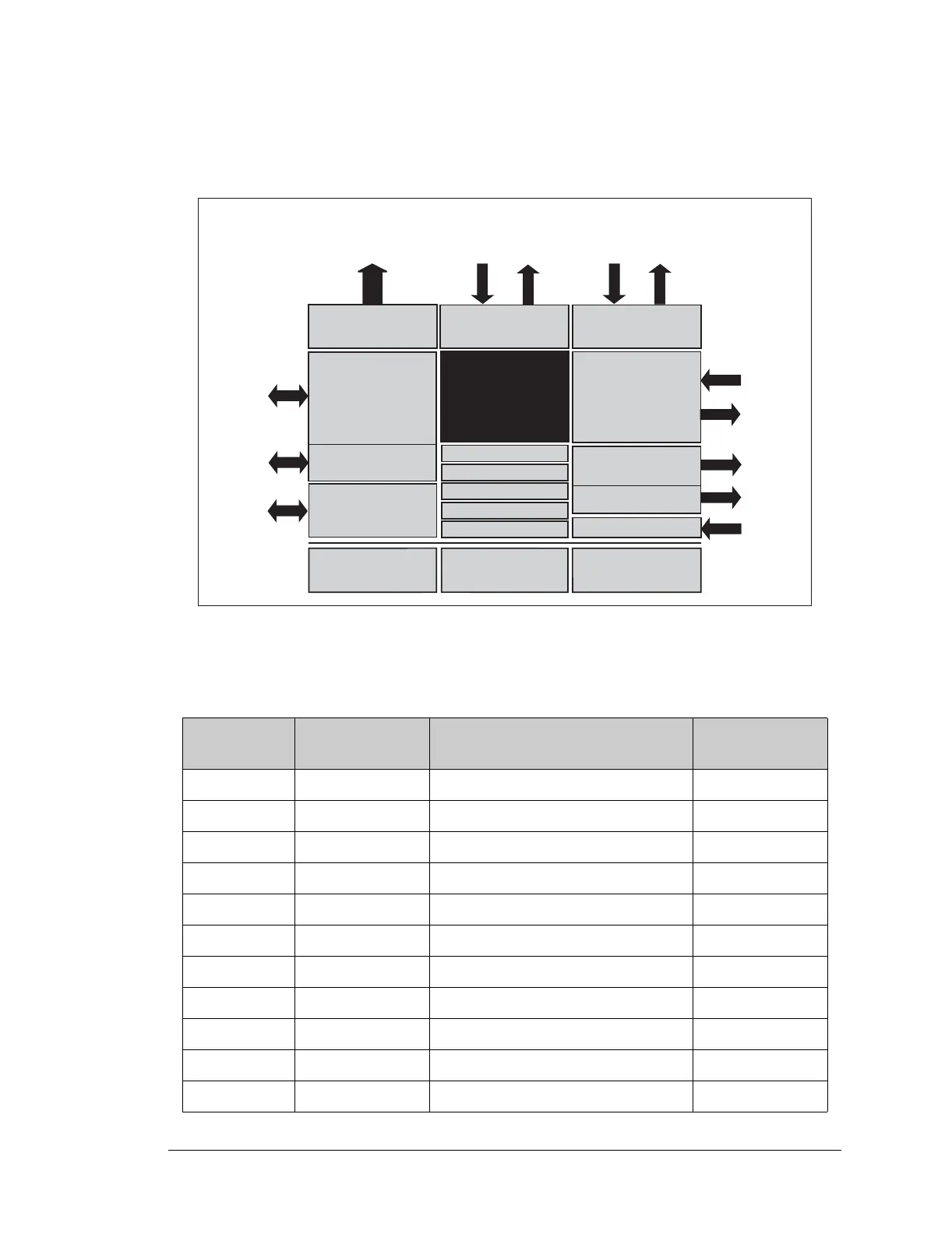
Figure A-5 shows the Rabbit-based subsystems designed into the BL2000.
Figure A-5. BL2000 Rabbit-Based Subsystems
Table A-3 lists the Rabbit 2000 parallel ports and their use in the BL2000.
Table A-3. Use of Rabbit 2000 Parallel Ports
Port I/O Signal
Output Function
State
PA0 Output OUT0/RELAY/LED_DS4 Off
PA1 Output OUT1/LED_DS5 Off
PA2 Output OUT2/LED_DS6 Off
PA3 Output OUT3/LED_DS7 Off
PA4 Output OUT4 Off
PA5 Output OUT5 Off
PA6 Output OUT6 Off
PA7 Output OUT7 Off
PB0 Input IN6 N/A
PB1 Input CLKA N/A
PB2 Input IN7 N/A
R
ABBIT
2000
Port A
(OUT0OUT7)
Port B
(IN6IN10, CTRL)
Port D
(ADC, DAC, Eth)
Port E
(IN0IN5
OUT8OUT9)
PA0PA7
PB0
PB5
PB6
PB7
PC0PC5
PE2PE7
A0A18
IORD
IOWR
RESET
Data Lines
Address Lines
Misc. Input
I/O Control
Watchdog
7 Timers
Clock Doubler
Slave Port
Real-Time Clock
RAM
Backup Battery
Support
Flash
Serial Ports
(Port C)
Programming
Port
PC6PC7
PD2
PD3
PD0
PD1
PD4
PB7
PE0, PE1
DA0DA7



 To Next Page