15
4 Operation
The RaceChip has been calibrated specically for the engine in your car, and further adjustment
is generally not necessary in order to get the best performance. However, performance
tolerances or the condition of the engine sometimes mean that Fine tuning is needed after
installing the RaceChip.
Engine runs roughly, or the extra performance is not detectable.
• The RaceChip app is connected with our server and can download settings specially
for your car.
• Our Customer Service can also make adjustments to your RaceChip if your engine
runs roughly or doesn’t deliver its extra power noticeably enough.
• Please contact our Customer Service. We can adjust the settings on your RaceChip
depending on the symptoms you describe.
• You can install updates onto your RaceChip yourself by going to the menu Settings
and searching for updates for your vehicle.
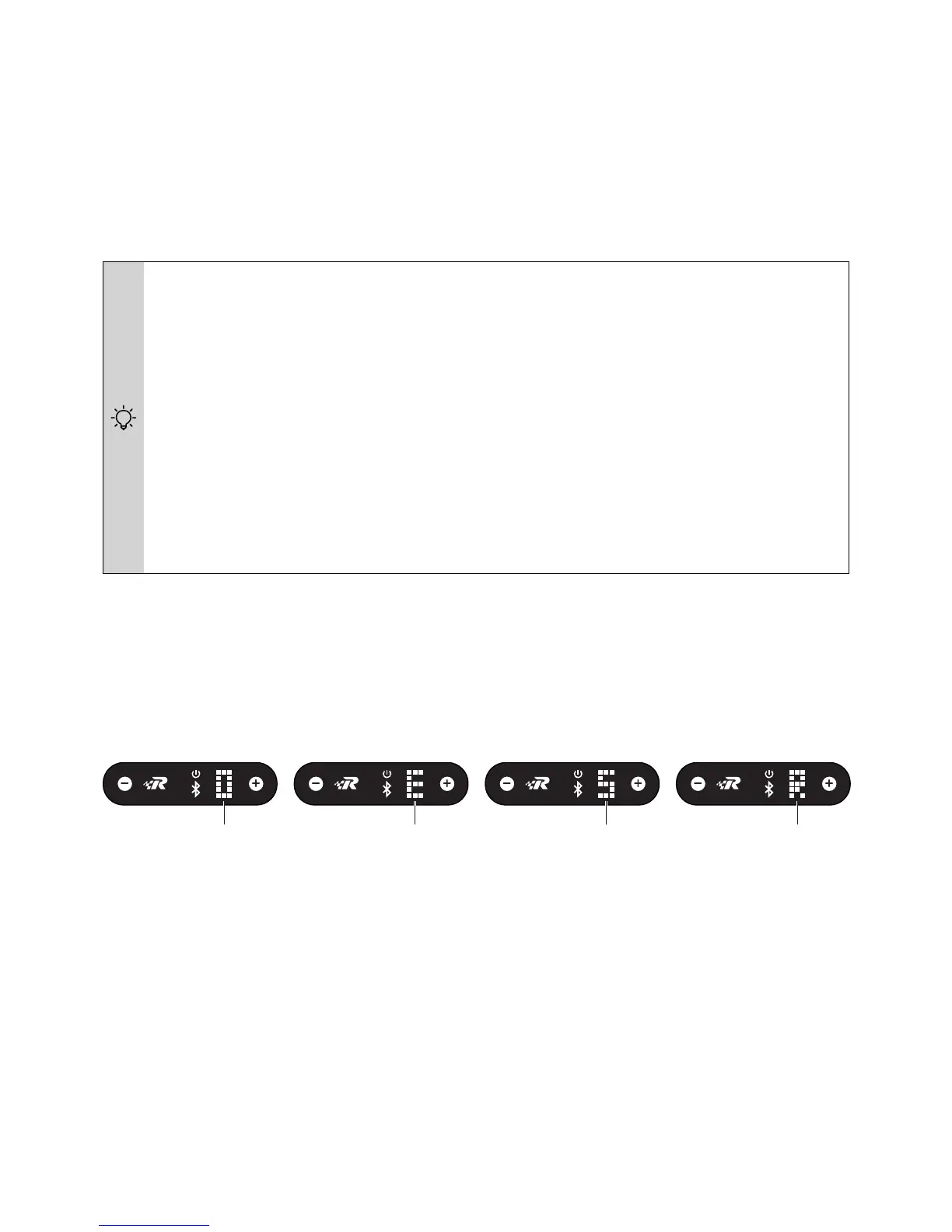
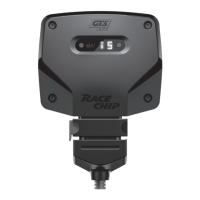
The tuning stages EFFICIENCY, SPORT and RACE can be selected via the Digital User Interface
on the RaceChip itself as well as from the RaceChip app.
You can also deactivate the RaceChip via the Digital User Interface.
The Digital User Interface – Selecting a tuning stage
RaceChip disabled EFFICIENCY SPORT RACE
The Digital User Interface and the RaceChip app sync automatically. If you select a different
tuning stage on the app, the change is automatically transmitted to the Digital User Interface.


 To Next Page