4
A
B
C
D
F
G
E
C
D
A
B
G
F
F
E
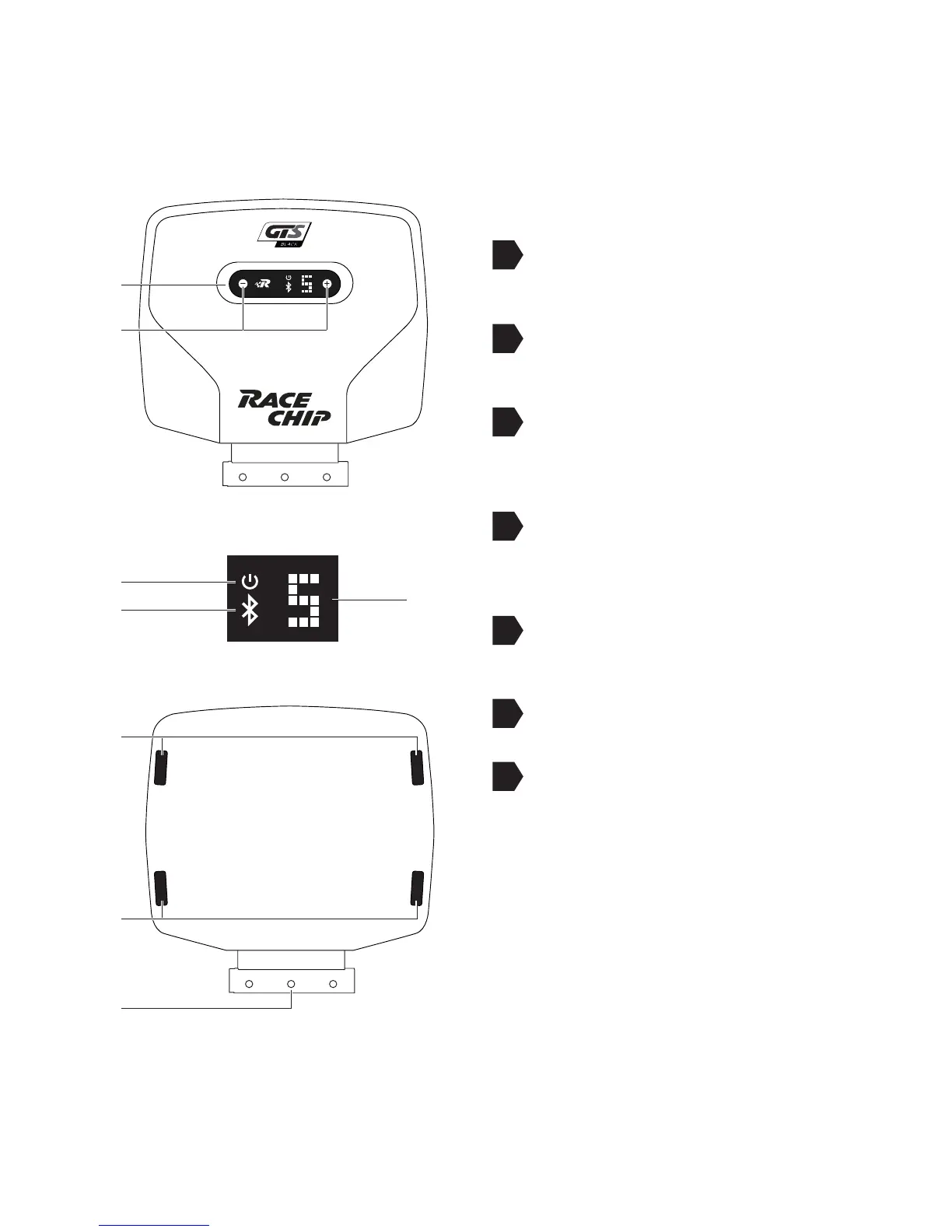
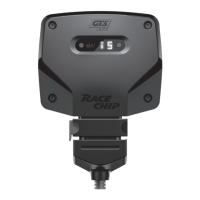
2 Overview of the RaceChip
Digital User Interface for controlling
the RaceChip.
+/- buttons for changing the tuning
stages (see Operation)
Power ON light; lights only when the
vehicle ignition is on and power is
being supplied to the RaceChip.
Bluetooth indicator: lights only when
the vehicle ignition is on and the
Bluetooth connection is active.
Display showing tuning stage selected
(see Operation).
Slot for 360° xing clips.
FCI plug for connecting to the vehicle’s
wiring.


 To Next Page